Share an application
This guide explains how to manage access to an application in VaultysHub: sharing with folders, with users, and removing access.
Step 1: Access sharing from the applications list
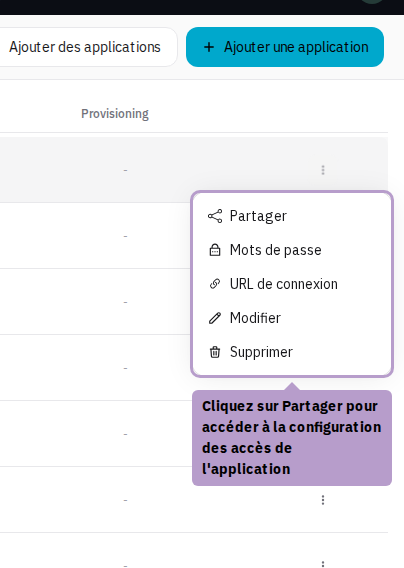
From the Applications page, open the action menu (⋮) of an application and click on Share.
Step 2: Application sharing page
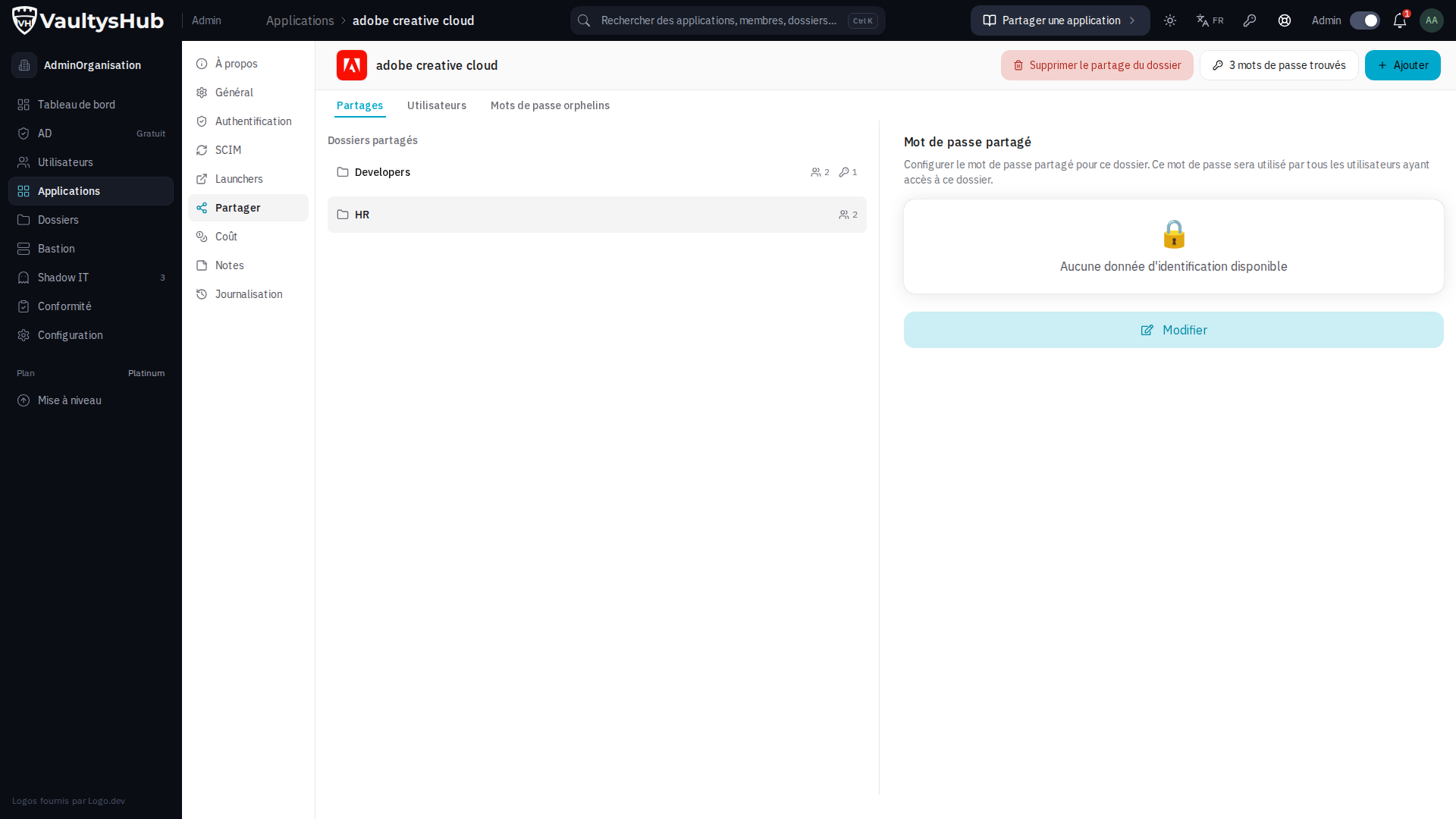
You arrive at the application's configuration page, Share tab.
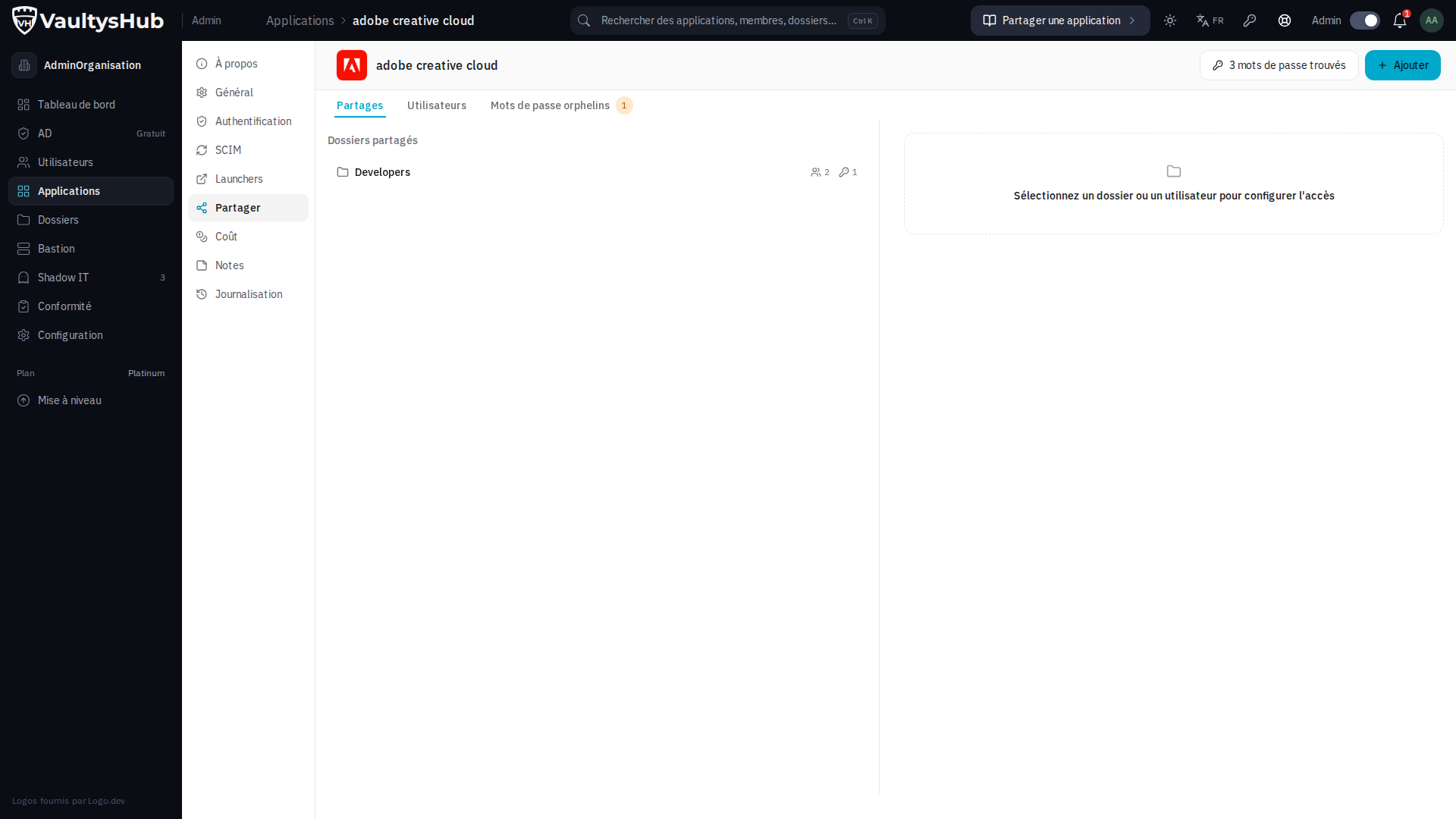
The 3 available tabs
Shares
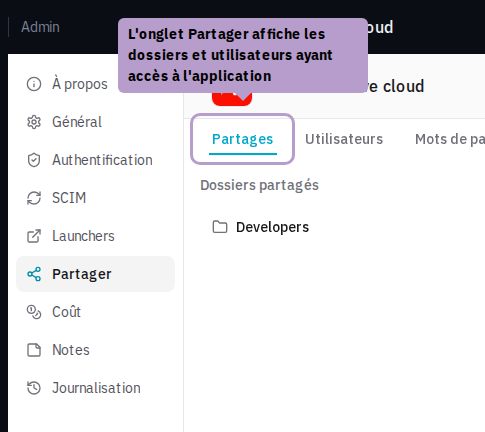
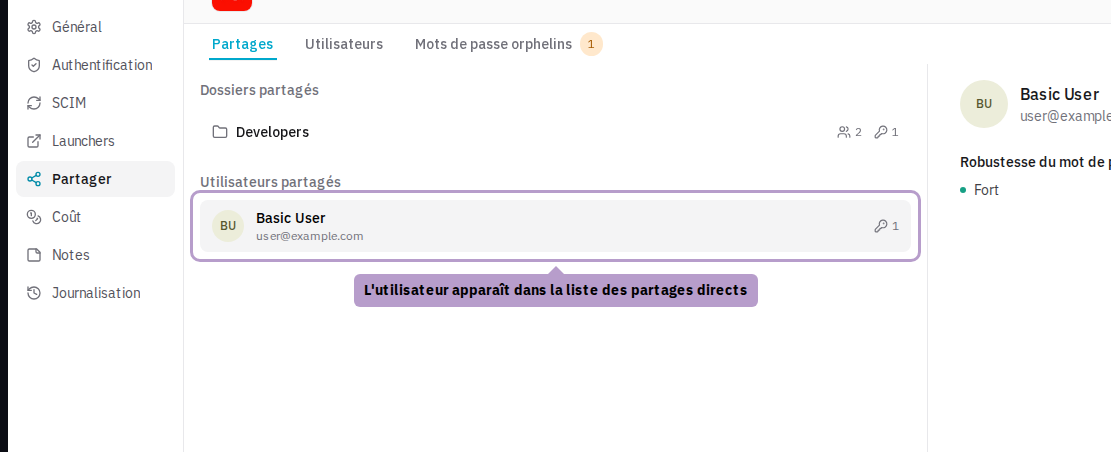
The Shares tab displays the folders and users who have access to the application. Here you can add or remove access.
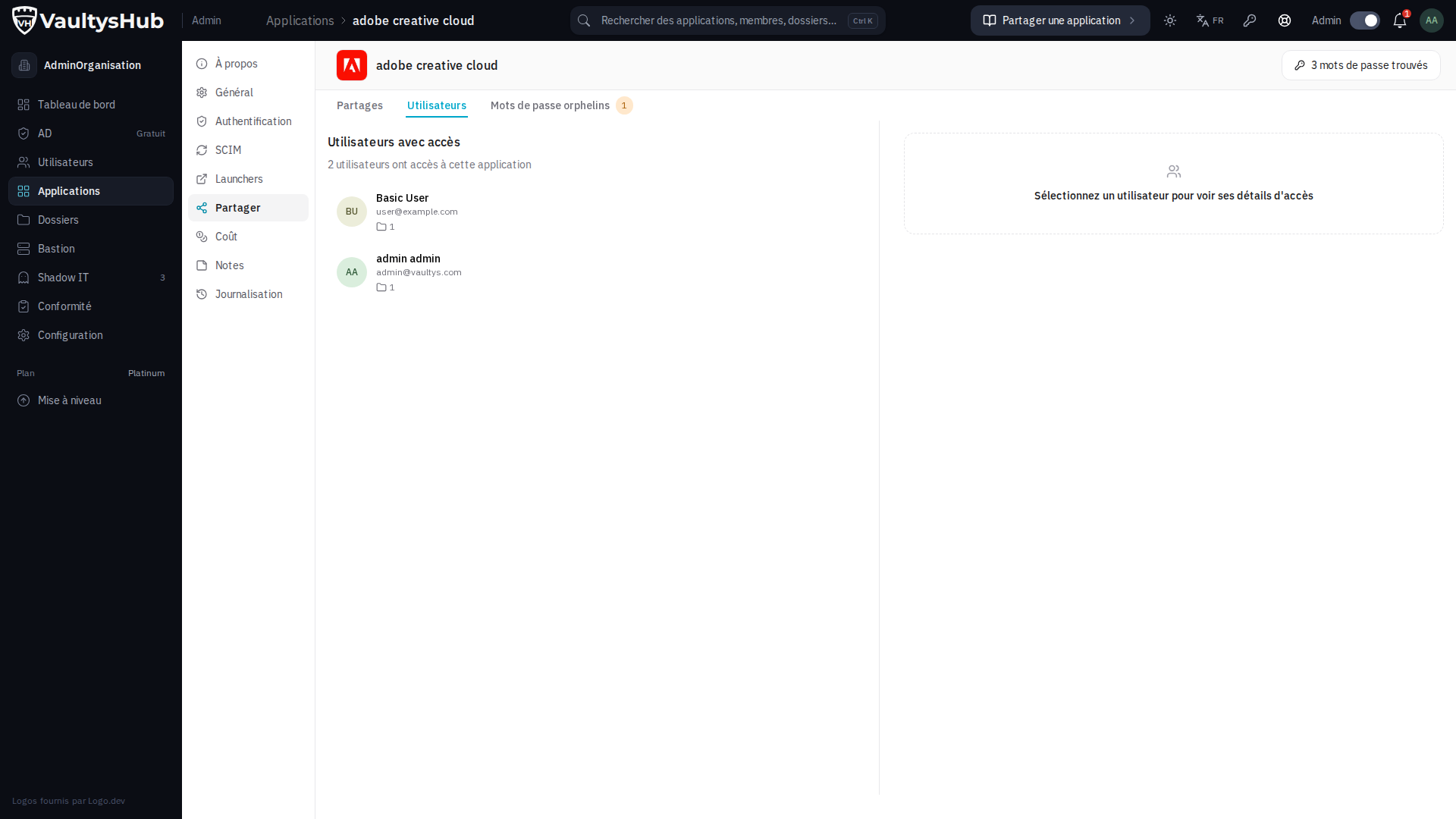
Users
The Users tab lists all users who have access to the application, whether they access it directly or via a folder.
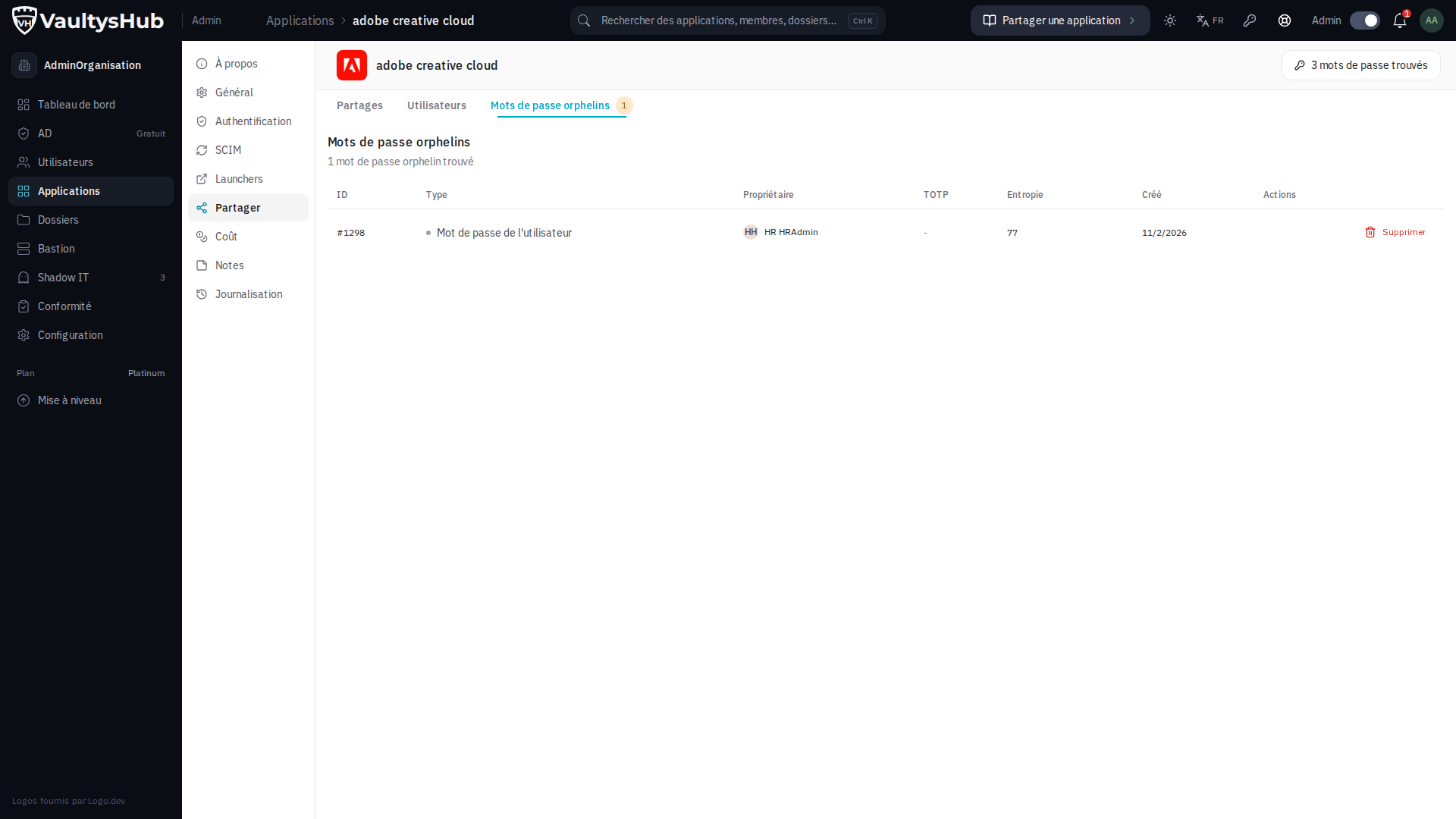
Orphan passwords
The Orphan passwords tab displays passwords that no longer have an owner — for example, when a user loses access while they had set a password for this application.
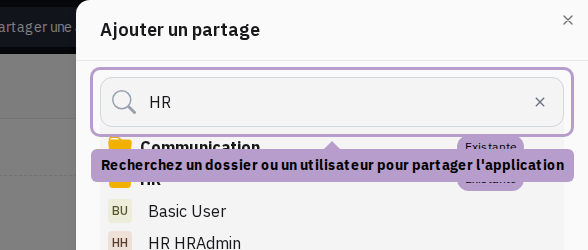
Share with a folder
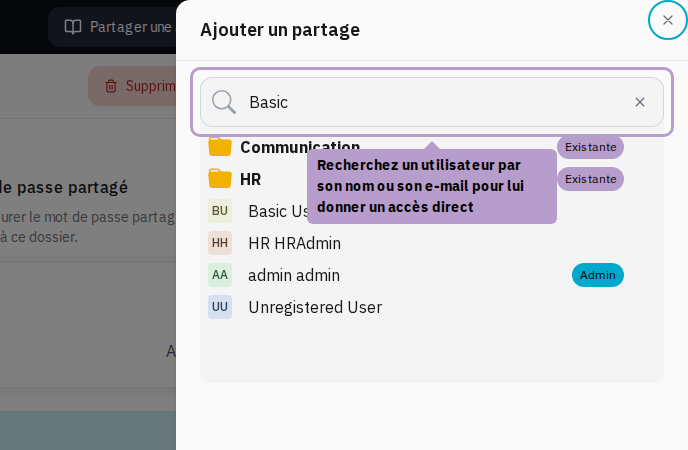
Click the Add button to open the search window, then select a folder.
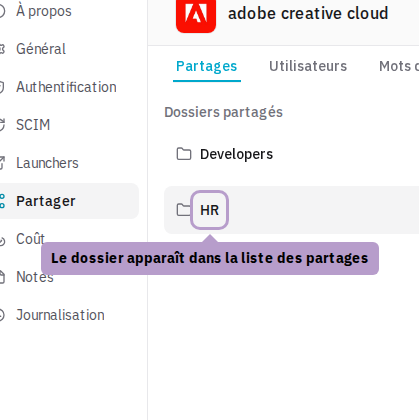
Configure the folder password
Once the folder is selected from the list, the right panel displays the shared password configuration for this folder. You can set a common password for all users of this folder.
Remove sharing with a folder
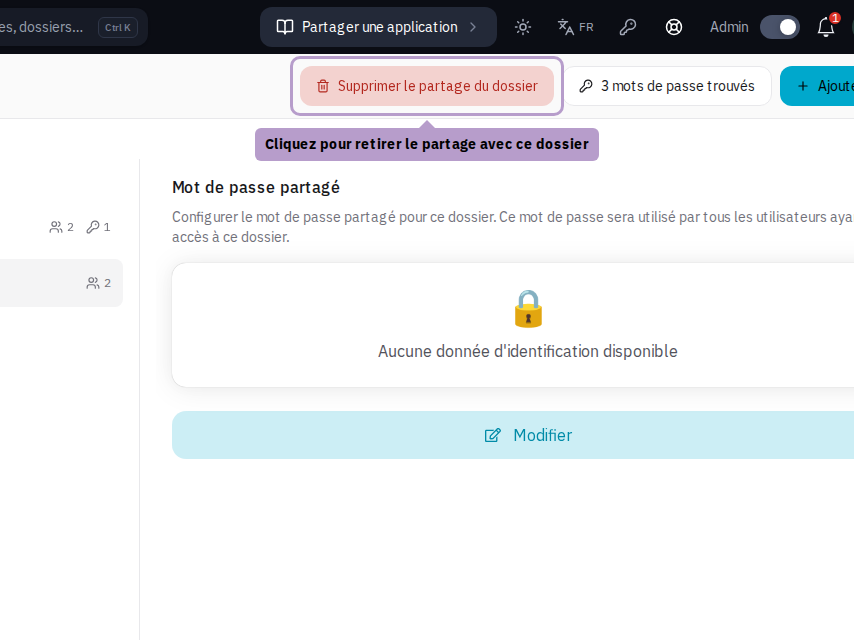
Select a folder from the list and then click on Remove sharing with the folder in the toolbar.
Share with a user
Click the Add button, then search for a user by their name or email and select them.
Remove a user's access
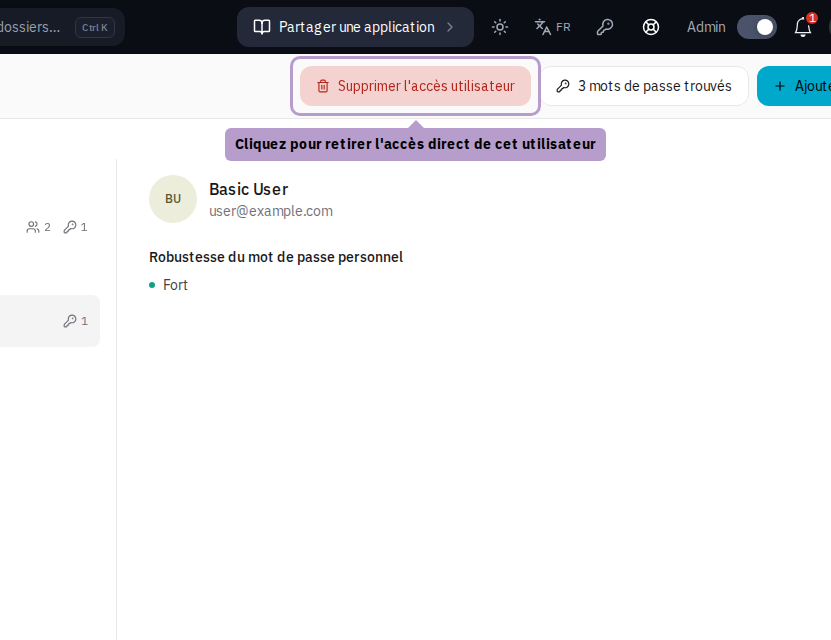
Select the user from the list and then click on Remove access in the toolbar.