Automatic Report Delivery to External Recipients
VaultysHub freezes monthly reports on the first day of each month. The automatic delivery feature allows sending the link via email to external individuals: an auditor, a DPO at a client, a shared mailbox, an auditor — in short, people who do not have a VaultysHub account.
Automatic delivery is part of the Compliance module. See Pricing and Modules.
This configuration only concerns externals. Your administrators are already notified each month by the Organization Reports Available notification, and all archived reports remain accessible from the history in the Reports tab. There is nothing to configure for them.
Open the Configuration
Go to Compliance > Reports, then click on Automatic Delivery in the toolbar.
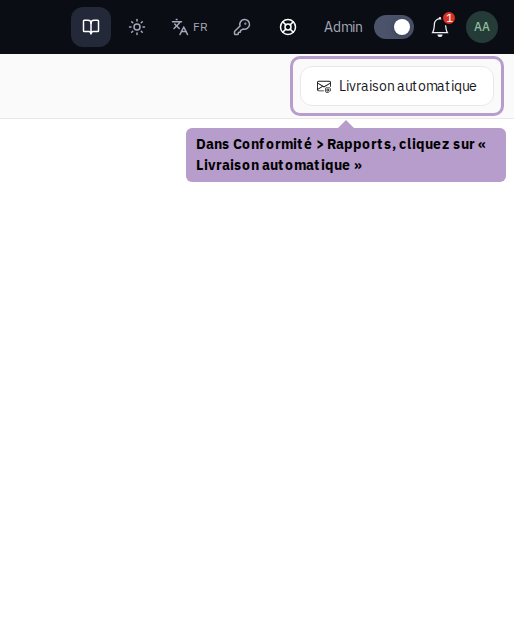
A side drawer opens on the right.
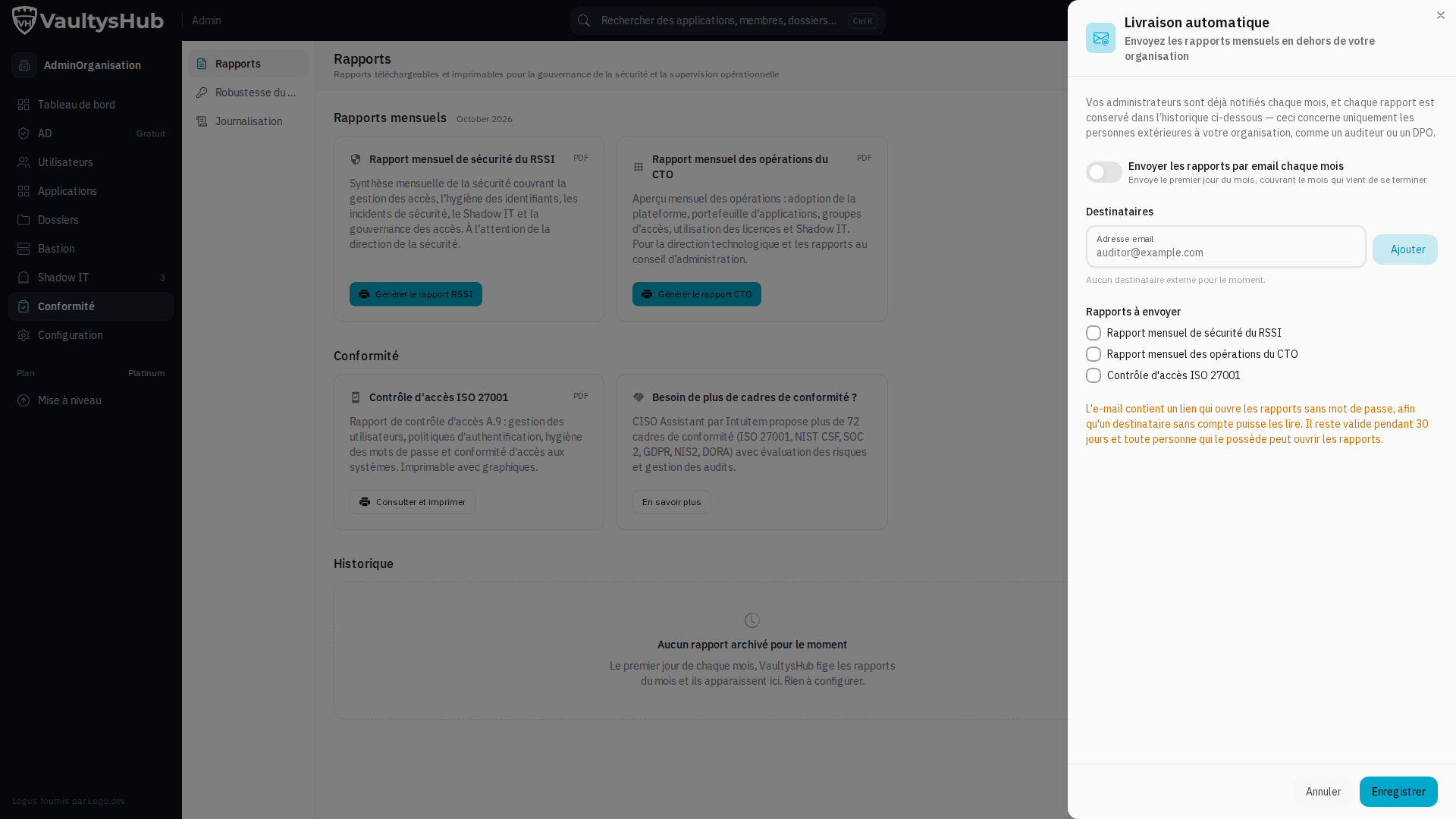
Enable Monthly Sending
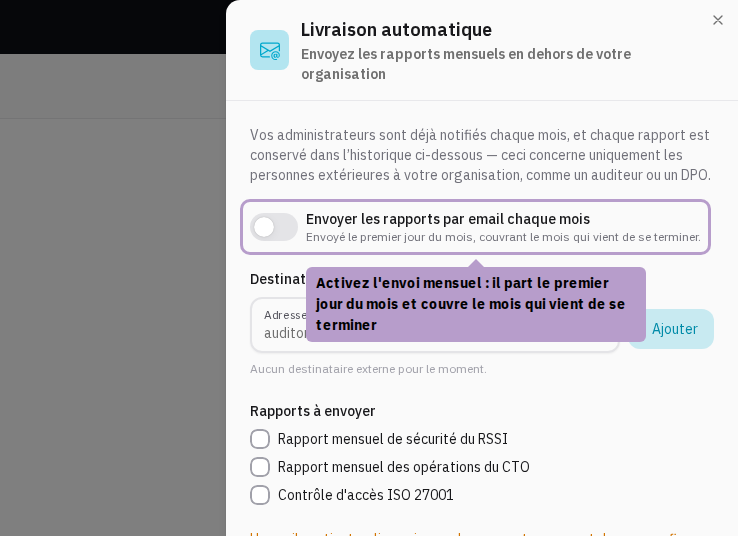
Enable Send reports by email each month. The sending occurs on the first day of the month and covers the month that just ended.
Add Recipients
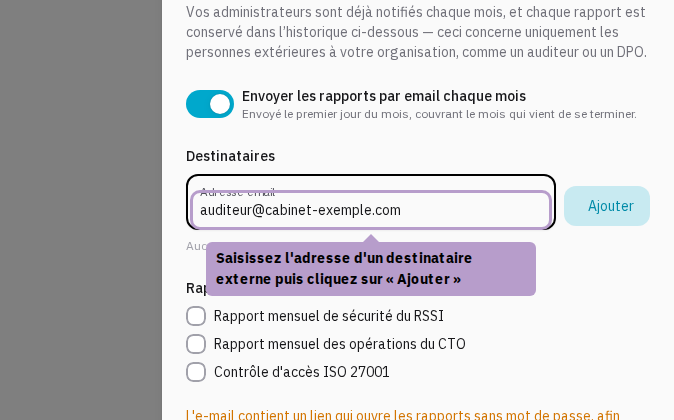
Enter an email address and then click Add (or press Enter). Repeat for each recipient.
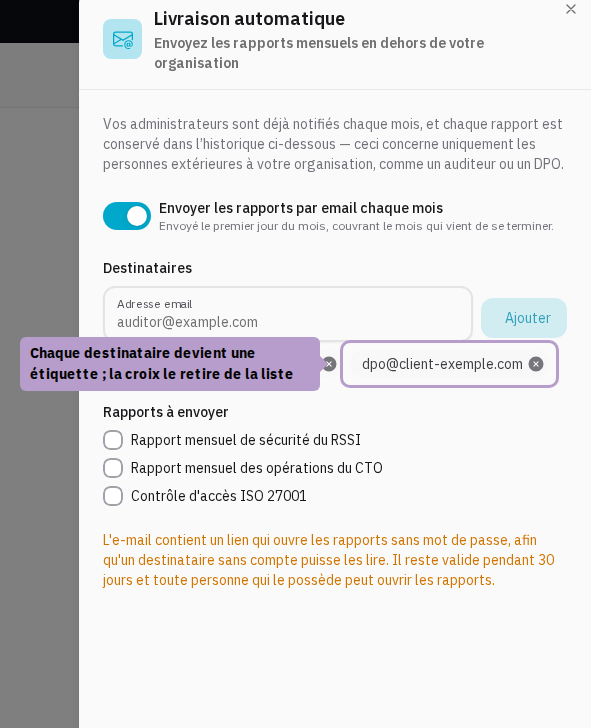
The saved addresses are displayed as labels. Click on the cross of a label to remove a recipient.
The addresses are free, unrelated to your organization's accounts: that is precisely the point, as these individuals do not have a VaultysHub account.
Choose Reports to Send
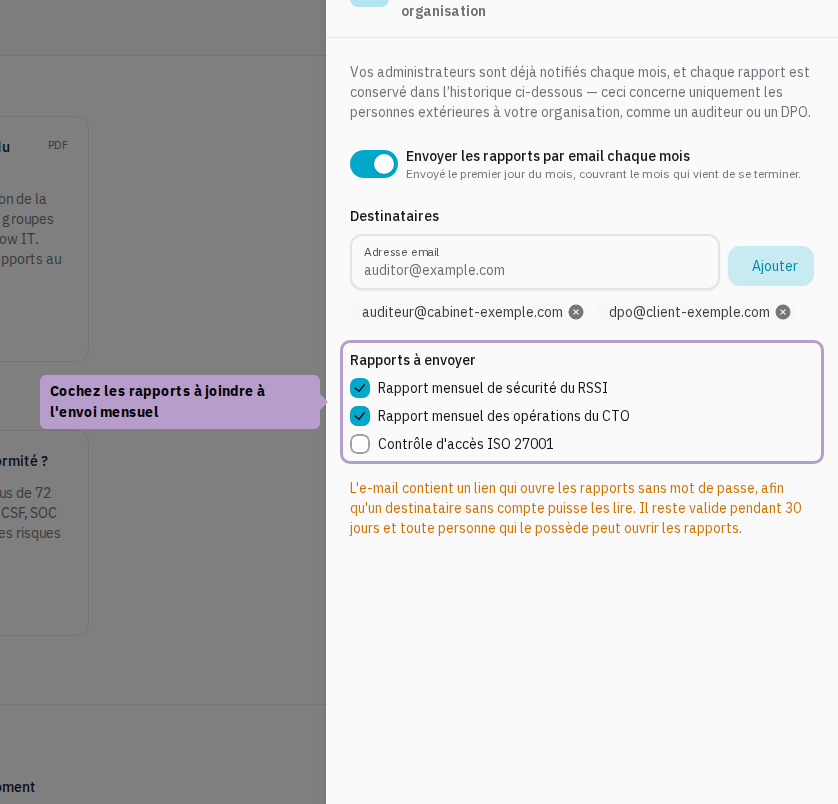
Check the reports to attach to the sending:
- Monthly Security Report from the CISO — access, credential hygiene, incidents, Shadow IT, access governance.
- Monthly Operations Report from the CTO — platform adoption, application portfolio, files, licenses.
- ISO 27001 Access Control — report A.9: provisioning, authentication policies, passwords, access compliance.
The Save button remains inactive if sending is enabled without at least one recipient and one report: an incomplete configuration would send nothing, silently.
Understand the Sent Link
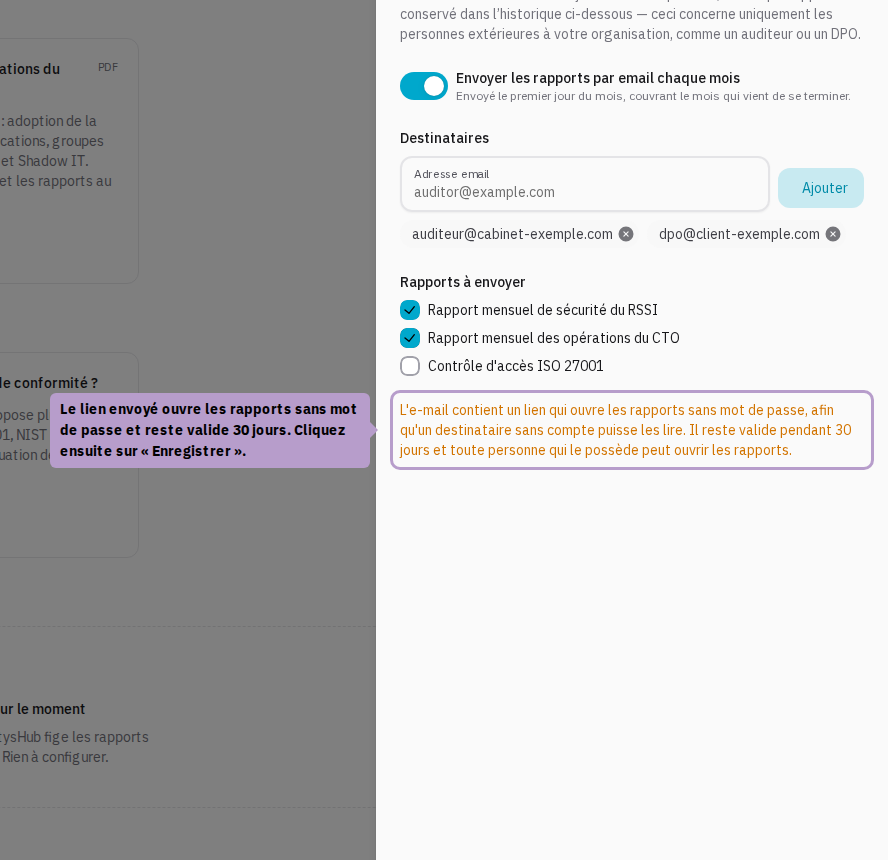
The email does not contain an attachment: it contains a link that opens the reports without a password, so that a recipient without an account can read them.
- The link is valid for 30 days, after which it expires.
- Anyone who has the link can open the reports. Only send it to trusted recipients.
- A new link is generated for each monthly sending.
Finally, click on Save.
Verify that Delivery is Active
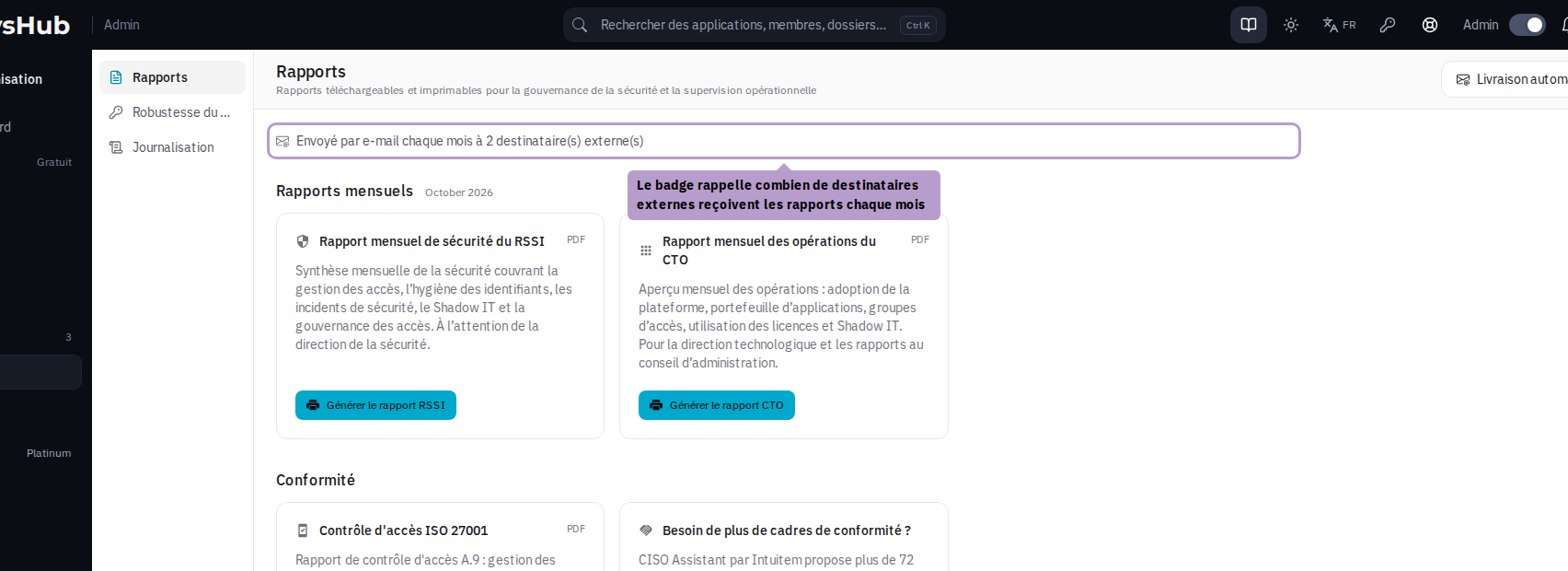
Back on the Reports tab, a green badge Sent by email each month to N external recipient(s) confirms the configuration. Its absence means that no external sending is armed.
Each actual sending is also tracked in the audit trail, under the event Organization Reports Delivered, with the relevant month and the number of recipients.
Report History
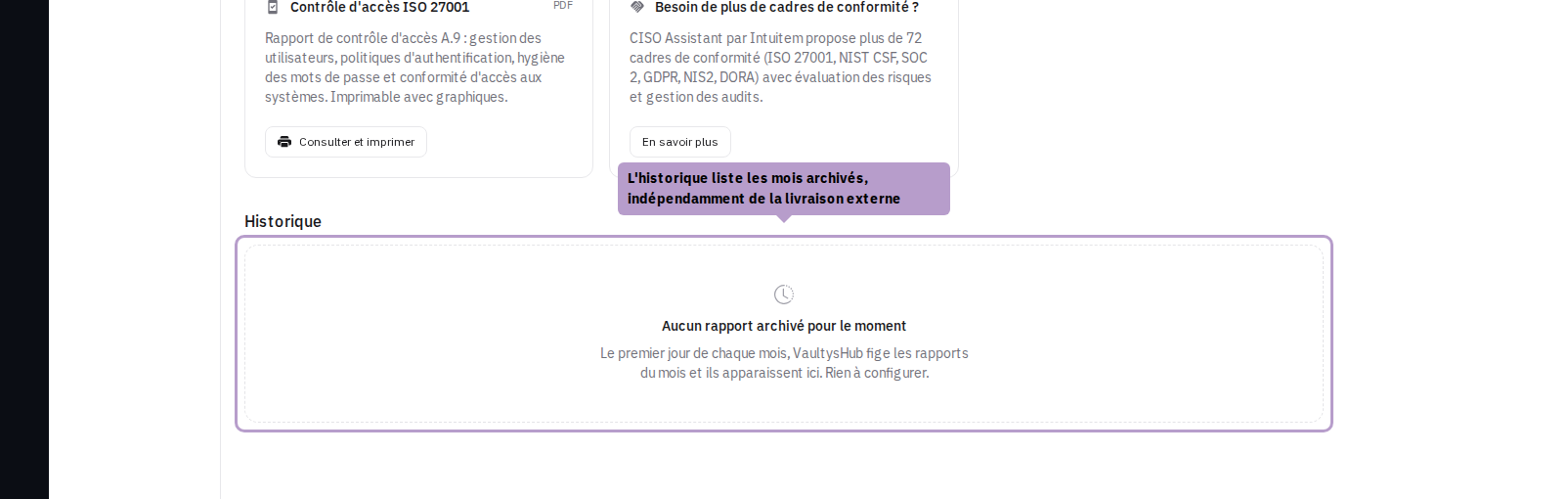
Under the report cards, the History lists the archived months. It is automatically populated for all organizations, whether external delivery is configured or not: on the first day of the month, VaultysHub freezes the figures of the past month, as the audit trail that feeds them is only kept on a rolling window, and an un-frozen month cannot be recalculated.
The same month is never sent twice, even if the report calculations are restarted: the already delivered month is remembered in the configuration.