Administrator
This part of the manual is addressed to the organization's administrators: creating the organization, managing users, folders, and applications, configuration, and monitoring. For a guided journey, with exercises and quizzes, follow the administrator training.
Training
Administrator TrainingA foundation of 3 hours, then modules of your choice, with exercises and quizzes.My ProgressYour advancement, and the lesson to resume.
Overview
Setting Up
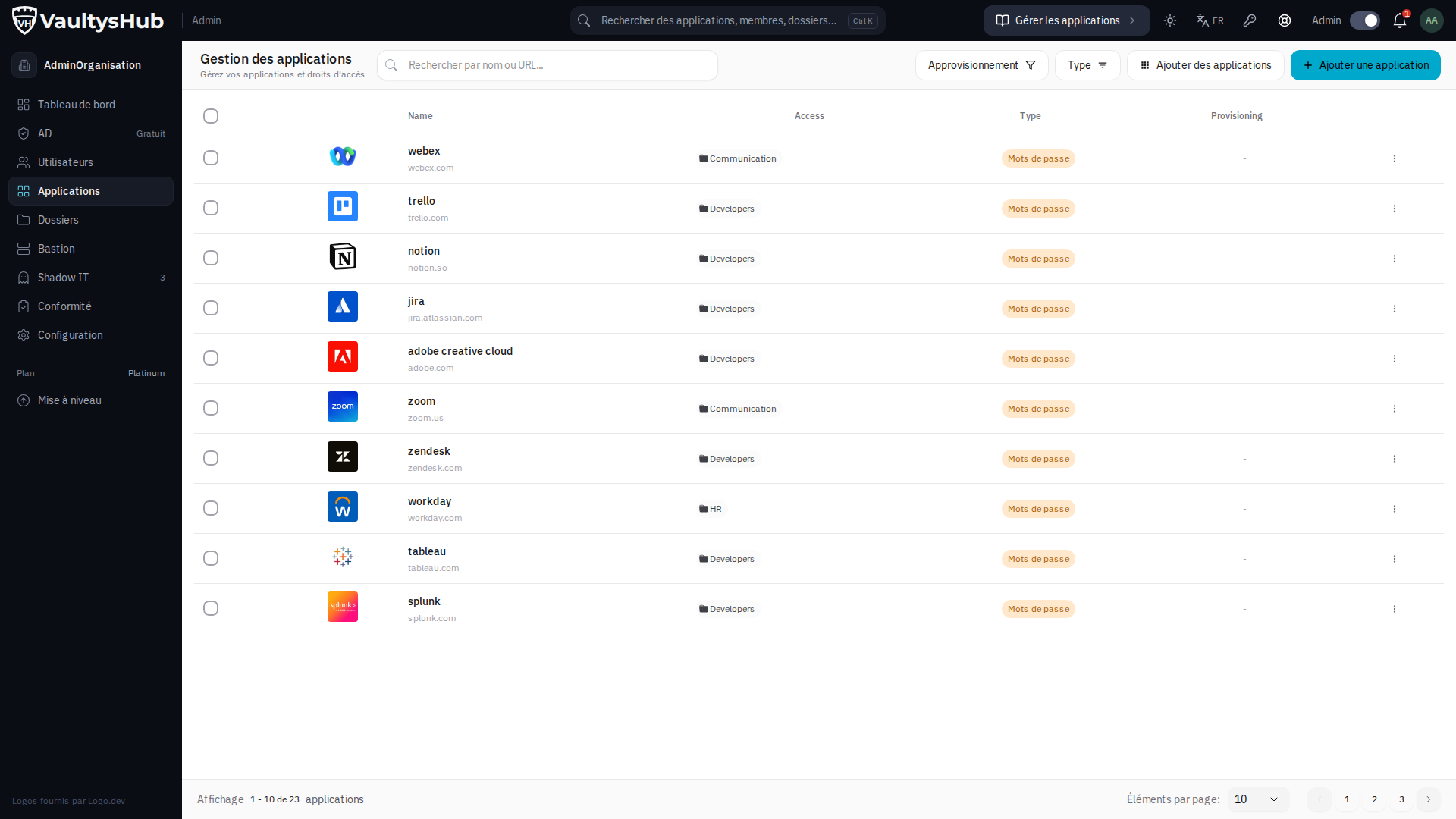
Getting StartedCreate your VaultysHub and connect for the first time.Administrator ModeSwitch from user mode to administrator mode, and back.UsersInvite, manage access, replace a lost phone.FoldersGroup applications and delegate their rights.ApplicationsCatalog, SSO (SAML, OIDC), SCIM, shared passwords.Deploying to TeamsPrepare and support the arrival of collaborators.
Managing and Securing
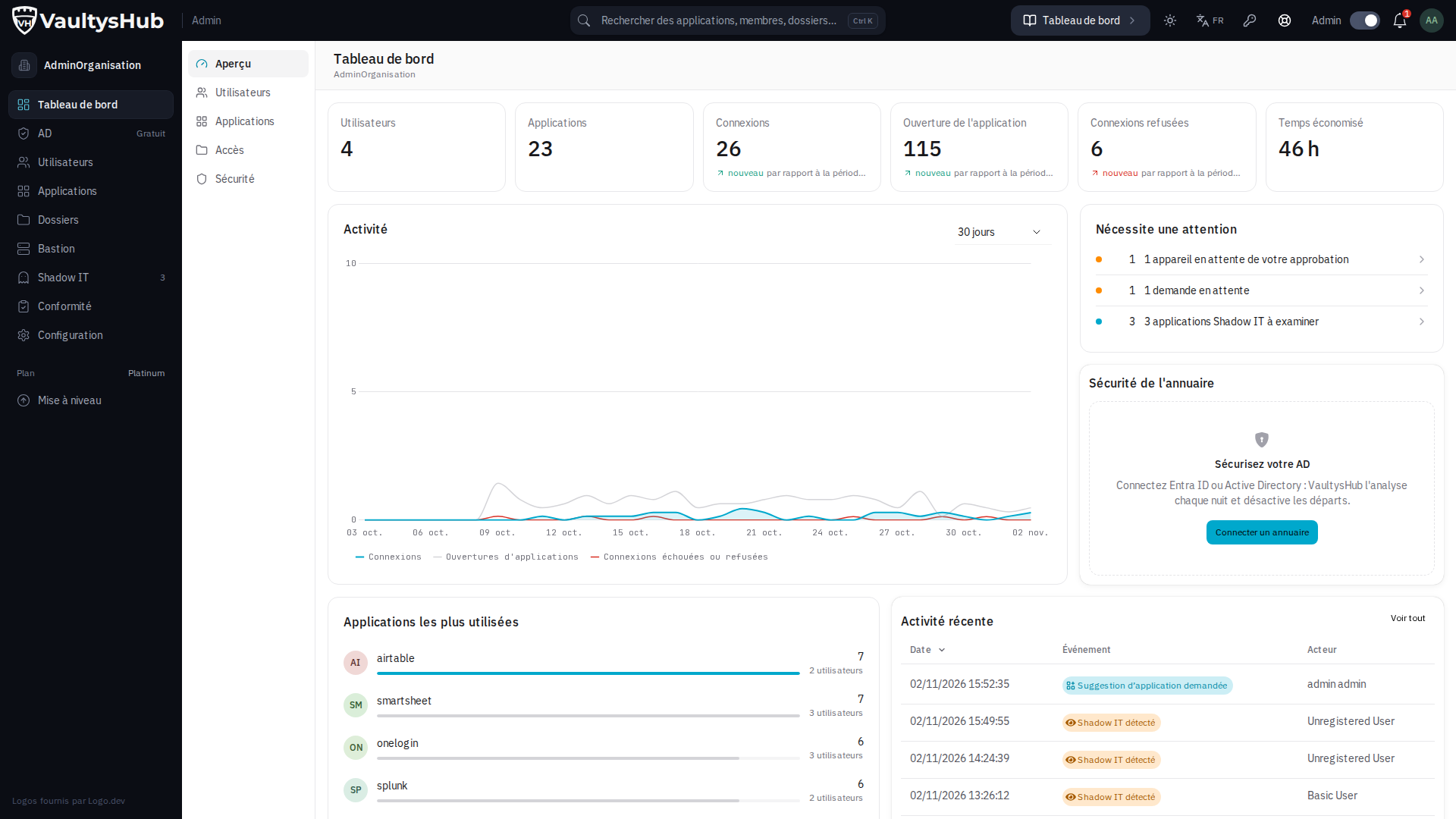
DashboardConnections, adoption, security, at a glance.ConfigurationAccess rules, anti-phishing, API, webhooks, MCP server.Shadow ITIdentify and address undeclared applications.Cost ManagementLicenses and expenses by application.NotesSecure information, shared by folder.
Proving Compliance
LoggingThe complete audit trail, with search and filters.ReportsRSSI, CTO, and ISO 27001 reports, at a click.Automatic DeliveryReports sent to your auditors, every month.
Any questions? The support will respond directly from VaultysHub.