Administrator Mode
The VaultysHub portal has two modes:
- the user mode, for all collaborators: their applications, their passwords, their notes;
- the administrator mode, reserved for administrators and the owner of the organization: users, folders, applications, configuration, dashboard, and compliance.
The toggle button only appears if you are an administrator of the organization. The creator of the organization is the owner, and therefore an administrator.
Switch to Administrator Mode
From the portal, click on the toggle button in the top bar:
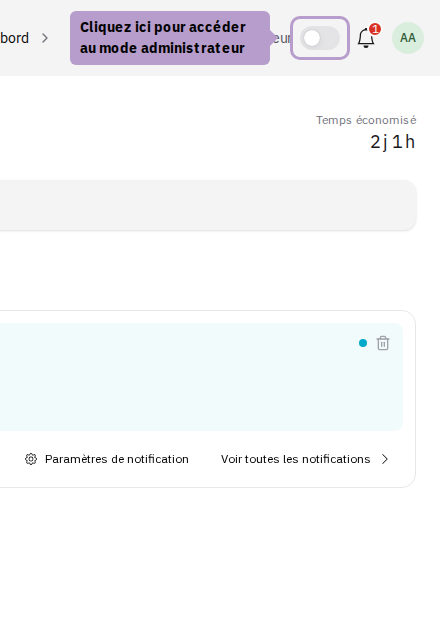
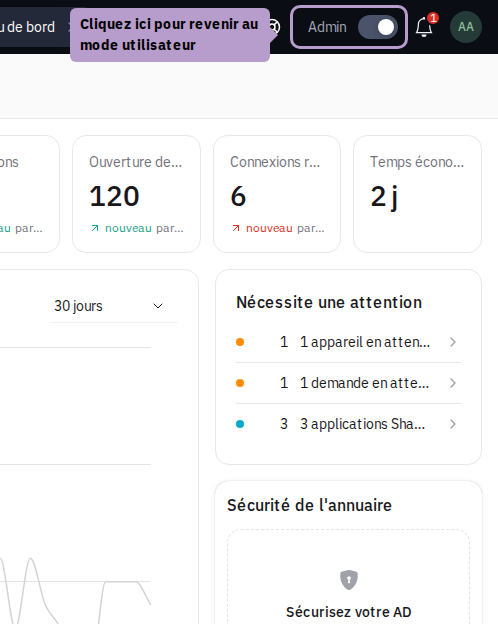
You will arrive at the dashboard of the organization; the left menu provides access to all administration functions.
Return to User Mode
To get back to your applications, click on the same button:
tip
An administrator is also a user: their own applications and passwords are in user mode, just like any other collaborator.