License Management
SmartLink helps you analyze your active licenses and costs per application for better budget control.
For each application, you can set the price of a license and let SmartLink estimate your total costs based on the number of users accessing that application.
Accessing the License Tab
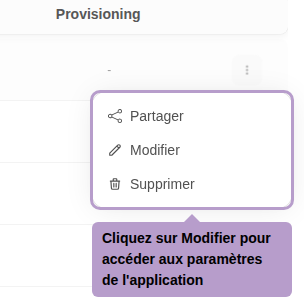
From the list of applications, open the actions menu of an application and click on Edit.
On the application page, select the License tab. By default, the license is disabled: the fields are grayed out, and the application is not considered in the cost calculation.

Activating and Configuring the License
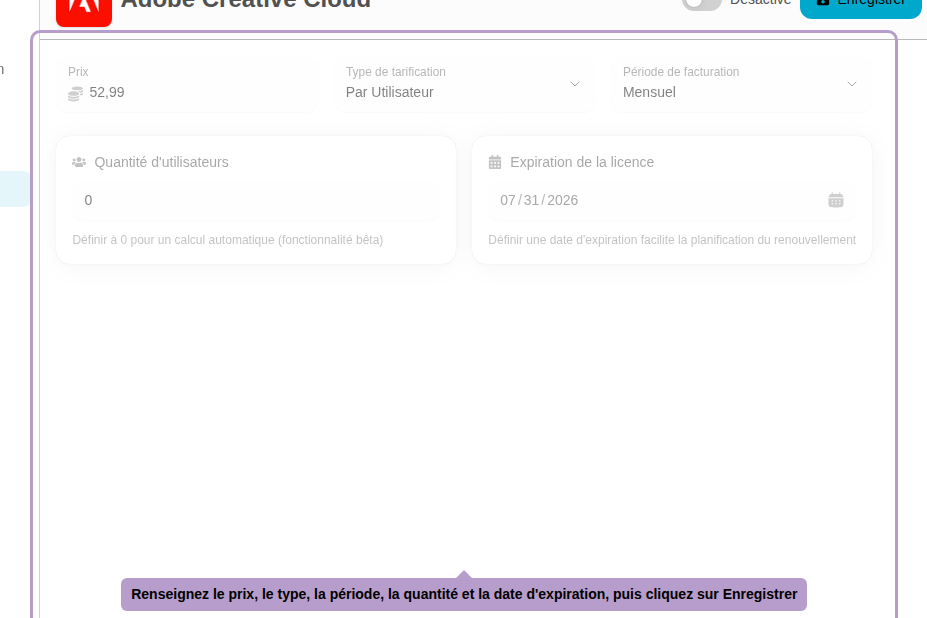
Activate license tracking via the switch located in the toolbar. The configuration fields will then become available.
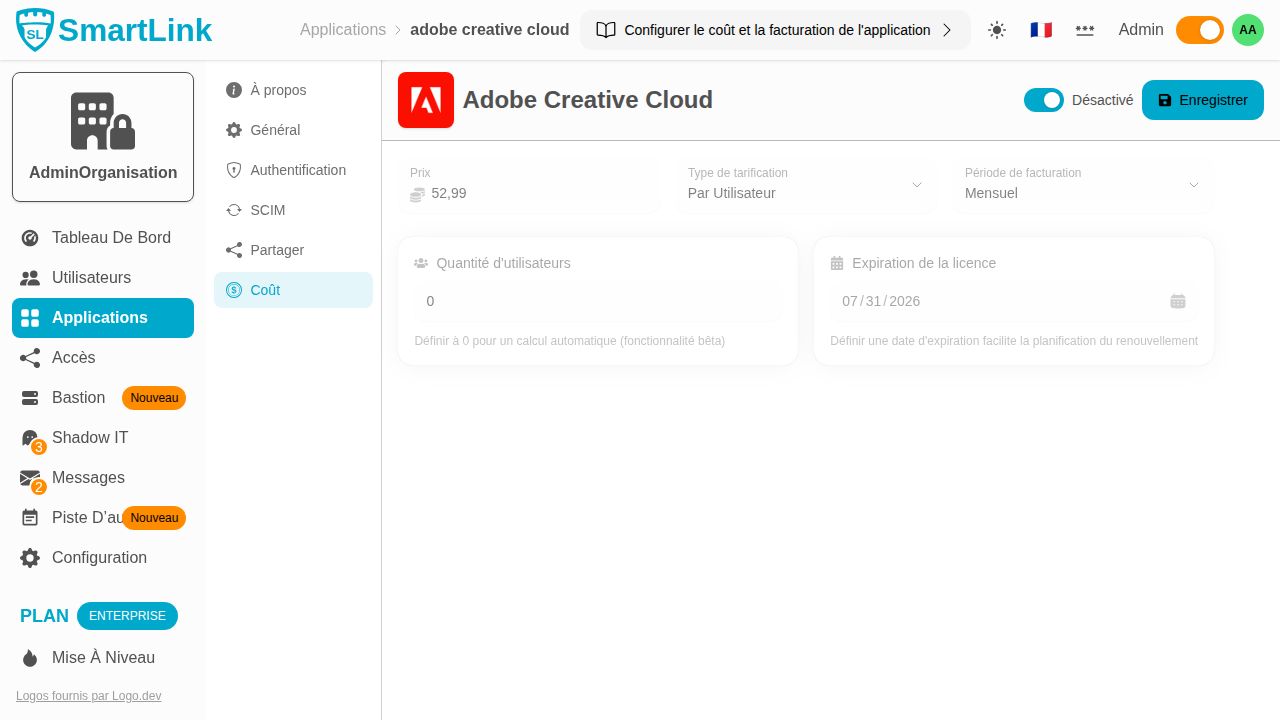
Then, fill in the license parameters:
| Field | Description |
|---|---|
| Price | Unit cost of the license |
| Pricing Type | Per User — cost multiplied by the number of accesses; Flat Rate — fixed cost regardless of team size |
| Billing Period | Monthly or Annual |
| Number of Users | Number of fixed licenses; set to 0 for SmartLink to automatically calculate based on granted accesses |
| Expiration Date | License renewal date, useful for budget planning |
Once the parameters are set, click on Save in the toolbar to save.