Manage Applications
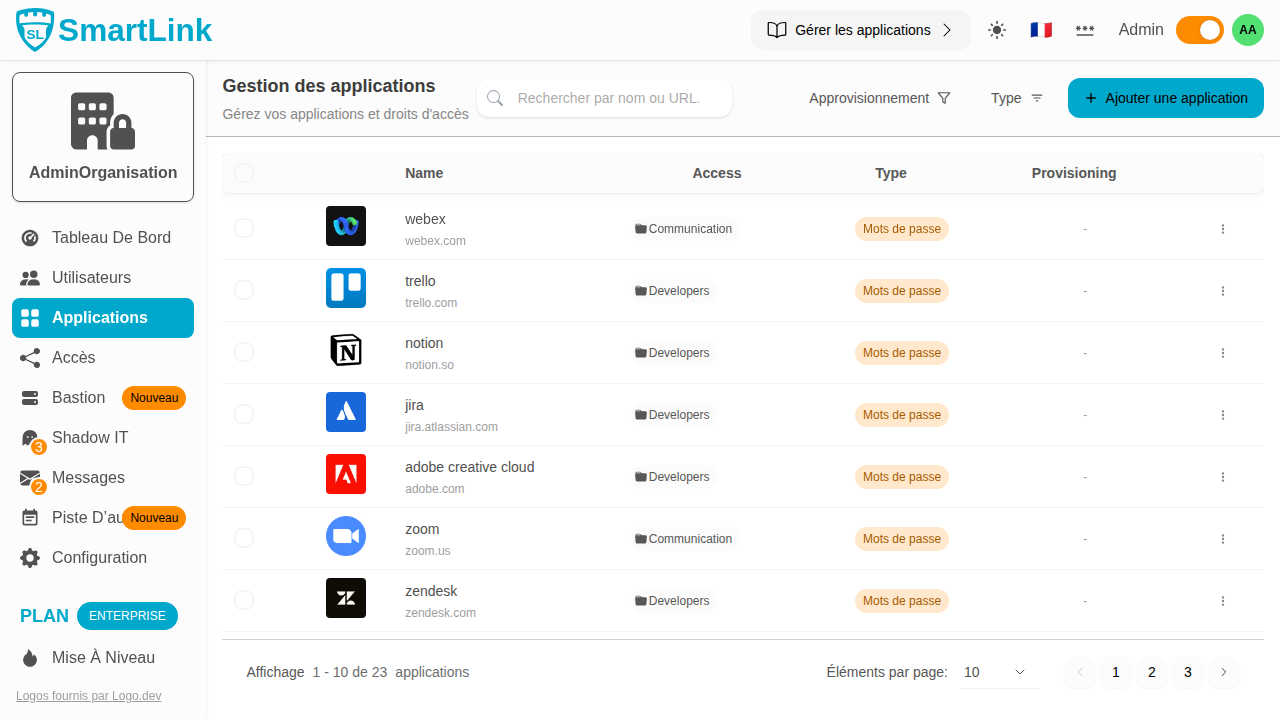
This guide explains how to use the application management page in SmartLink.
Overview
From the Applications tab, you have access to the complete list of your applications with their access and provisioning information.
Searching for an Application
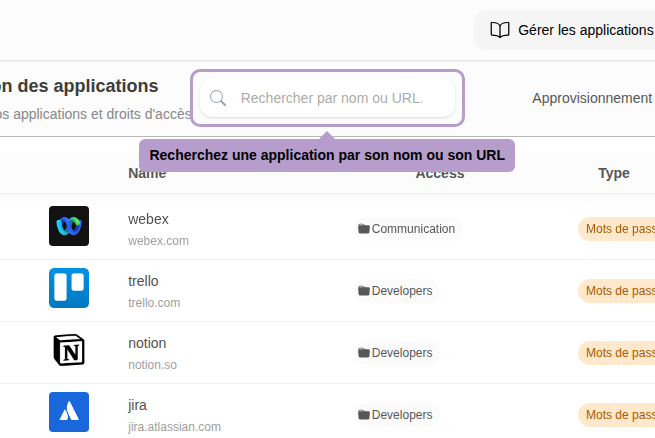
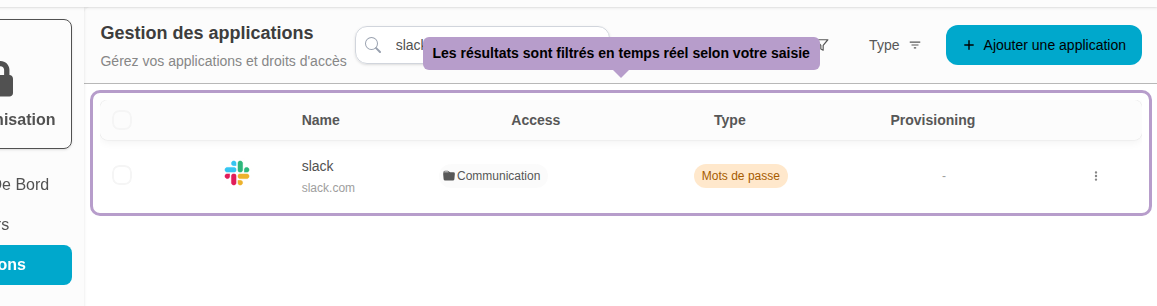
Use the search bar to quickly find an application by its name or URL.
Filtering by Type
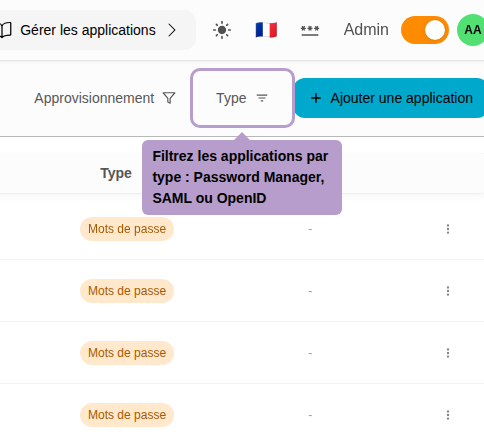
Click on the Type button to filter applications by type: Password Manager, SAML, or OpenID.
Filtering by Provisioning
Click on the Provisioning button to filter applications based on their provisioning mode (none or SCIM).

Actions on an Application
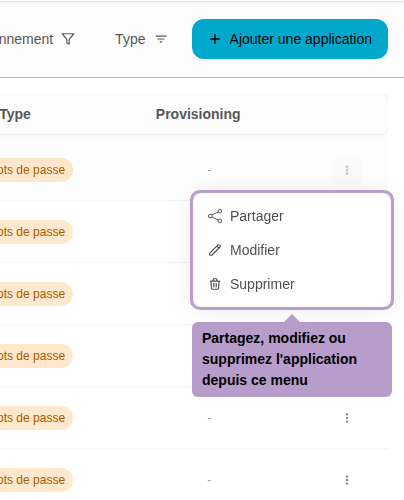
Click on the actions menu (...) of an application to access available actions: Share, Edit, or Delete.
Pagination
Navigate between pages to browse through all your applications.

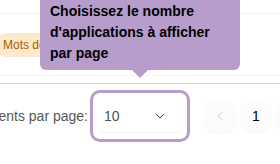
Adjust the number of applications displayed per page using the selector at the bottom of the list.