Cost Management
SmartLink allows you to estimate the monthly cost of your SaaS applications based on the number of users and their licenses. This feature helps you identify underutilized applications and optimize your expenses.
Accessing the Cost Report
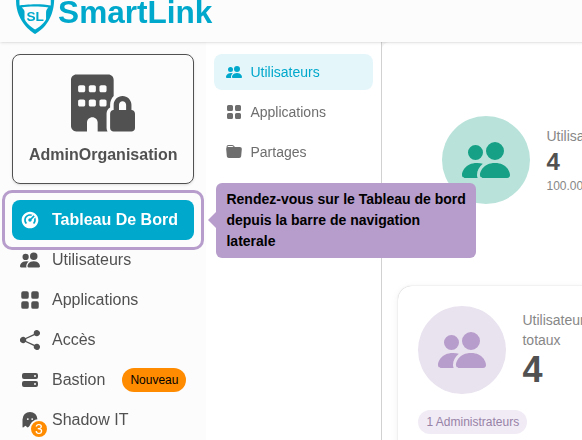
Go to the Dashboard from the sidebar navigation.
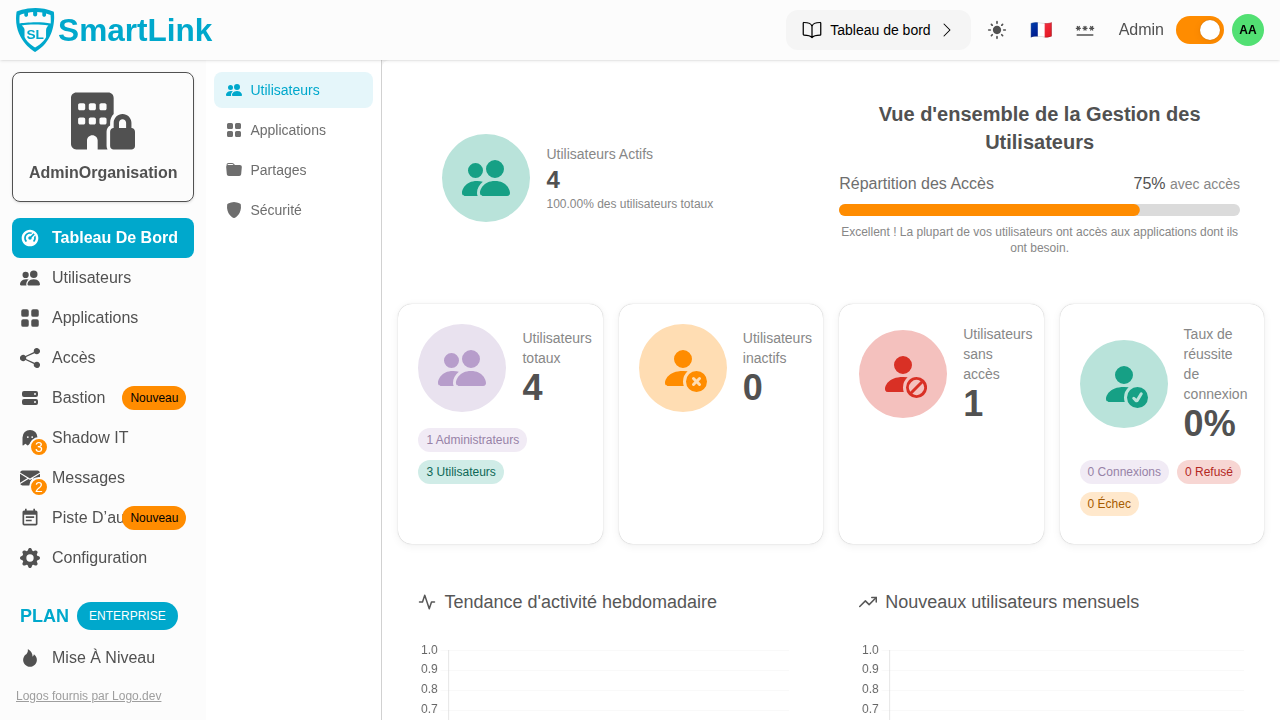
Click on the Apps tab to view the application-related statistics.

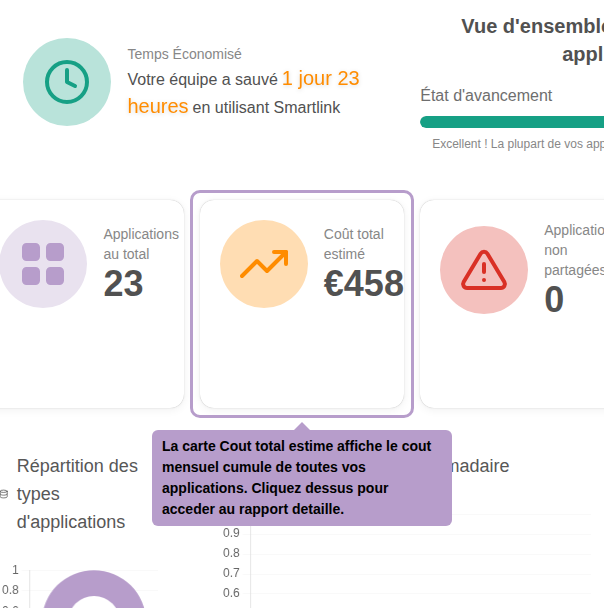
The Estimated Total Cost card displays a summary of the cumulative monthly cost. Click on it to access the detailed report.
Cost Report

The report lists all your applications with the following details for each:
| Column | Description |
|---|---|
| Name | Name and URL of the application |
| Users | Number of active users |
| Monthly Cost | Estimated cost in euros per month |
| Usage | Usage rate measured by the extension |
| Pricing Status | Whether cost tracking is active for this app |
Total Cost

The banner at the top of the table displays the total monthly cost, calculated only on applications with cost tracking enabled.
List of Applications
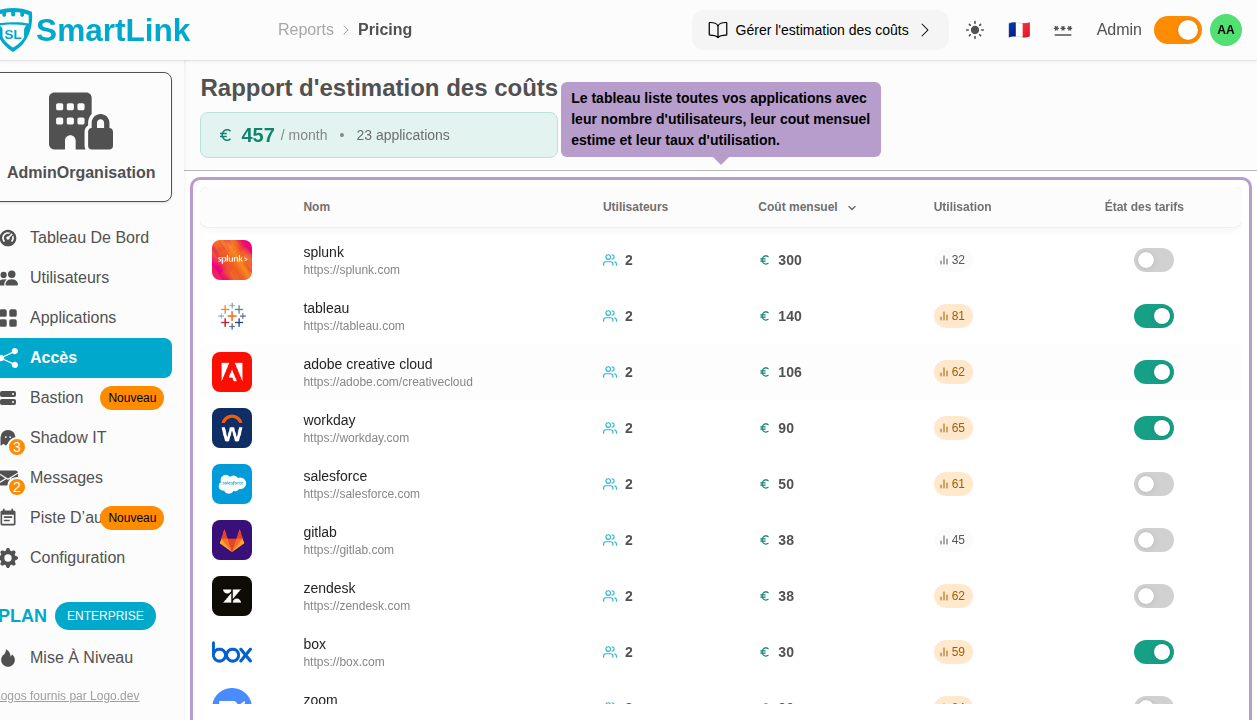
Click on a row to directly access the license settings of the application.
Including or Excluding an Application from Calculation
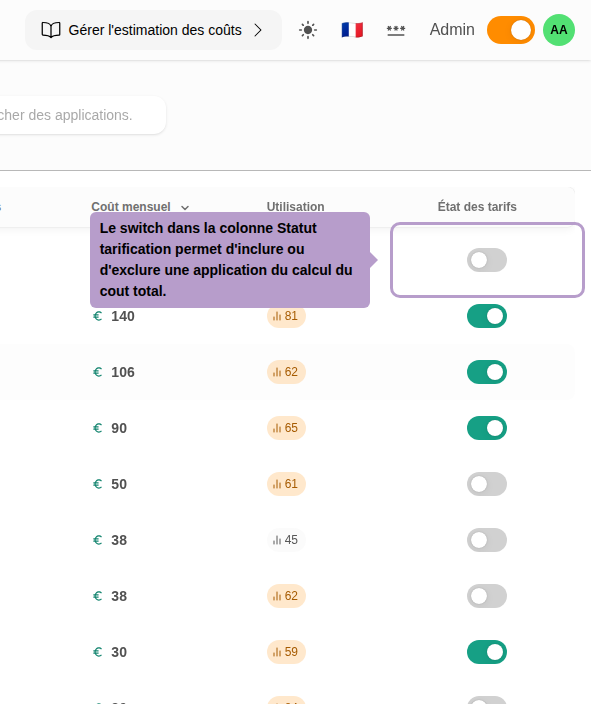
The switch in the Pricing Status column allows you to include or exclude an application from the total cost calculation. Disable this switch for applications you do not wish to consider (e.g., free applications or those outside the tracking scope).