Journalization
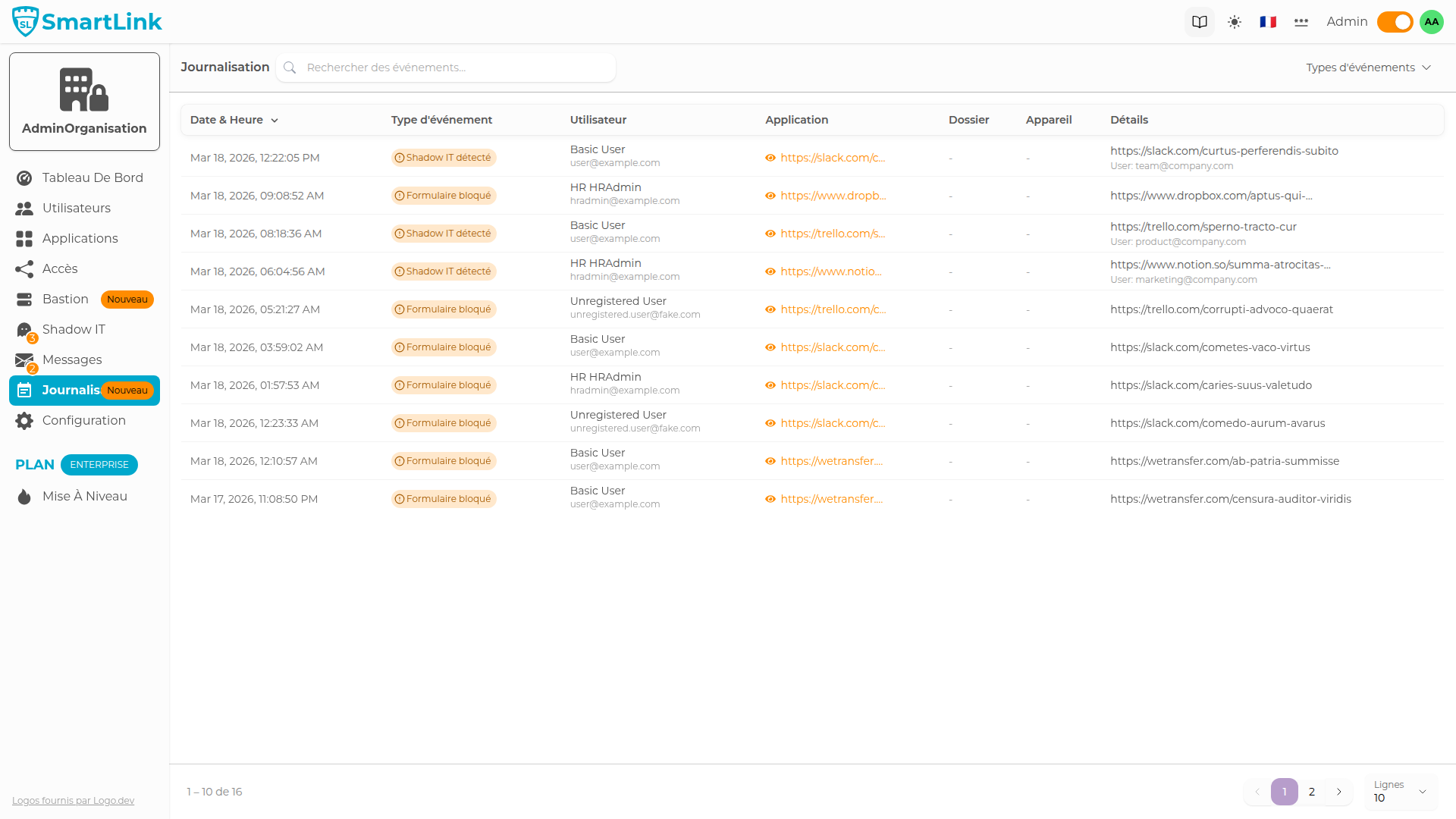
Journalization (Audit Trail) records in real-time all security events occurring on the platform: logins, SSO authentications, Shadow IT detections, password entries, Bastion approvals, etc. These data can be accessed from various contexts to facilitate investigations and audits.
Main Page
Access the global journalization from the Journalization menu in the admin sidebar.
Filter by Event Type
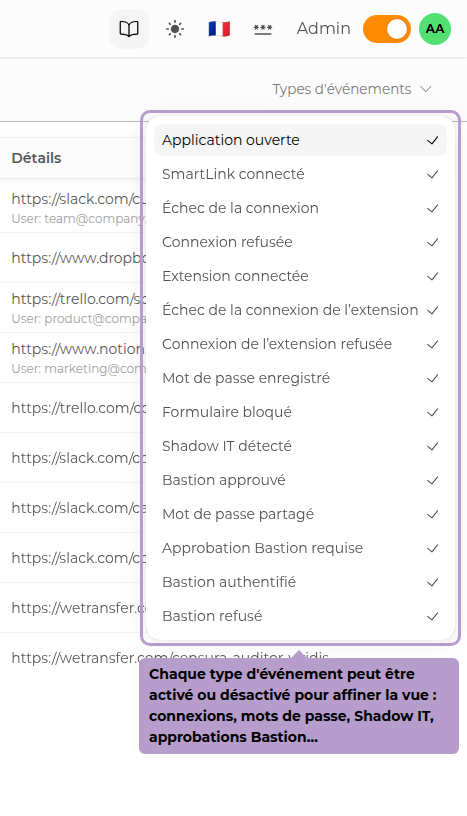
The Event Types button allows you to display only certain categories.
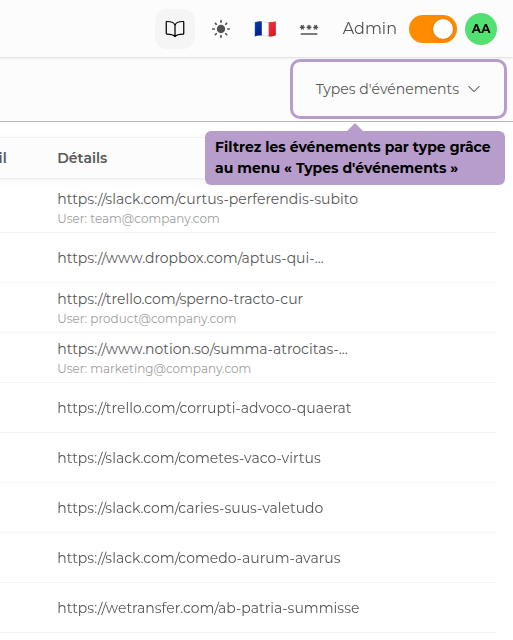
Available types include:
- SmartLink / Extension Connection — success, failure, or denial
- Saved / Shared Password
- Detected Shadow IT / Blocked Form
- Bastion — approval request, successful authentication, denial
Search for an Event
Use the search bar to filter events by user, application, device, or any other data visible in the table.
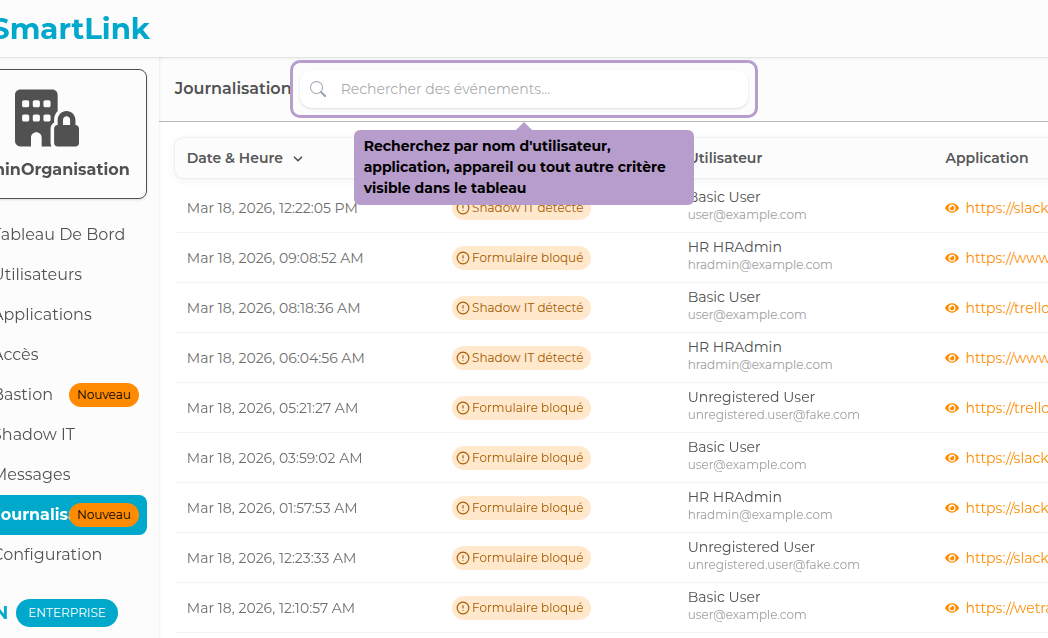
Clicking on a row in the User, Application, or Device column automatically adds a contextual filter for that value, without leaving the page.
From a User's Profile
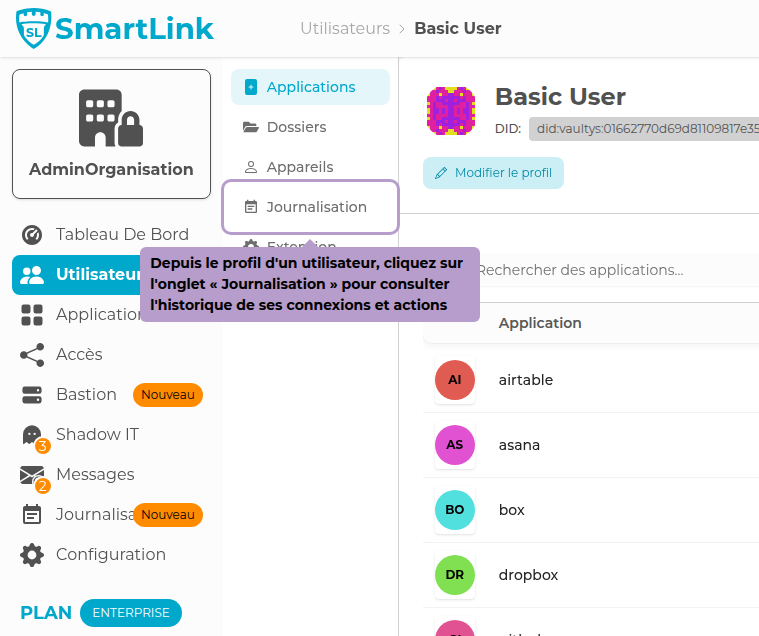
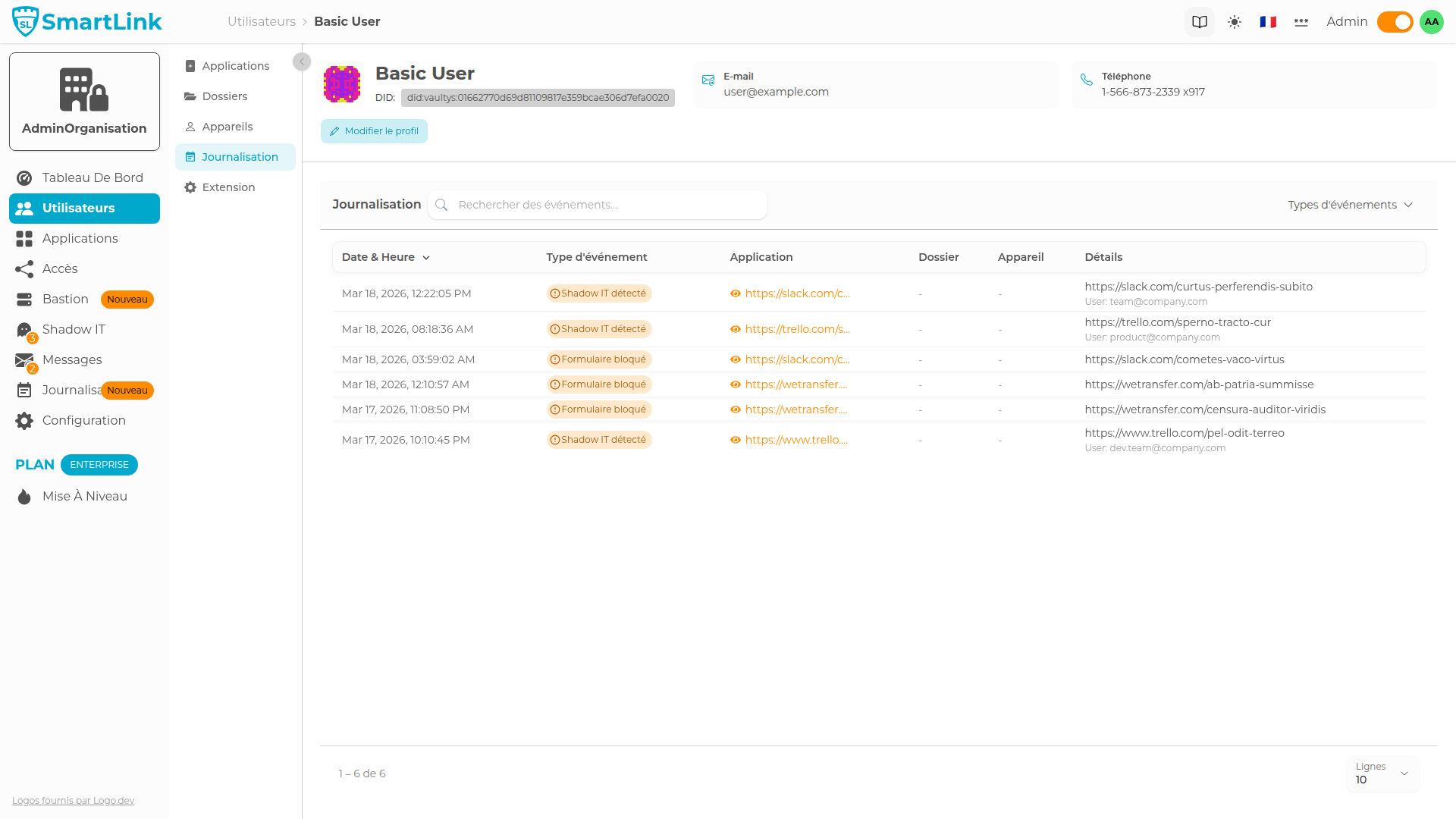
Journalization is also accessible directly from a user's profile, to display only events related to that user.
From an Application's Profile
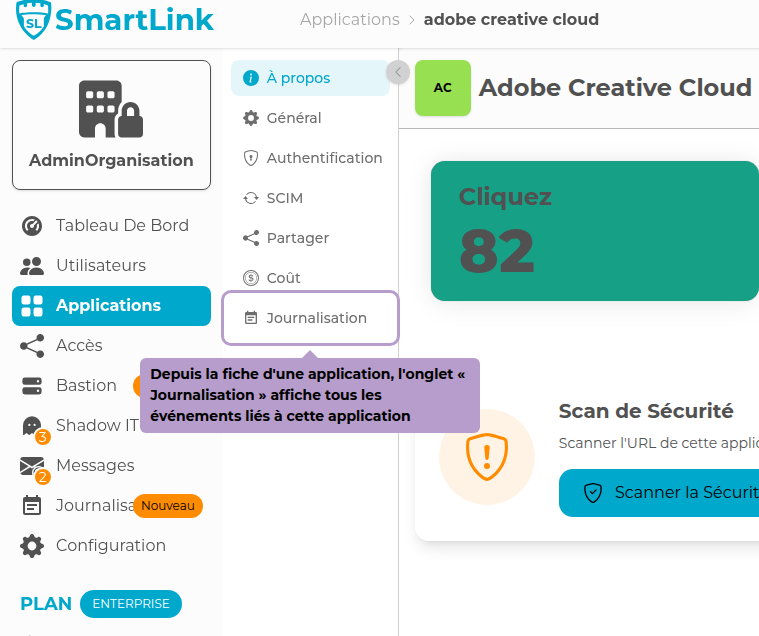
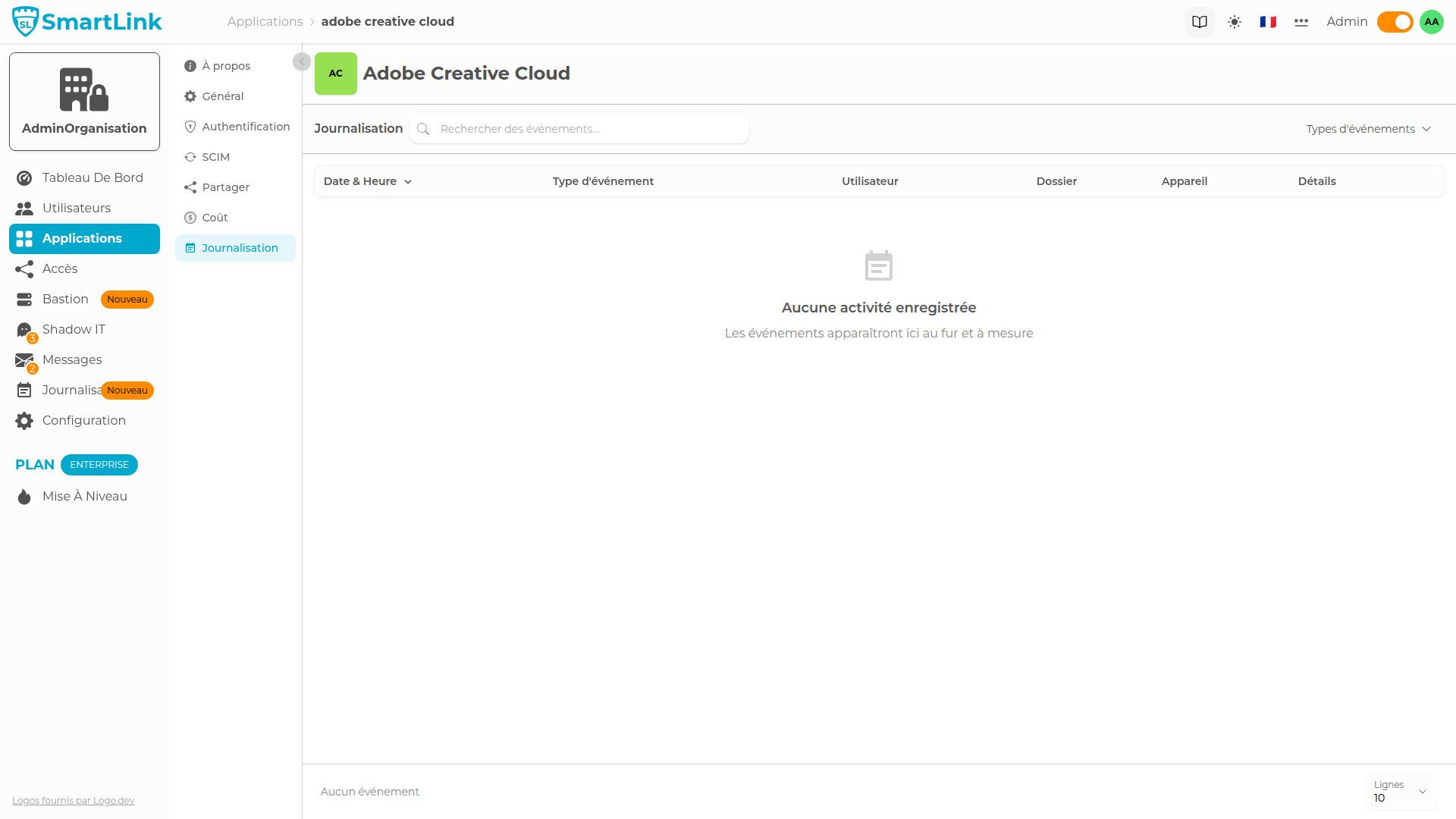
Each application has its own Journalization tab, which lists all events related to that application.
From a Folder's Page
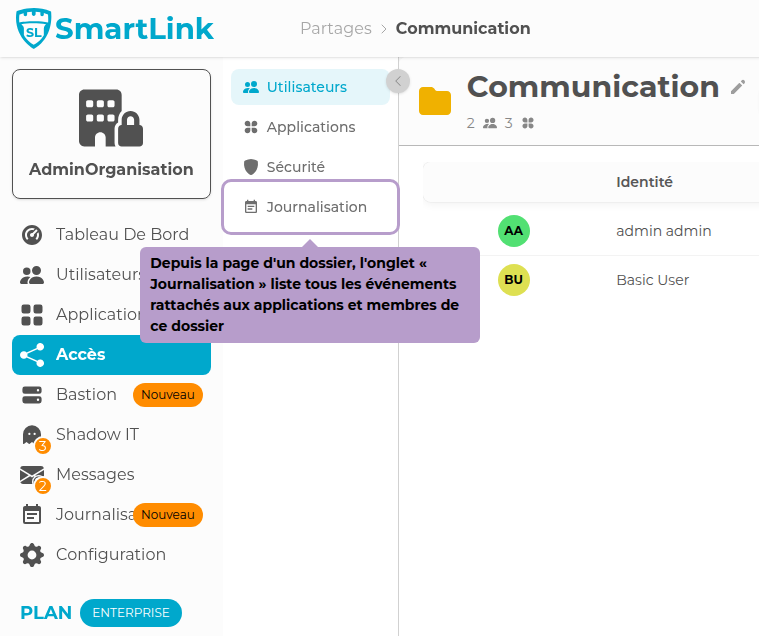
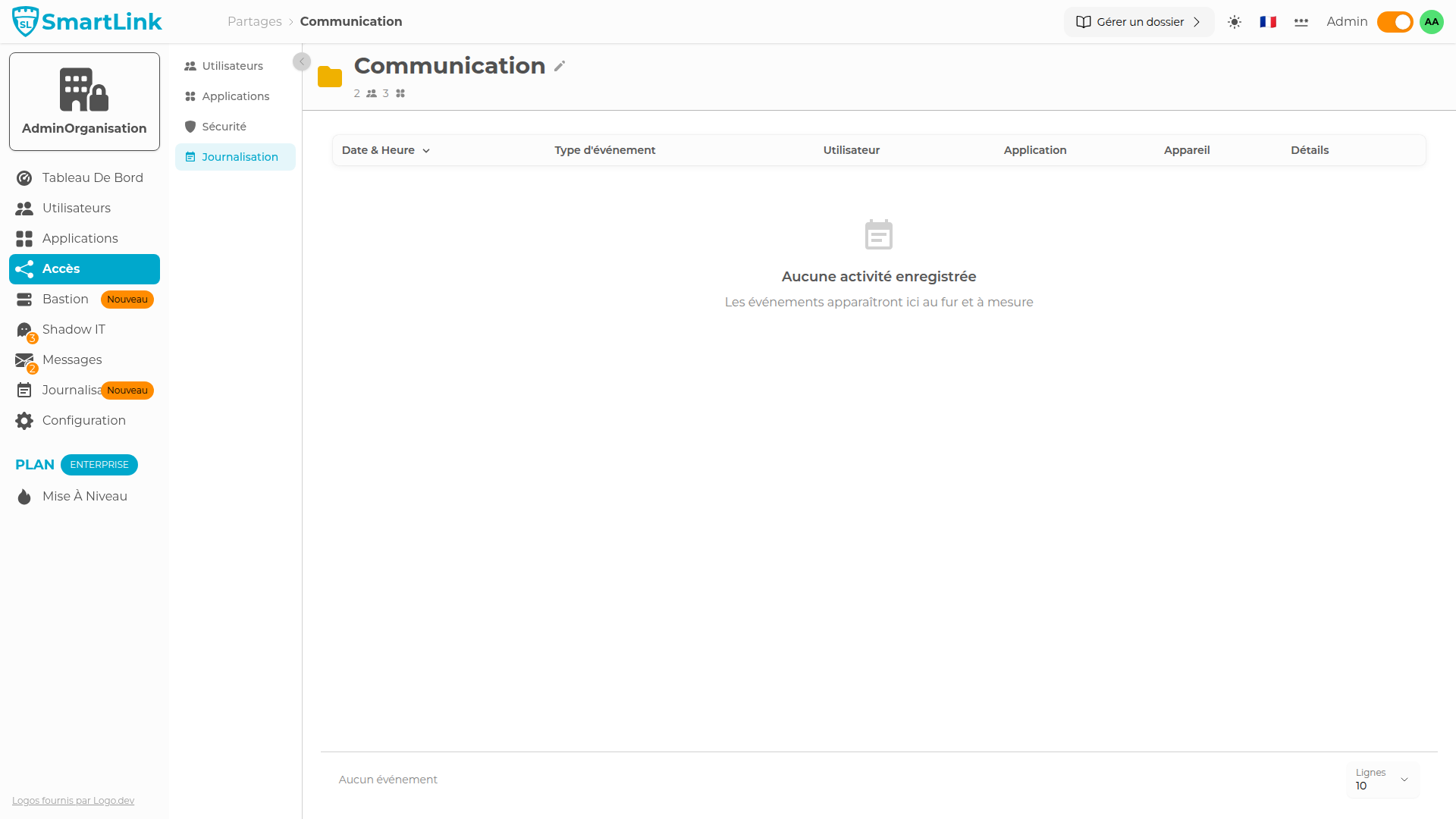
The Journalization tab of a folder displays all events from the applications and members associated with that folder.