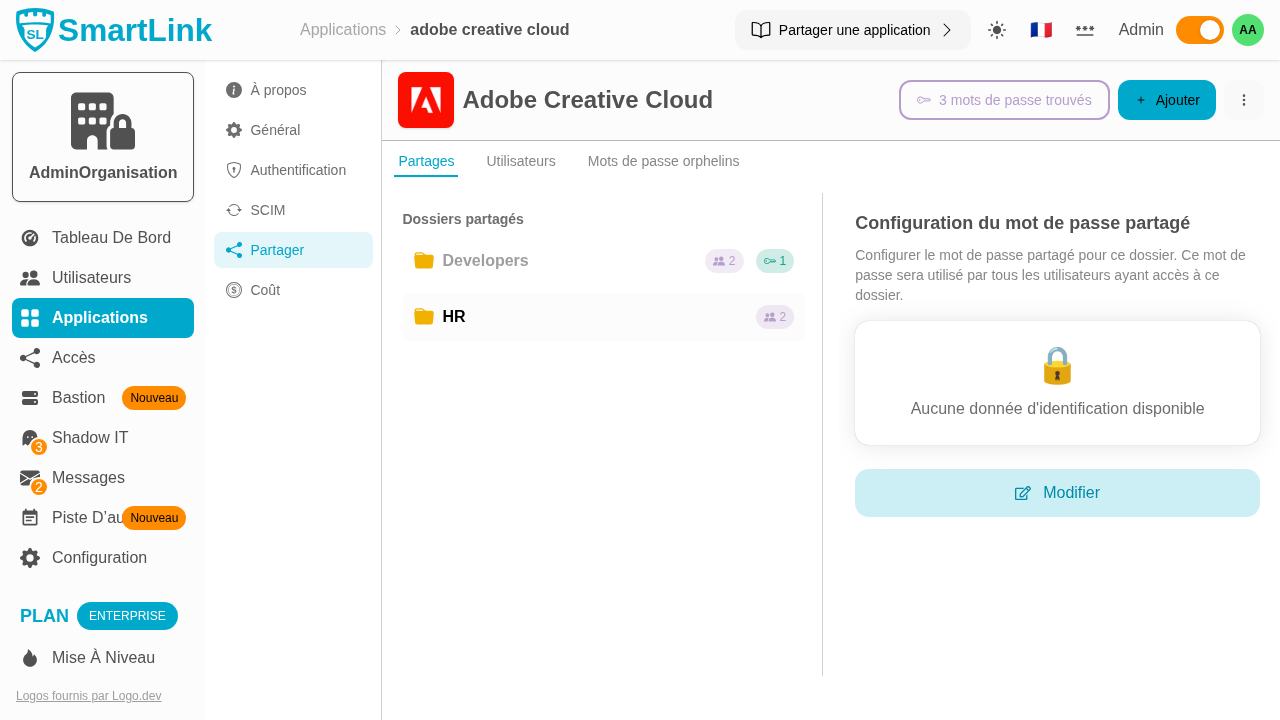
Common Application Password
In a Password Manager application, you can set a common password per folder. This password will be used by all users of the folder to log in to the application.
Step 1: Access the Share Tab
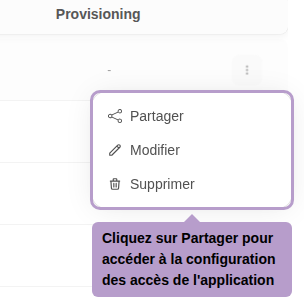
From the list of applications, open the action menu of an application and click on Share.
Step 2: Share the Application with a Folder
Click on the Add button and select a folder.

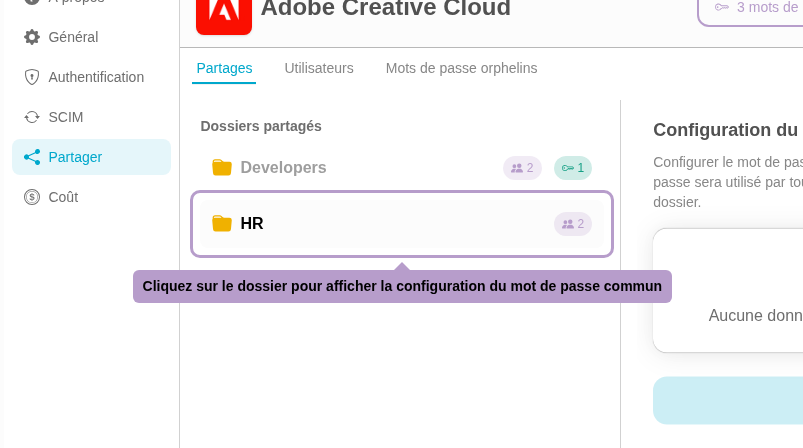
Step 3: Configure the Common Password
Once the folder is selected from the list, the right panel displays the configuration of the shared password. Enter the username and password that all users of the folder will have access to.