A user has lost/broken their phone?
If a user has lost, broken, or had their phone stolen and needs to migrate to a new device, SmartLink allows you to send them a link for replacing their VaultysID.
This action is equivalent to resetting a password in a traditional system: the old device is permanently replaced once the new one is linked.
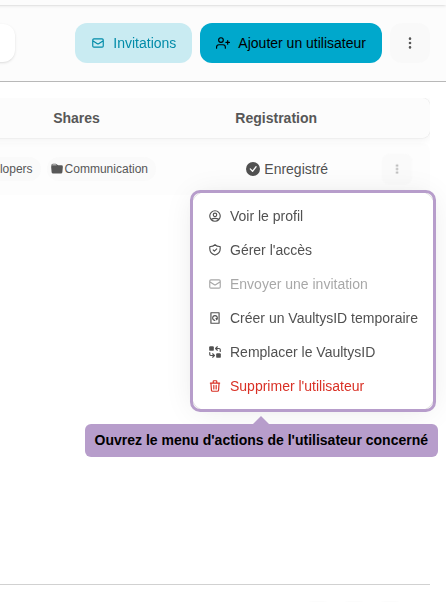
Step 1: Open the actions menu
From the list of users, click on the ⋮ button on the right of the line of the user in question.
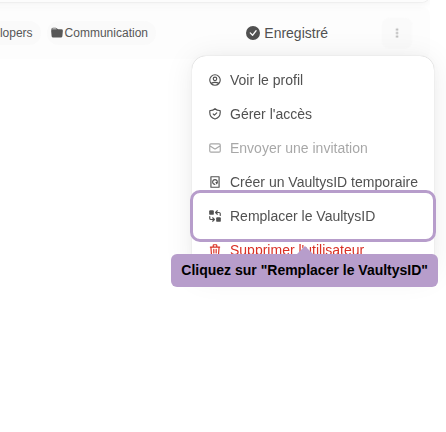
Step 2: Select "Replace VaultysID"
Step 3: Replacement panel
A panel will open with the procedure information. An email will be sent to the user's address containing a replacement link valid until the procedure is completed.
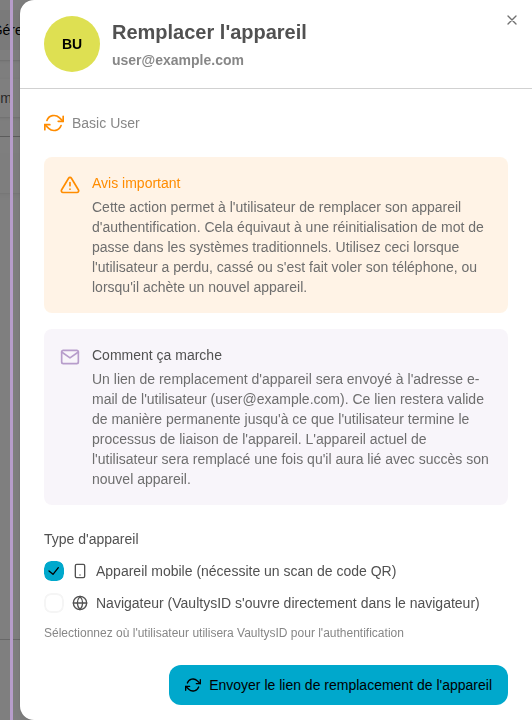
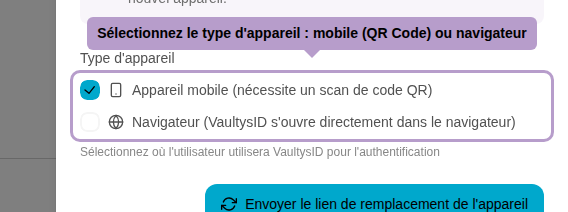
Step 4: Select the type of device
Choose how the user will authenticate on their new device:
- Mobile device — the user will need to scan a QR Code from their new phone.
- Browser — VaultysID will open directly in the browser, no scan required.
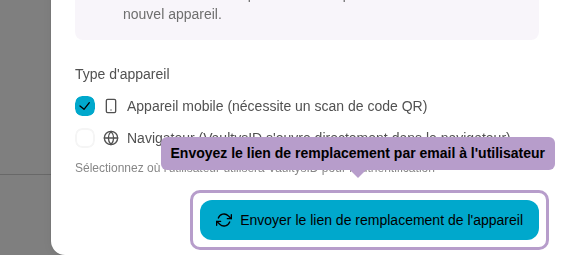
Step 5: Send the replacement link
Click on Send the replacement link to send the email to the user. The old device will be permanently disabled once the new one is successfully linked.