Discover the app
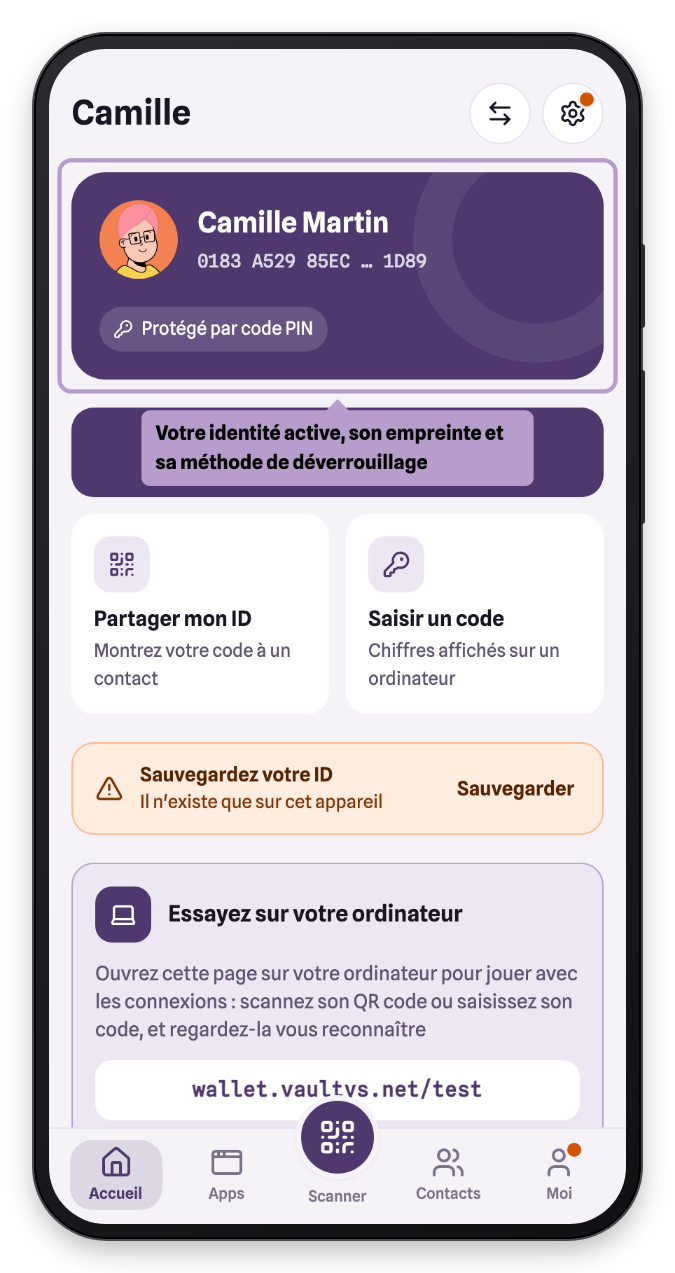
VaultysID is built around a simple idea: signing in. Home highlights the three ways to do it; everything else is in the tabs.
Your identity
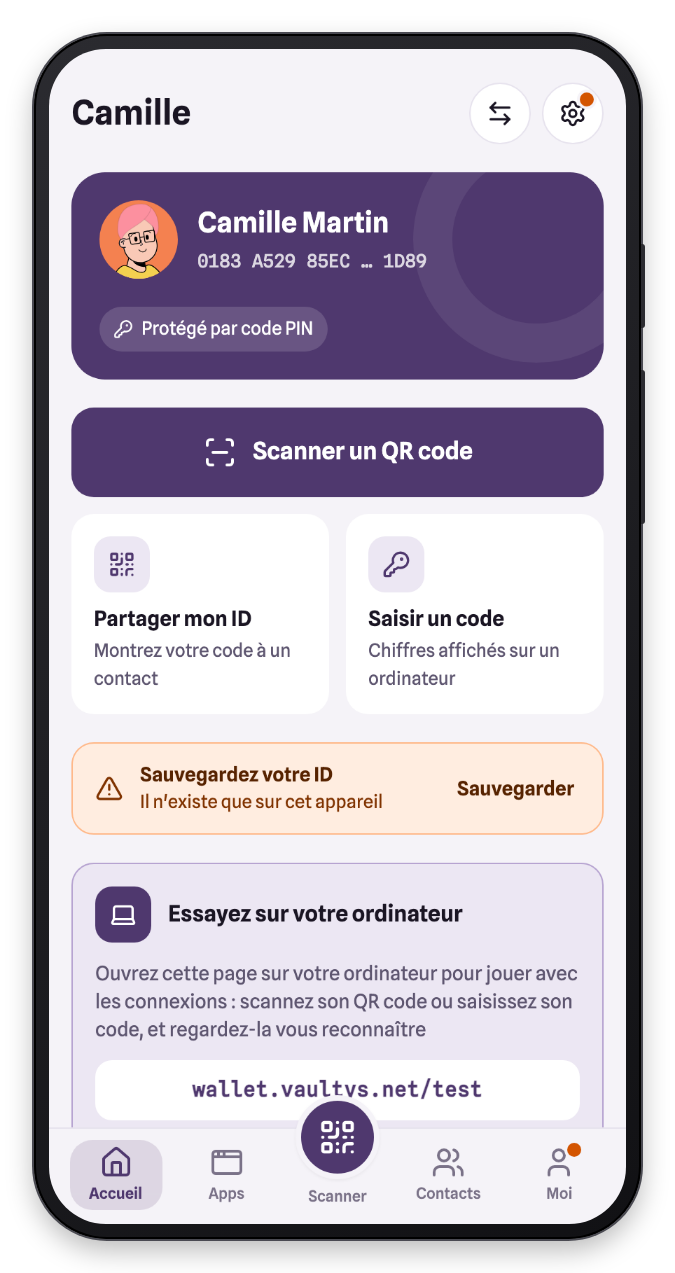
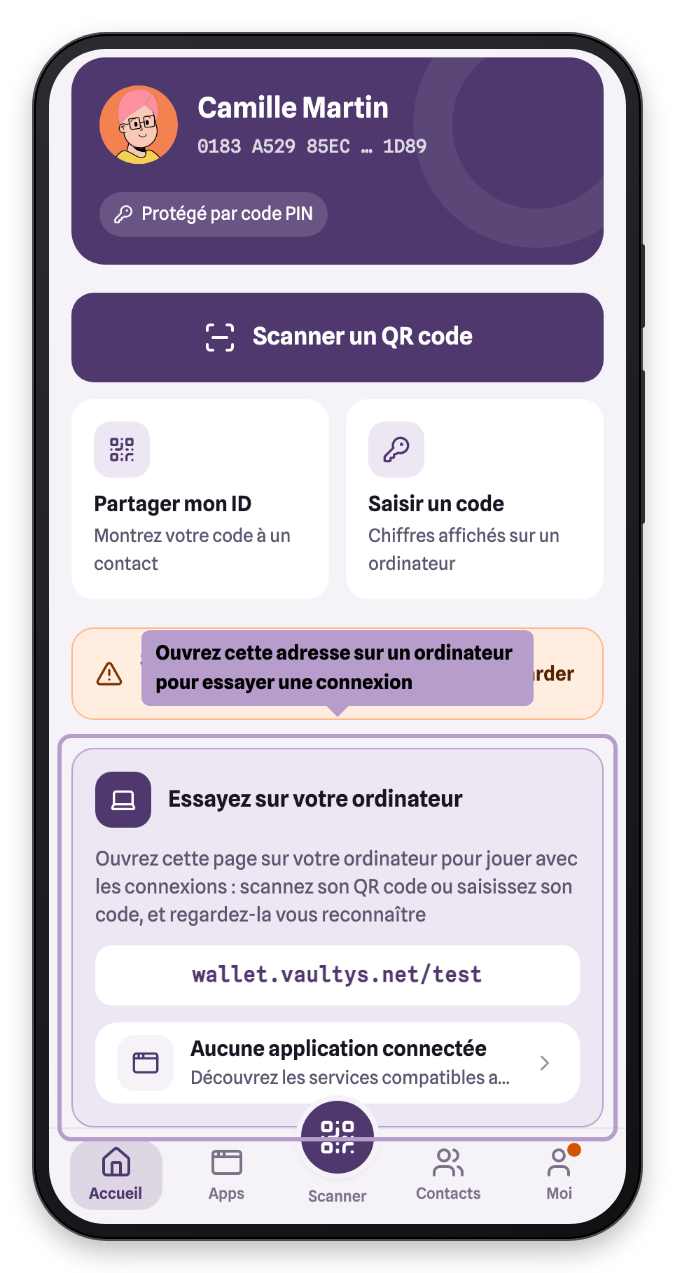
At the top of Home, the card of your active identity shows your name, the beginning and end of its fingerprint (the unique identifier of your identity) and how it is protected. The two round buttons let you switch identity and open the Me tab.
Sign in
- Scan a QR code — to sign in to an app or add a contact. See Connecting to an app.
- Share my ID — to show your QR code to a contact. See Connecting to a contact.
- Enter a code — to connect a computer that displays an 8-digit code. See Connecting with a code.
The tabs
The bottom bar gives access to the five tabs of the app:
| Tab | Content |
|---|---|
| Home | Sign-in shortcuts and your recent apps |
| Apps | The apps you have signed in to, and compatible services |
| Scan | The camera, to scan a sign-in QR code |
| Contacts | The people you have exchanged identities with |
| Me | Your profile, security, backup and settings |
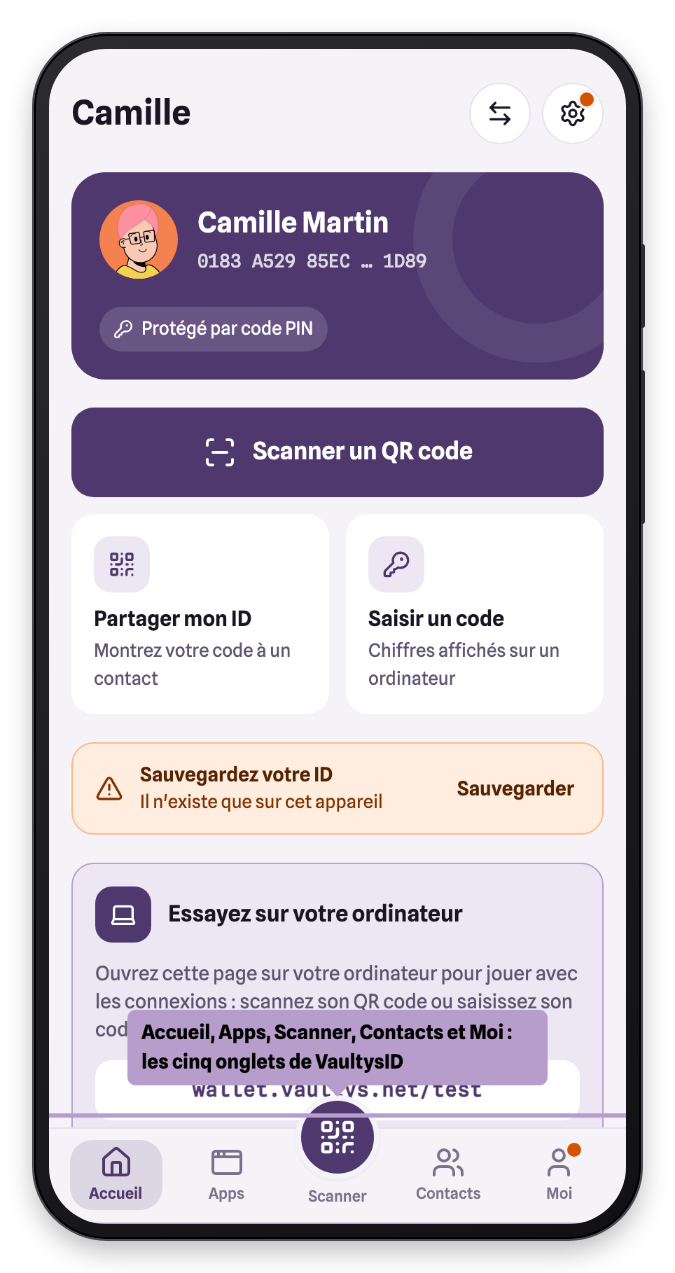
An orange dot on the Me tab indicates that a backup is recommended.
Try it from your computer
As long as you have not signed in to any app, Home offers to let you try: open the address shown on your computer, then scan the Playground QR code or enter its code.
Compatible services
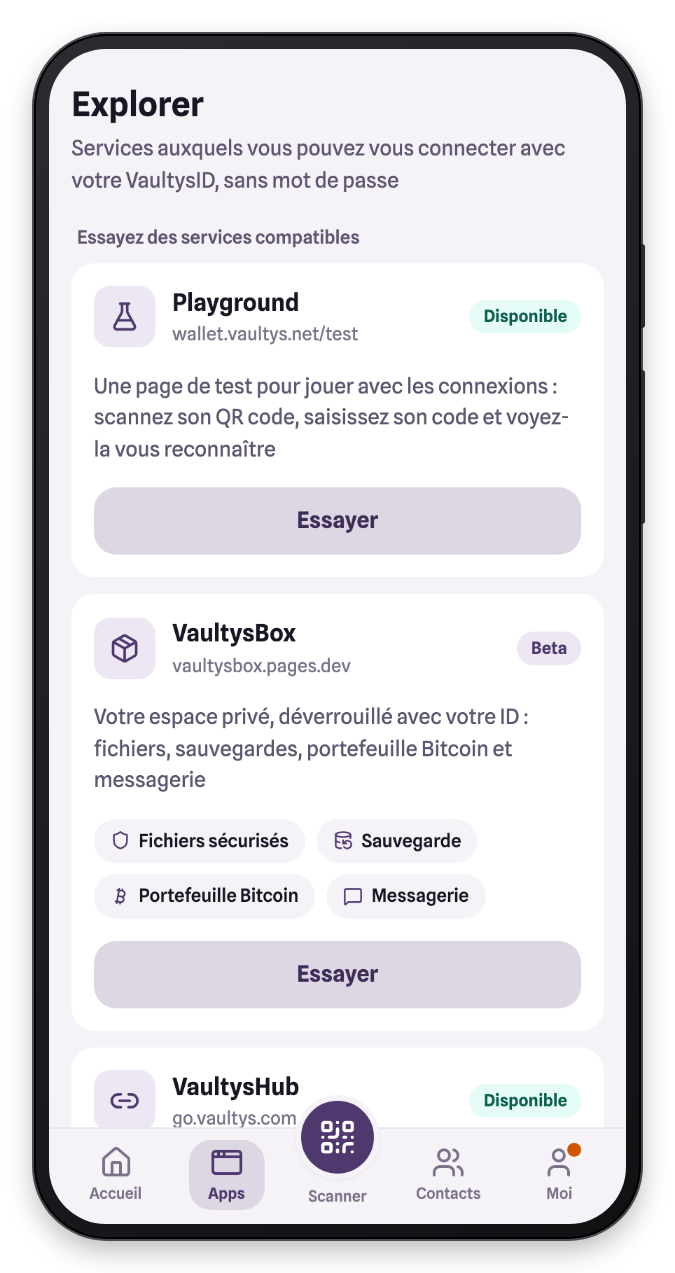
The Apps tab › Explore compatible services presents the services you can sign in to with VaultysID: the Playground to try it out, VaultysBox (your encrypted vault), VaultysHub (your company's secure access)…