Connecting to a compatible application
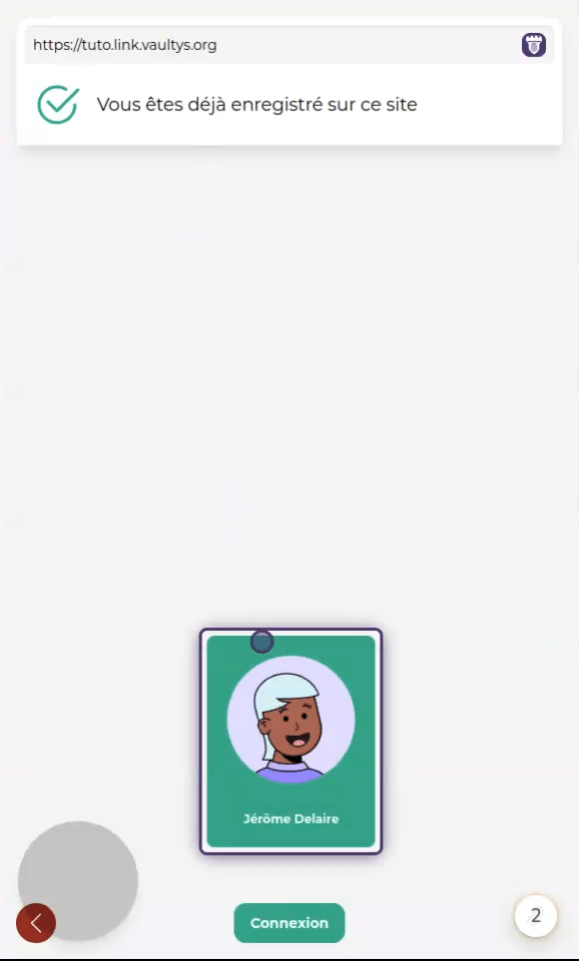
1. Connection Page
After scanning a connection QR code with VaultysID, you land on the connection page. You will find the list of your profiles at the bottom of the screen. Click on the profile you want to log in with.
2. Identify Yourself
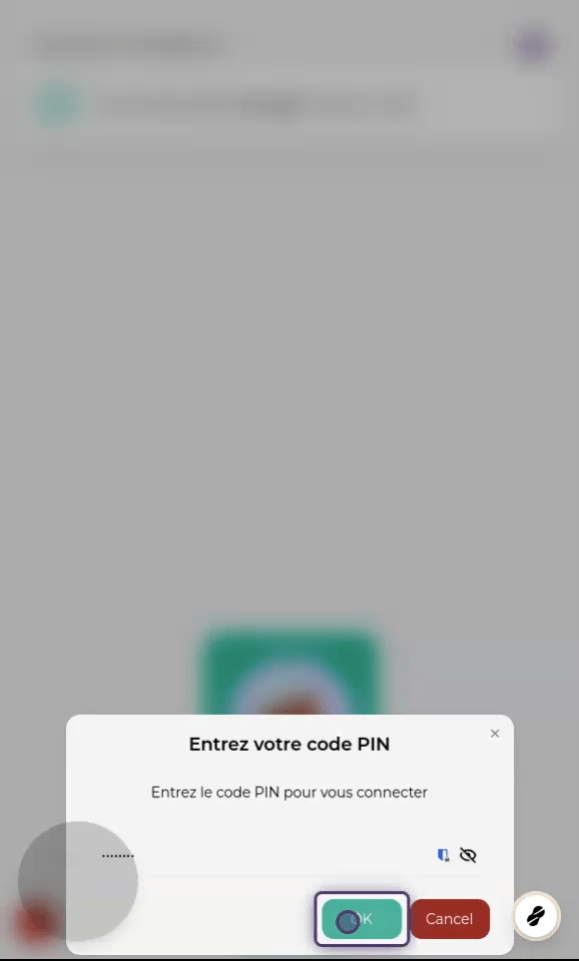
Depending on the type of profile you selected when creating your identity, you will then need to identify yourself using a PIN code, biometric identification (fingerprint, iris, face, etc.), or with your FIDO key.
Identify yourself to start the connection process.
3. Done
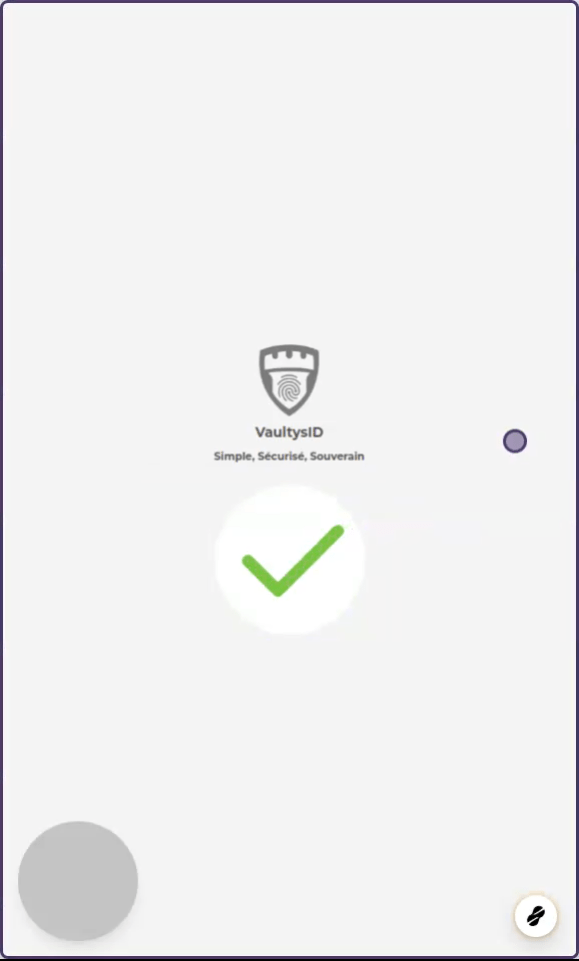
If the connection is successful, you will see the screen below.