Your profile
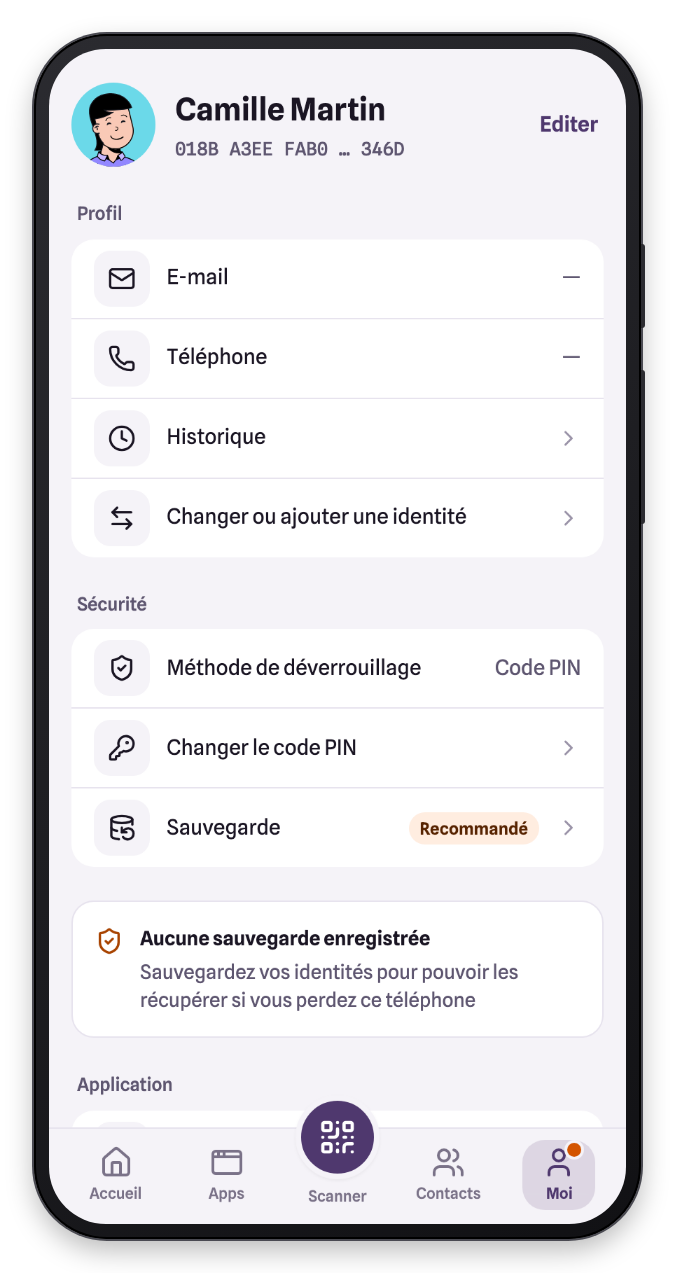
The Me tab gathers everything about your identity: your information, the security of your VaultysID, its backup and the app settings.
Edit your information
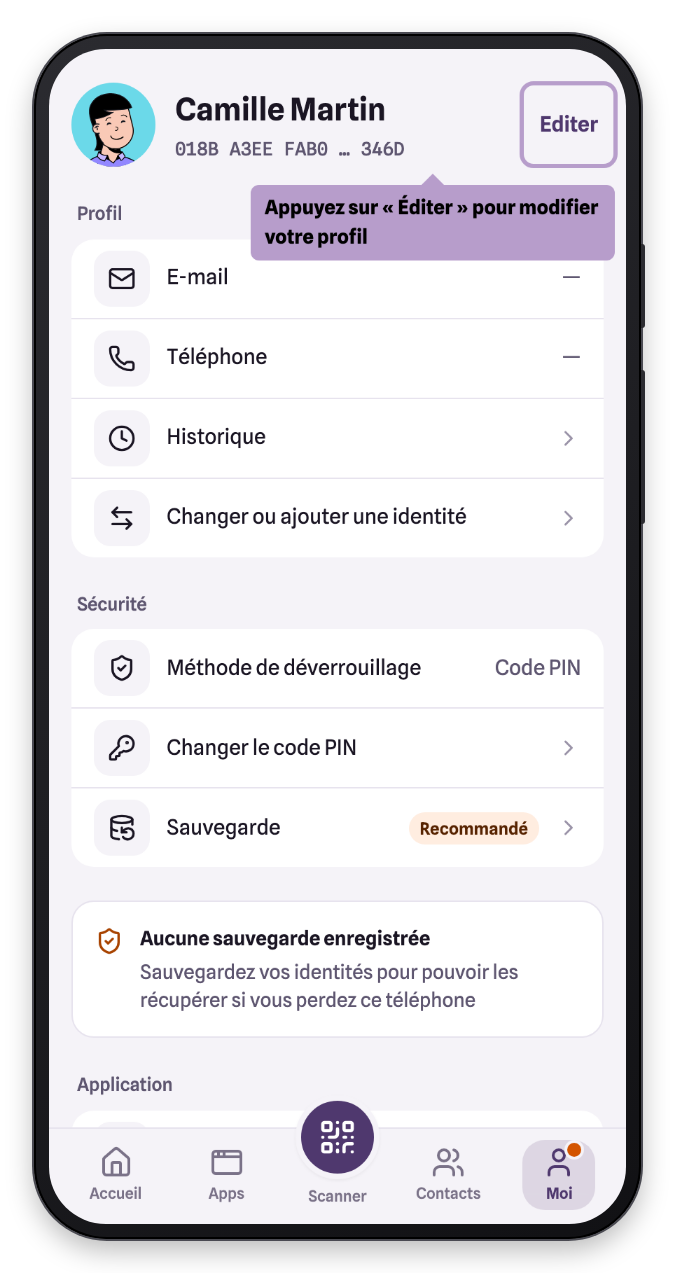
Tap Edit at the top of the screen.
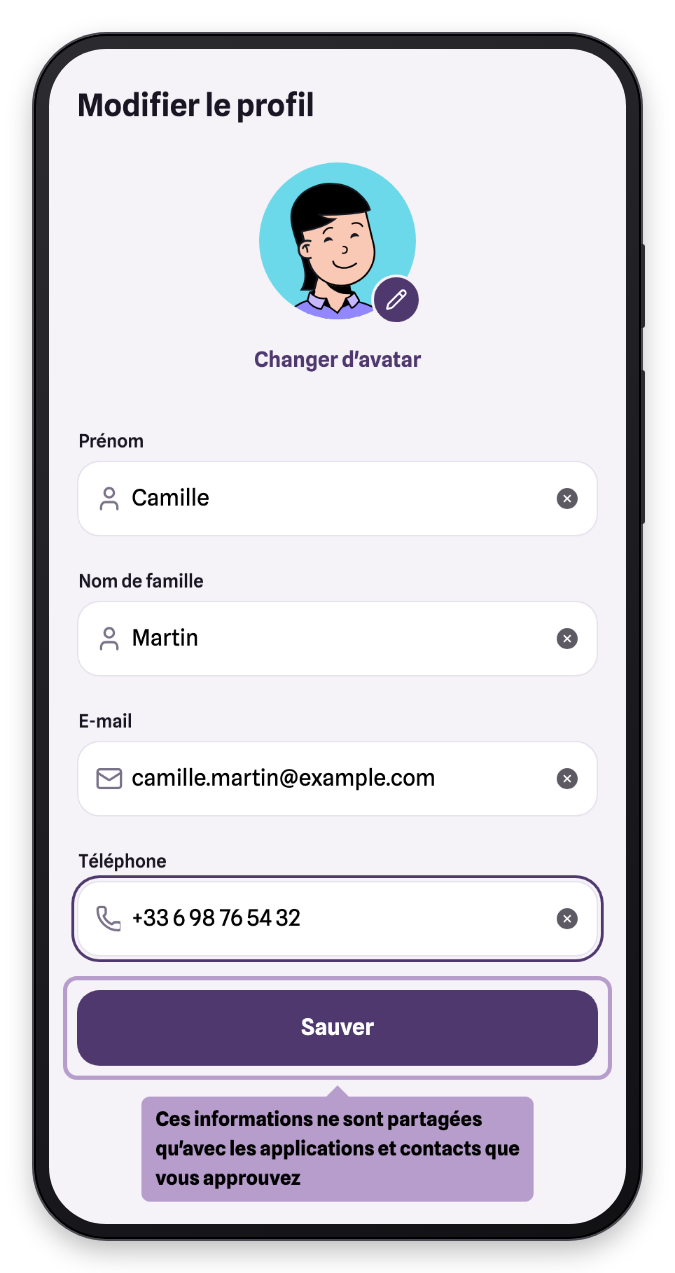
Fill in or change your first name, last name, email and phone, then tap Save. All these fields are optional: they are only passed to the apps and contacts you approve, when you sign in.
Change your avatar
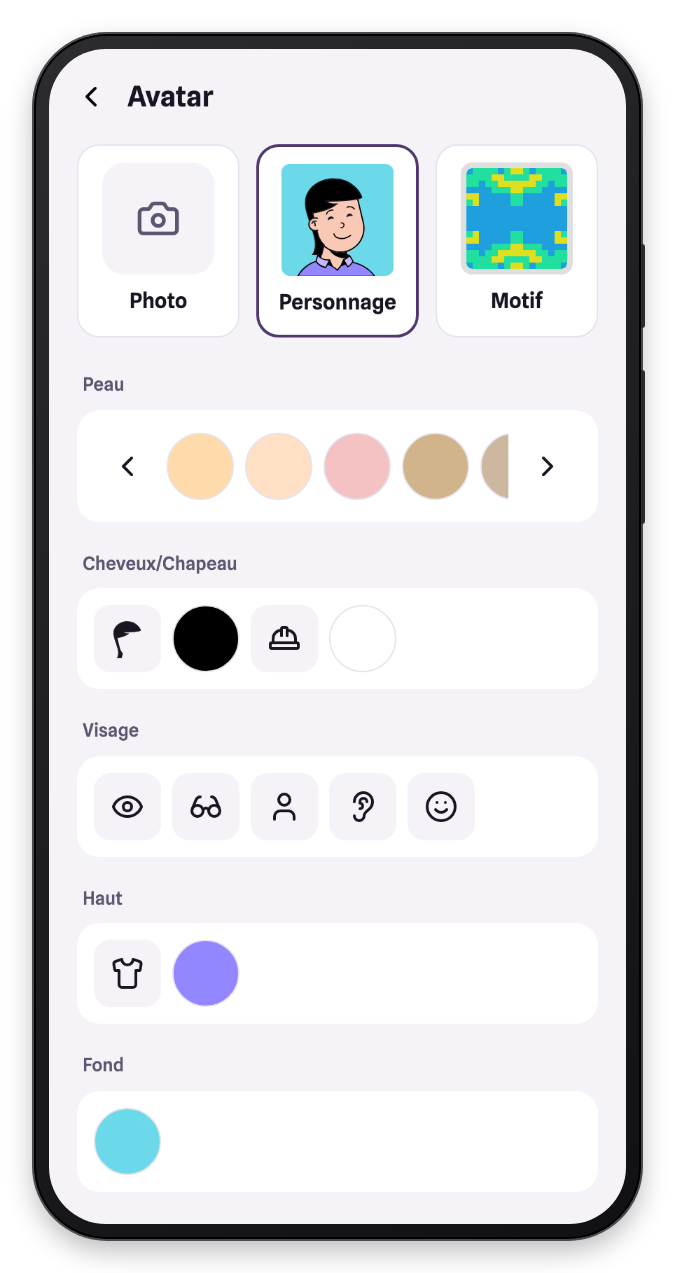
In the edit screen, tap your avatar. You can choose a photo, build a character (skin, hair, face, clothes, background) or keep a pattern generated from your identity.
Delete an identity
At the bottom of the edit screen, Delete this account erases the identity from this phone.
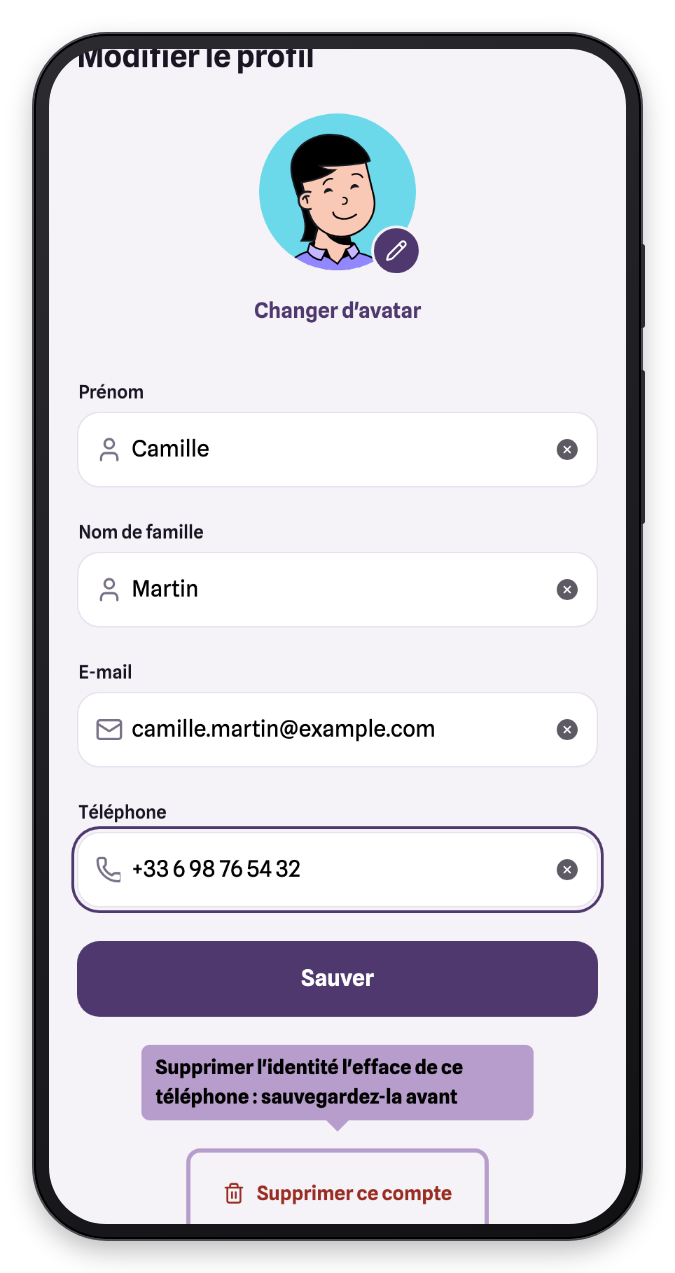
An identity deleted without a backup is lost permanently: you will no longer be able to sign in to the apps that used it.
Change your PIN code
If your identity is protected by a PIN code, the Security section offers Change PIN code. First enter your current code, then the new one, twice.
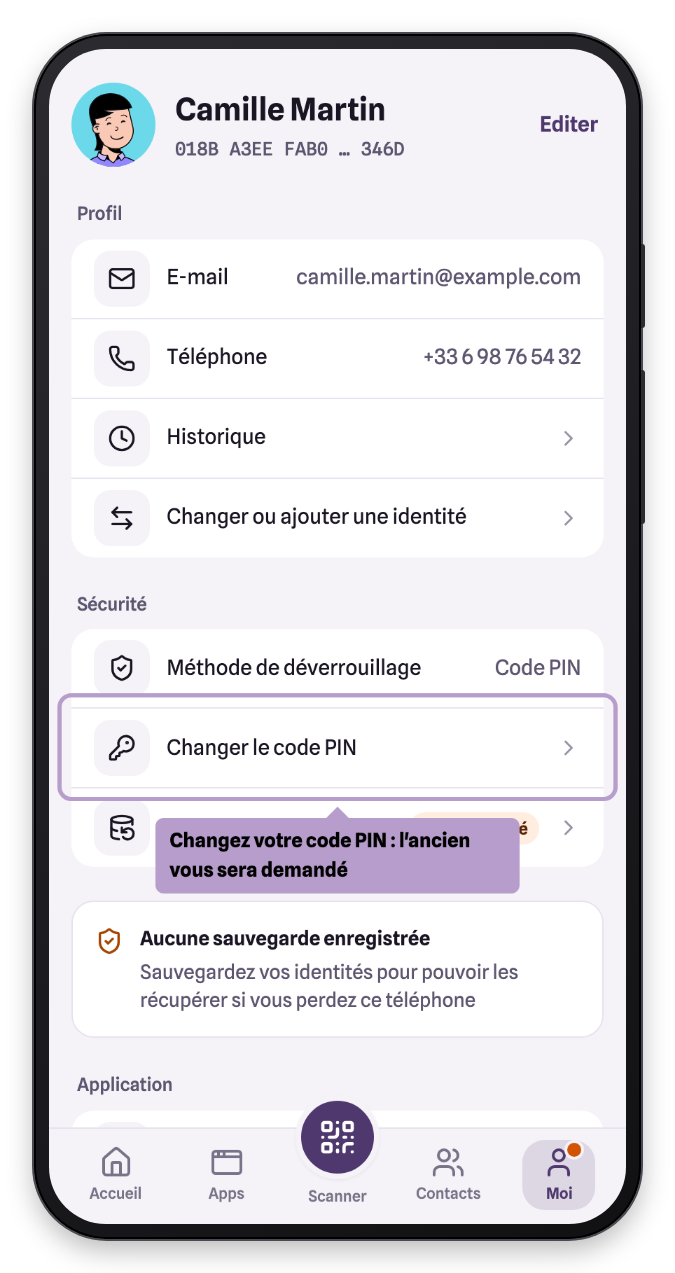
The Unlock method line reminds you how your identity is protected: PIN code, biometrics (passkey) or security key.
Technical details
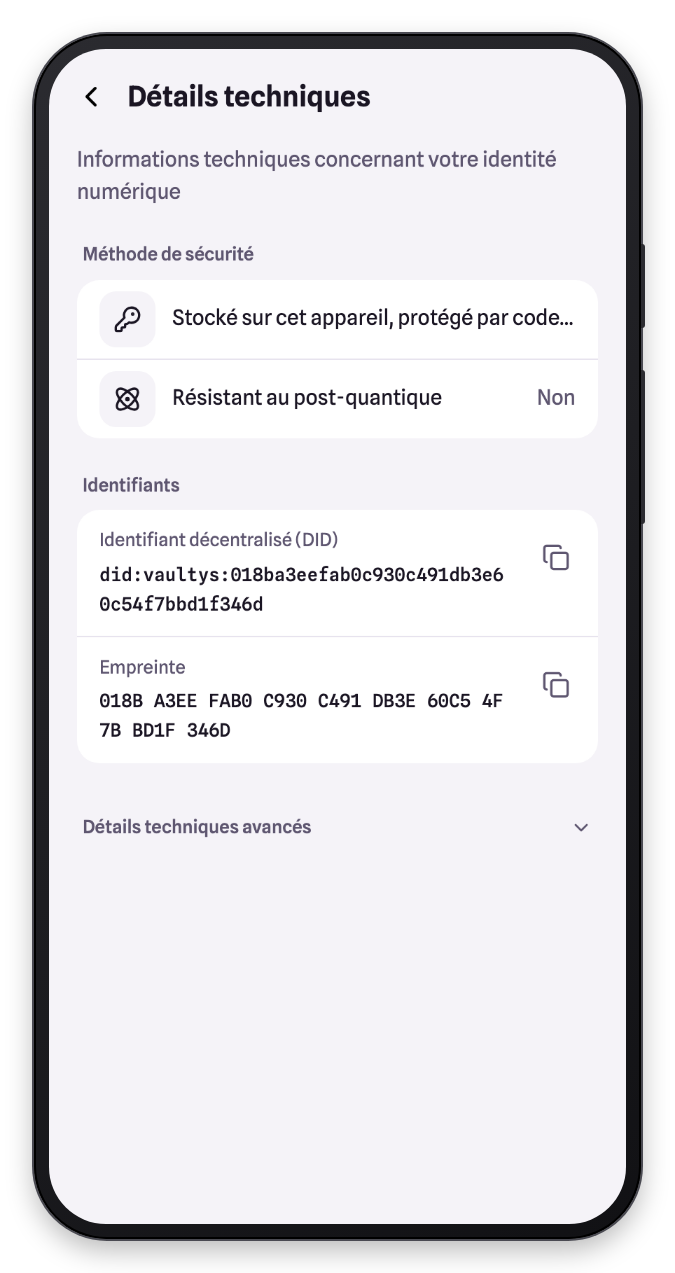
Technical details, in the Application section, displays the decentralized identifier (DID) and the fingerprint of your identity, as well as where its key is stored. This information may be requested by support or by your organization's administrator.
Multiple identities
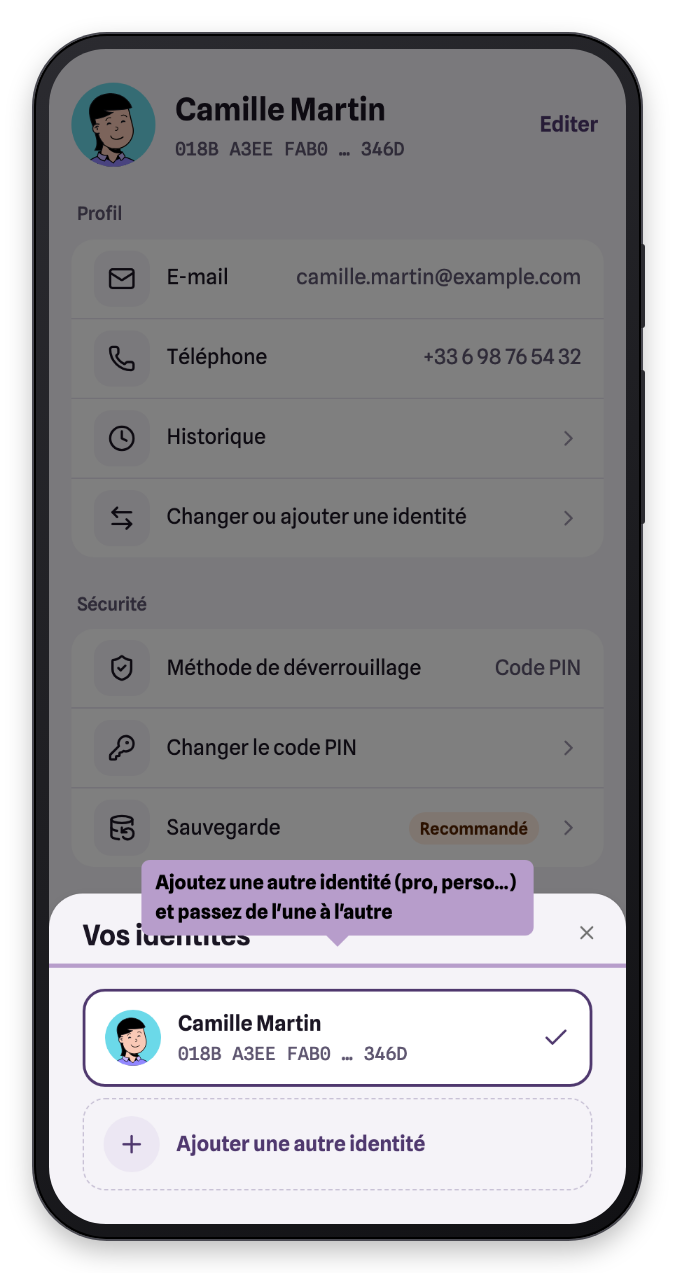
You can have several identities on the same phone, for example a professional one and a personal one. Tap Switch or add an identity (or the arrows at the top of Home) to switch between them, or to add one.