Settings
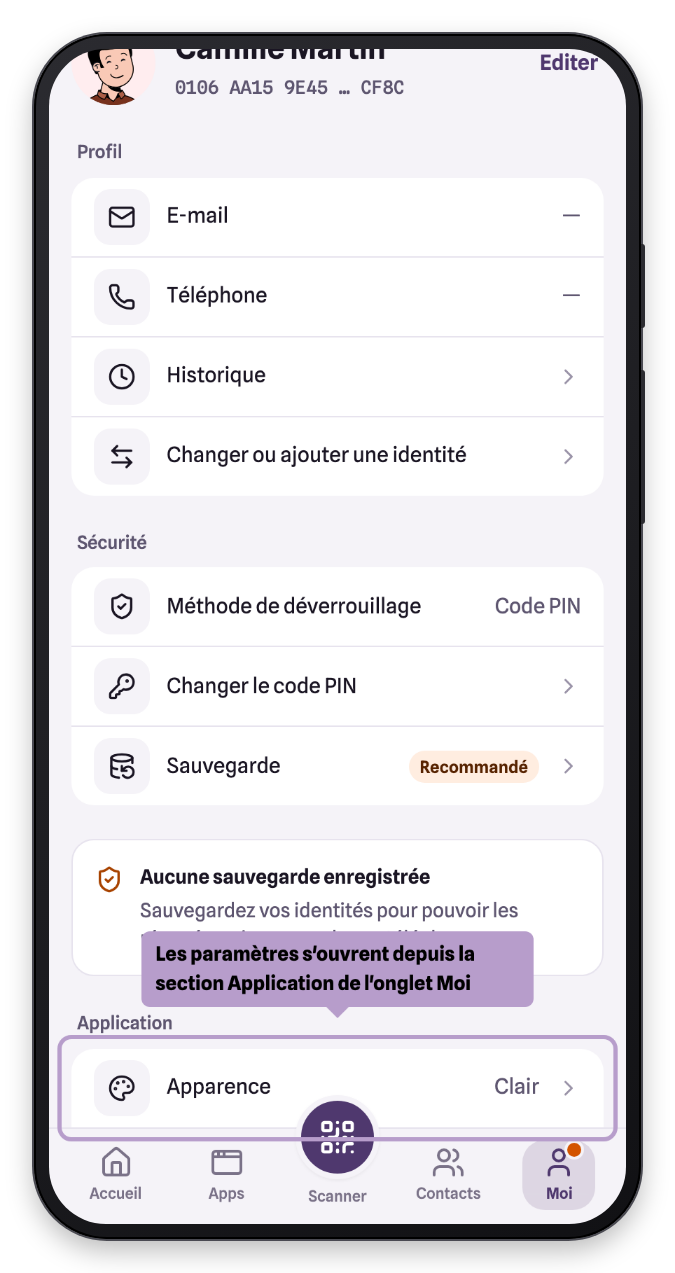
The app settings open from the Me tab, Application section (Appearance or Language rows).
Theme
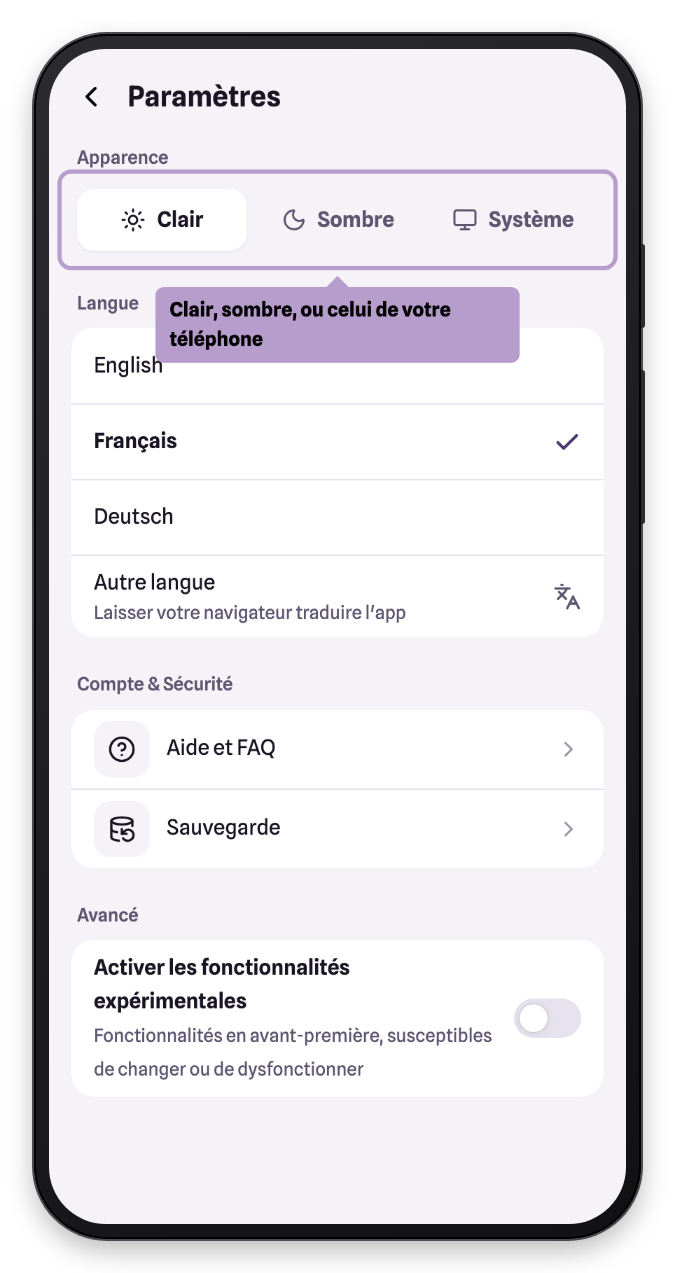
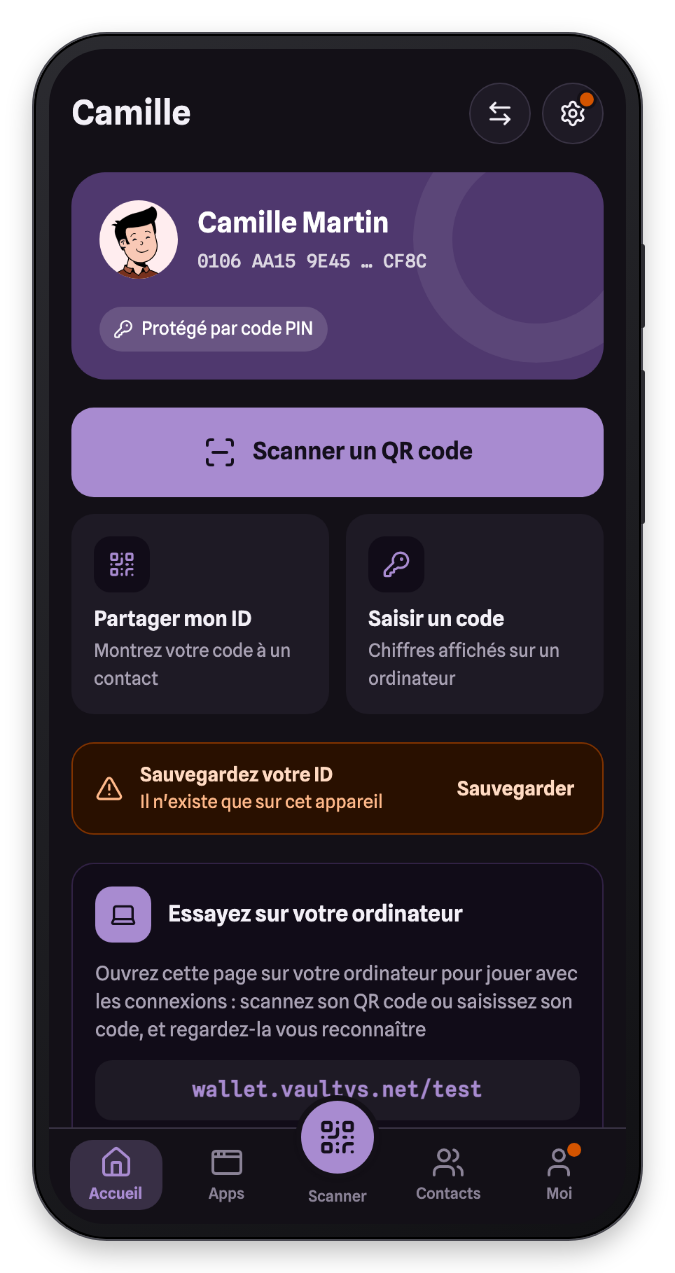
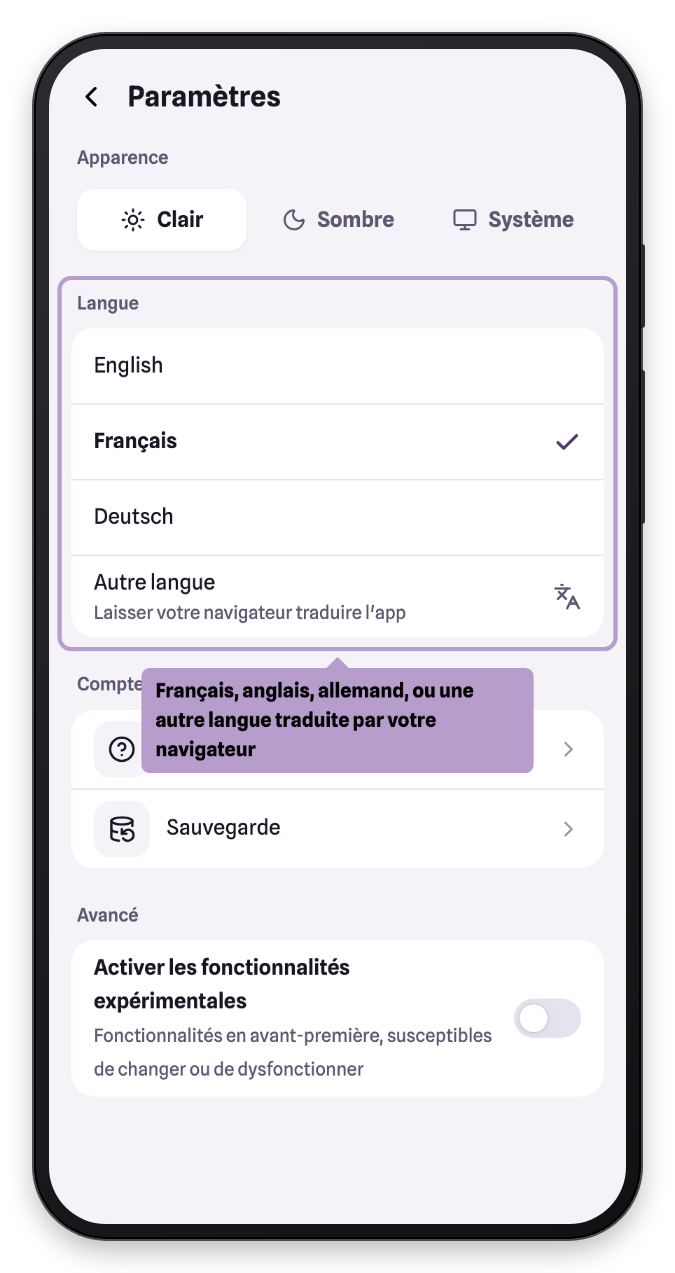
By default, VaultysID follows your phone's theme (System). You can force the Light or Dark theme.
Language
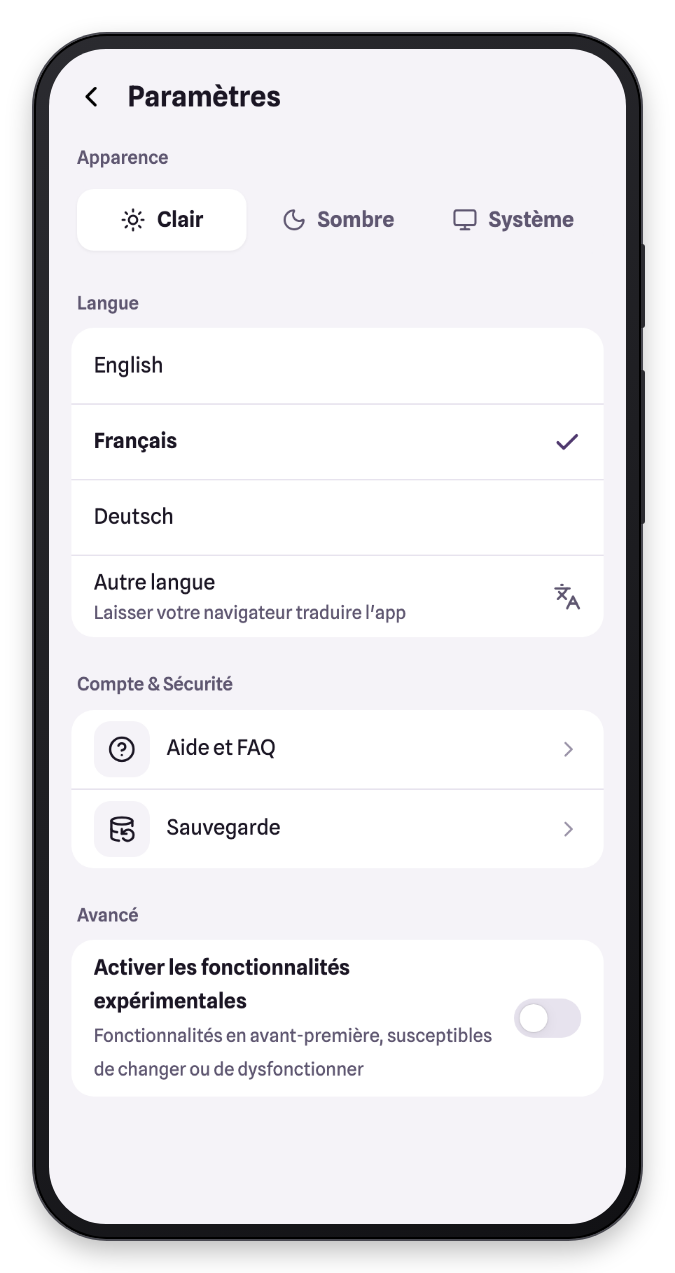
VaultysID is available in French, English and German. Other language displays the app in English and lets your browser translate it automatically into your language.
Account and security
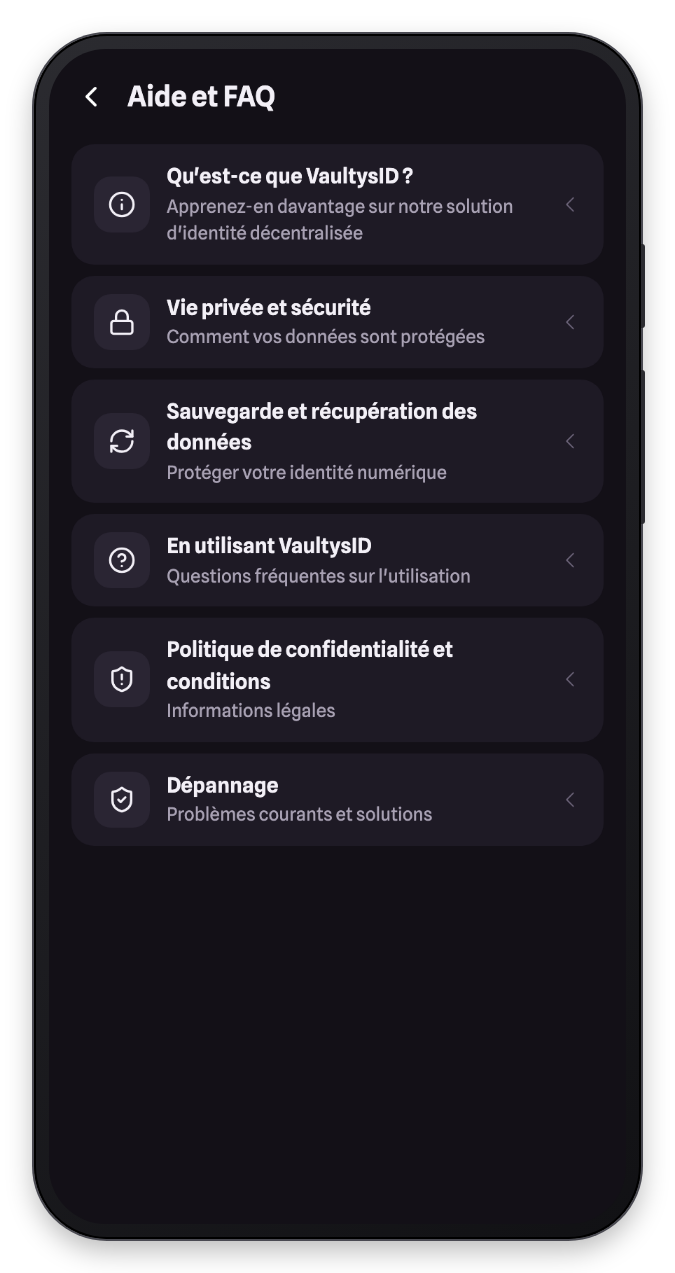
This section gives access to help and FAQ and to backup.
Experimental features
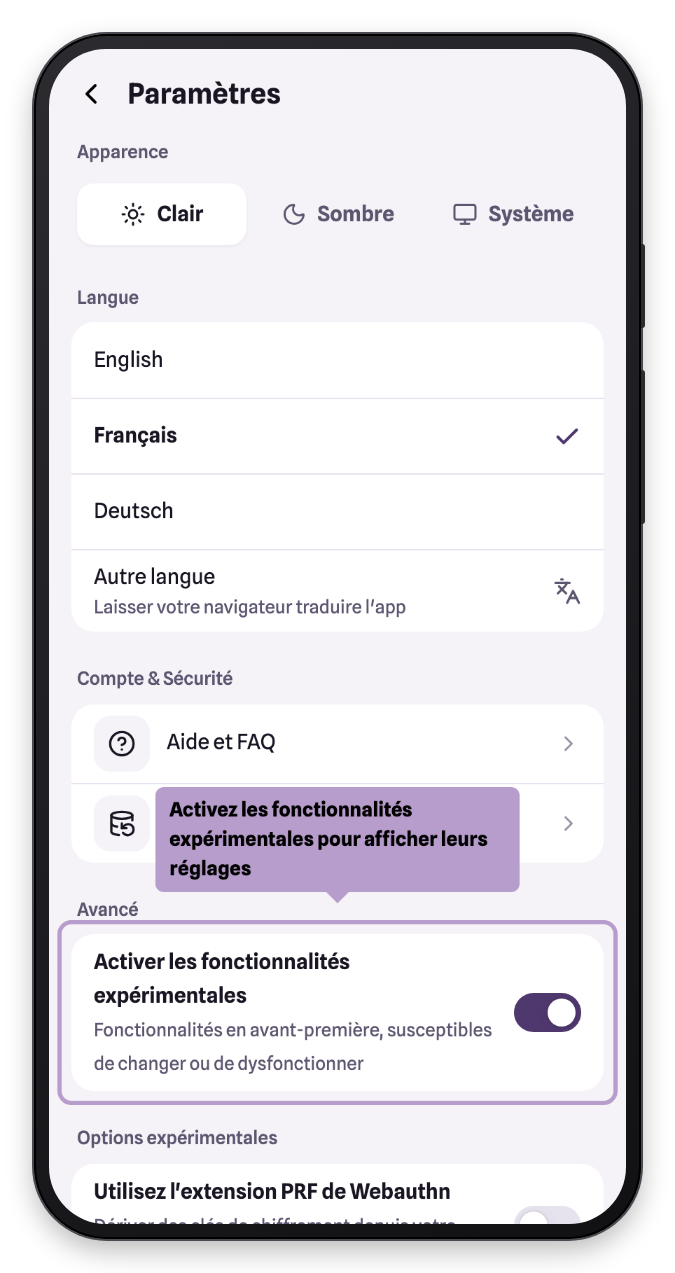
The Advanced section lets you enable early-access features, which may change or not work perfectly: passkey PRF extension, quantum-resistant identities, custom relay server…
caution
These options are intended for advanced users. If in doubt, leave them disabled.