Password Manager
The SmartLink password manager centralizes all your credentials in one secure place. It is organized into three distinct vaults, accessible from the tabs at the top of the page.
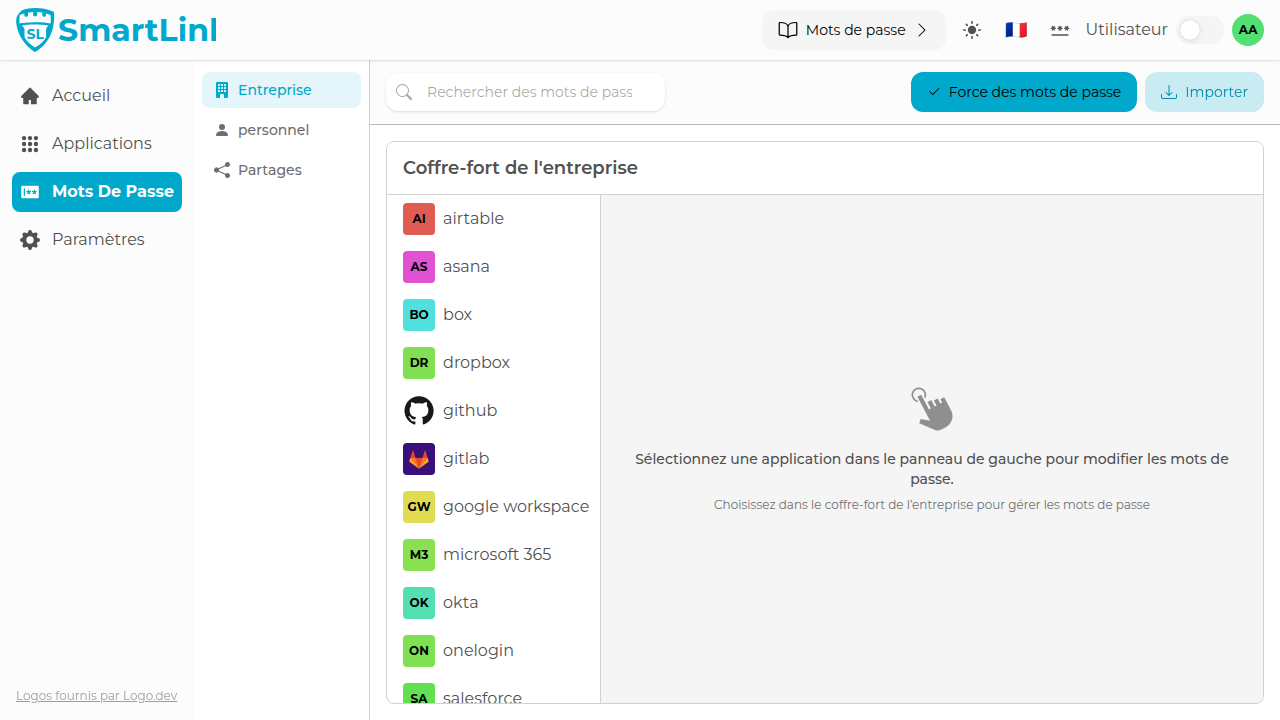
The three vaults
Company Vault
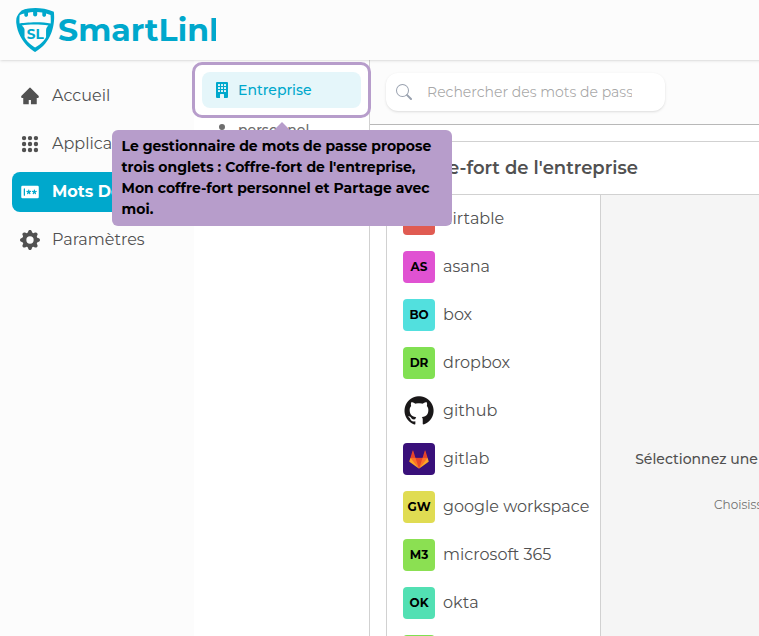
The Company Vault gathers the applications authorized by your organization and to which you have access. For each one, you can set your personal password and view shared passwords at the folder level if shared credentials have been configured.
My Personal Vault
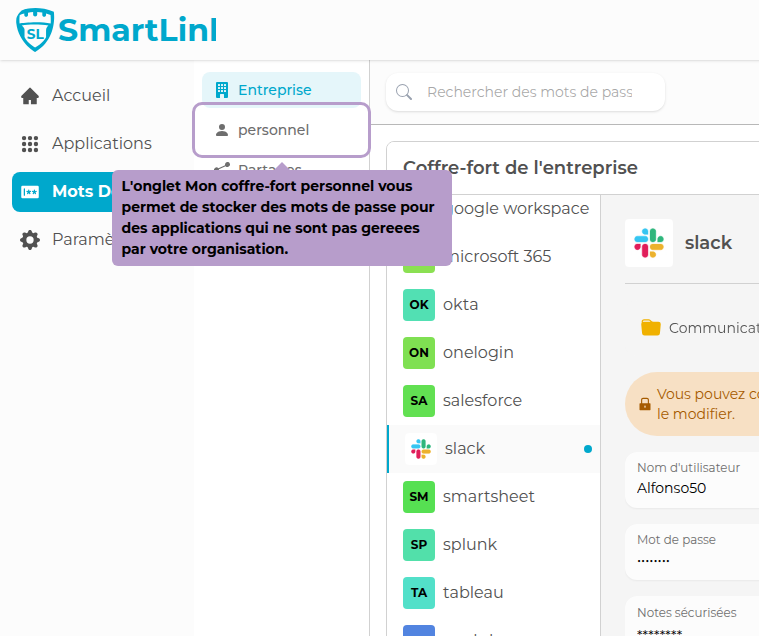
The personal vault allows you to store passwords for applications that are not part of your organization's catalog or to which you do not yet have access.
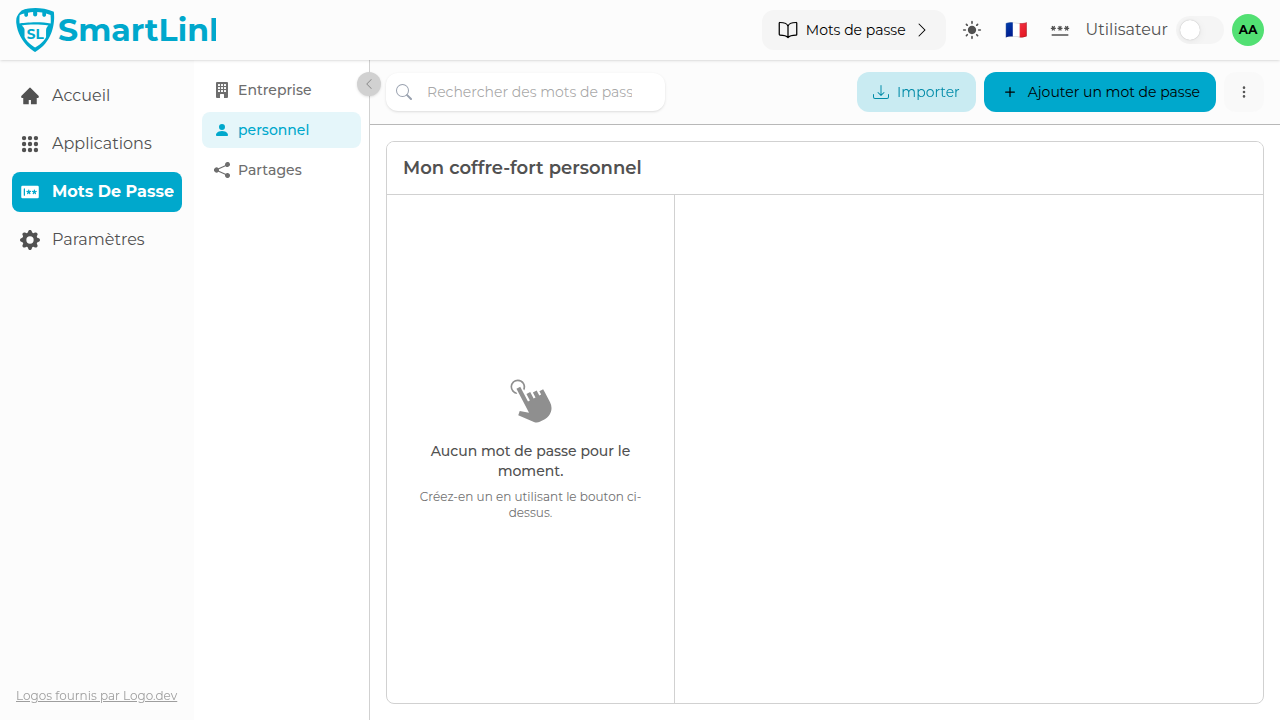
Click on Add a password to create a new entry.
Shared with Me
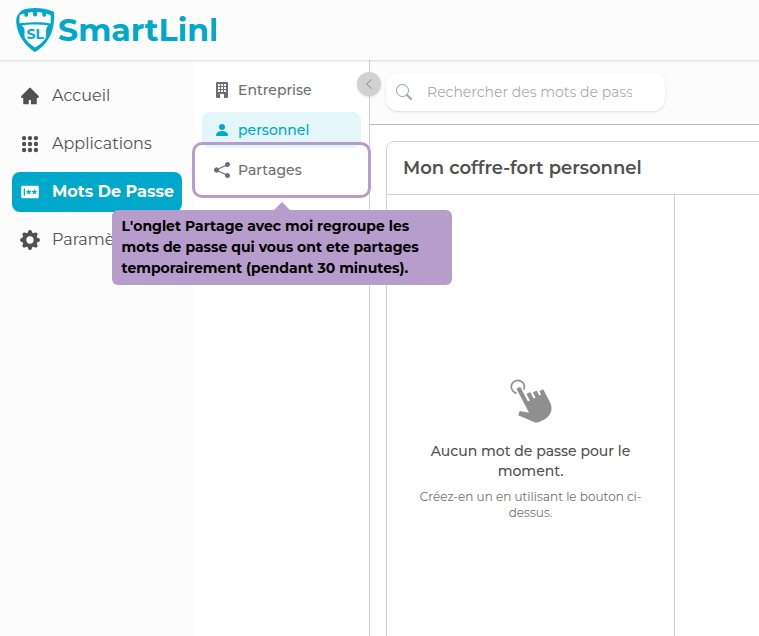
This tab gathers passwords that have been temporarily shared with you by another user. Shared access expires automatically after 30 minutes.
Managing application passwords
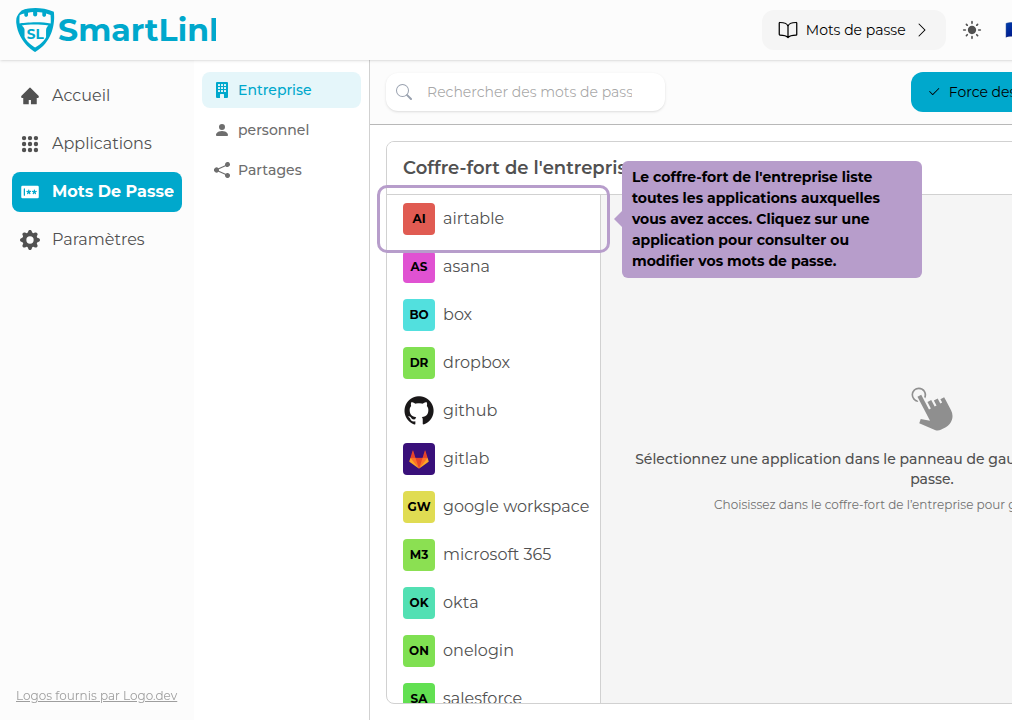
Click on an application in the list to open its password management panel.
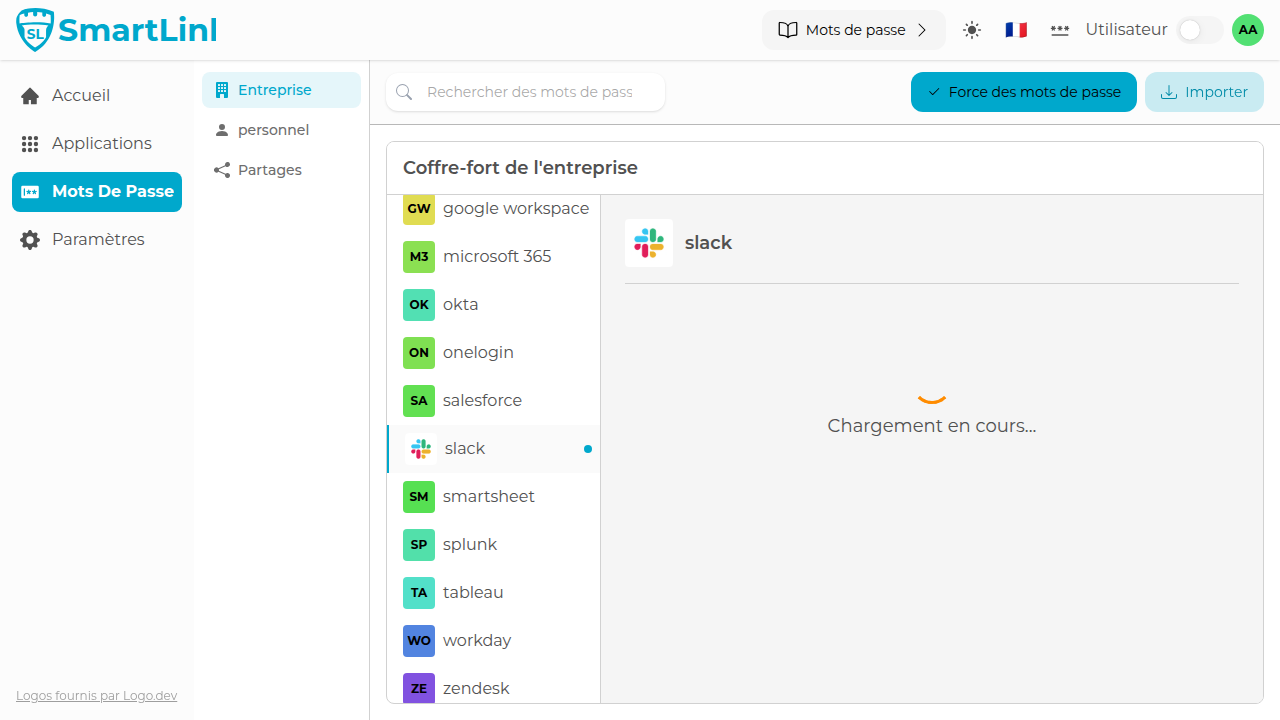
You can add, modify, or delete your credentials for this application here.
Importing passwords
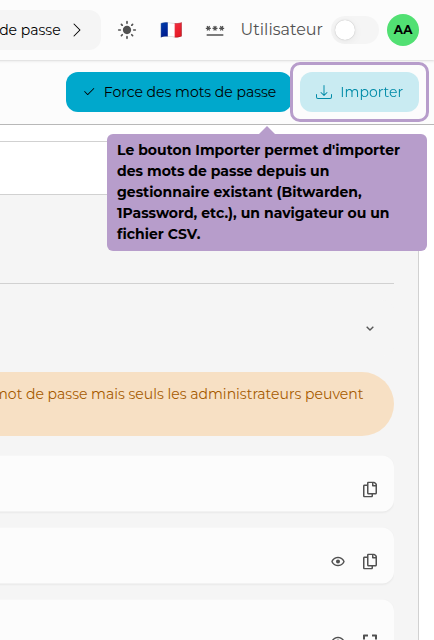
The Import button allows you to migrate your passwords from an existing manager (Bitwarden, 1Password, etc.), a browser, or a CSV file.
Password Strength
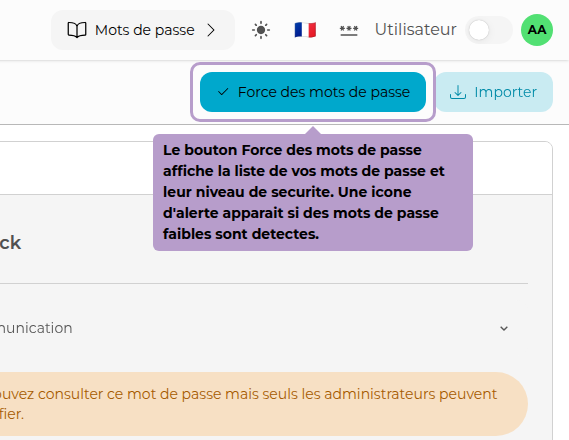
The Password Strength button displays the complete list of your passwords and their security level. An alert icon appears in the toolbar if weak or very weak passwords are detected.