Dashboard
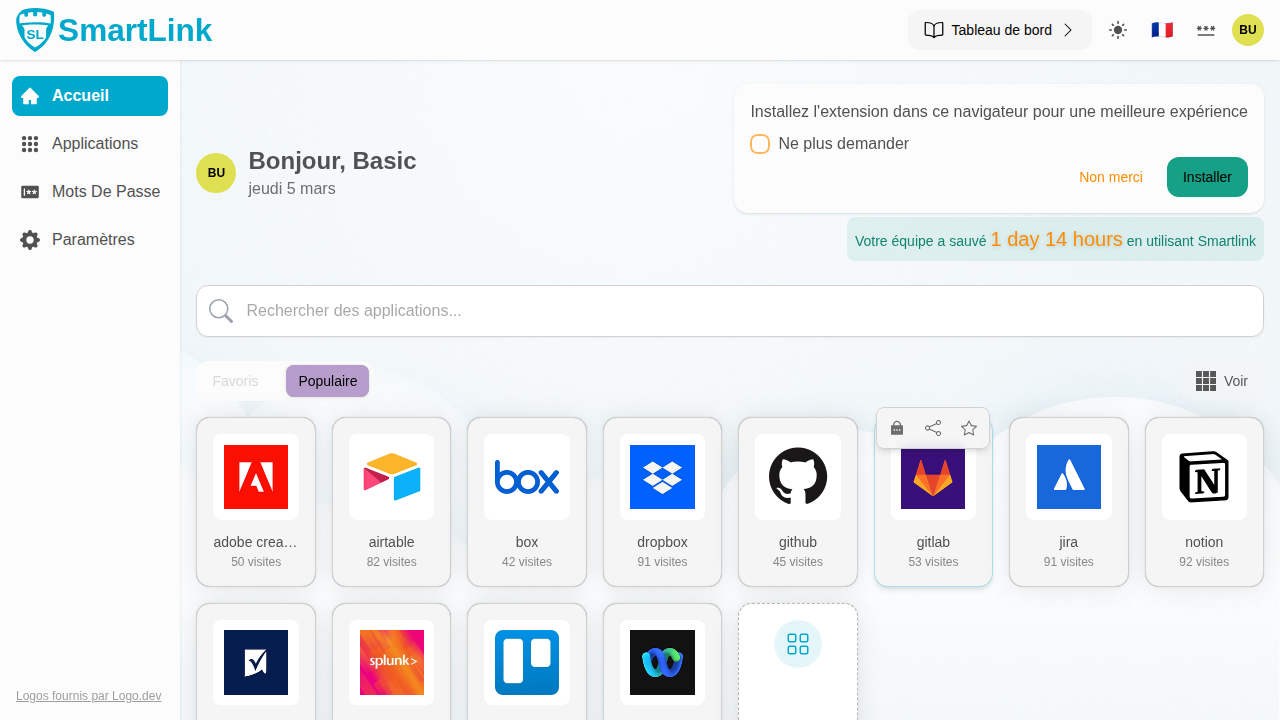
The dashboard is your entry point into SmartLink. It gathers all your authorized applications and allows you to open, organize, and manage their access in just a few clicks.
Popular Applications and Favorites
Your applications are organized into two tabs.
Popular Tab
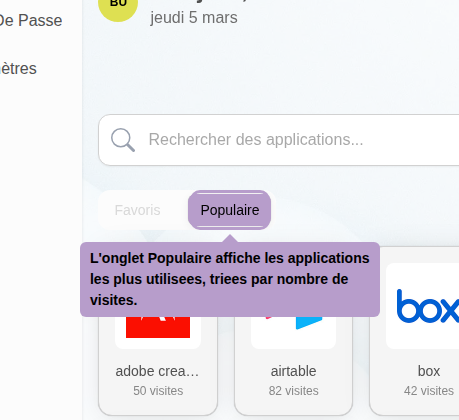
The Popular tab displays your most used applications, sorted by number of visits. This is the default tab displayed.
Opening an Application
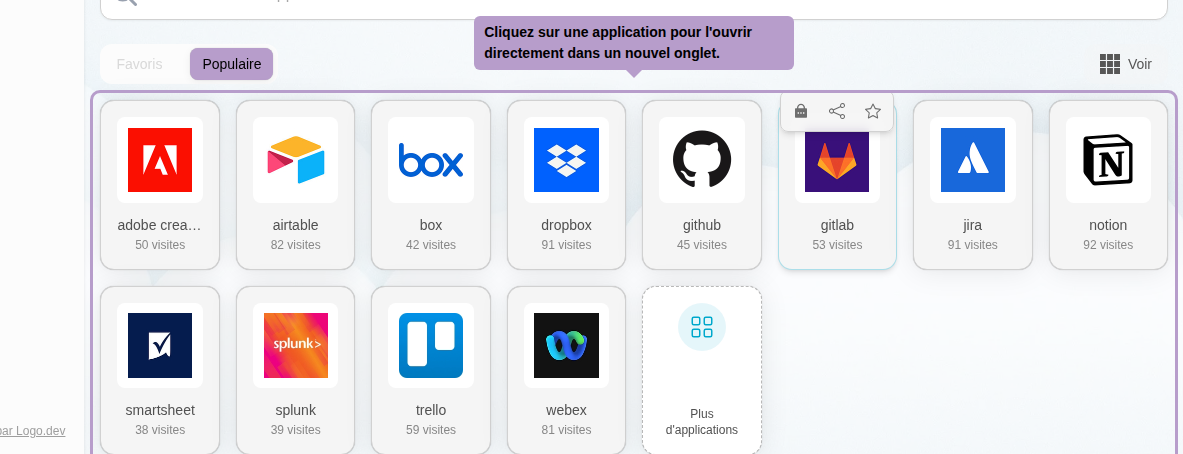
Click on an application to open it directly in a new tab. If the application is configured with a password managed by SmartLink, the password manager opens instead.
Icon Sizes

Use the View button at the top right of the grid to choose the display size of the icons.
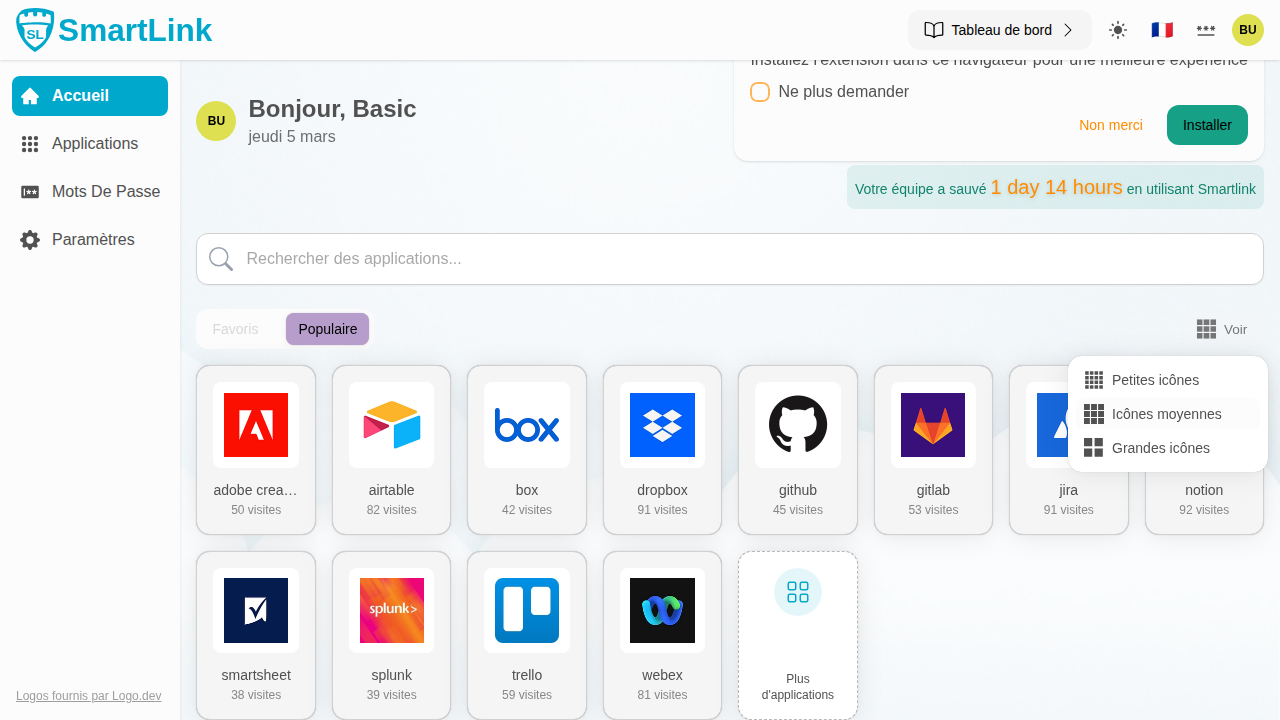
Three sizes are available: small, medium, or large. Your preference is automatically saved.
Searching for an Application
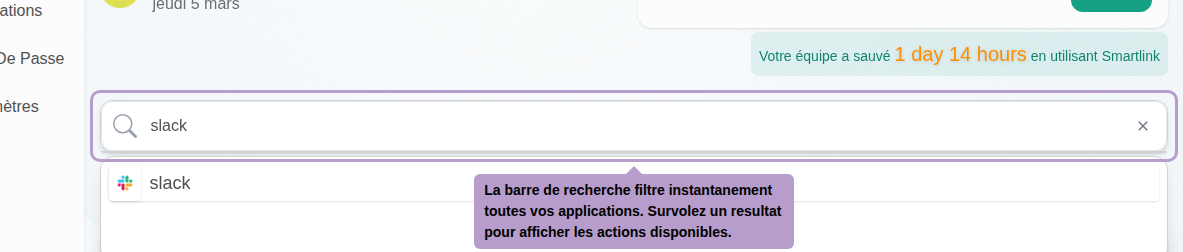
The search bar instantly filters all your applications as you type.
Adding to Favorites from Search
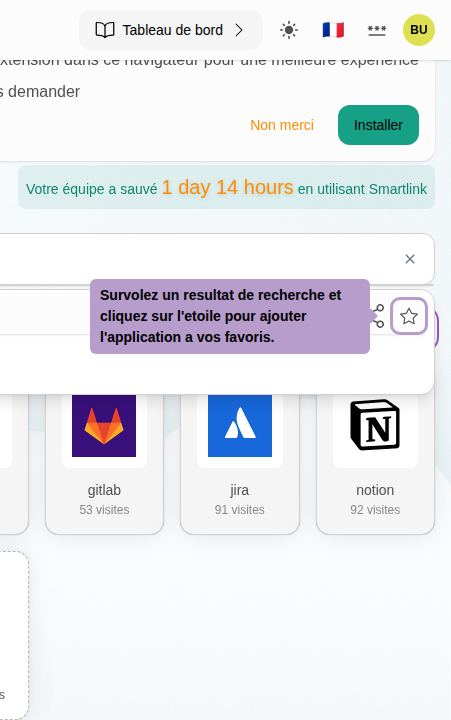
Hover over a search result to reveal the star-shaped button, then click on it to add the application to your favorites.
Favorites Tab
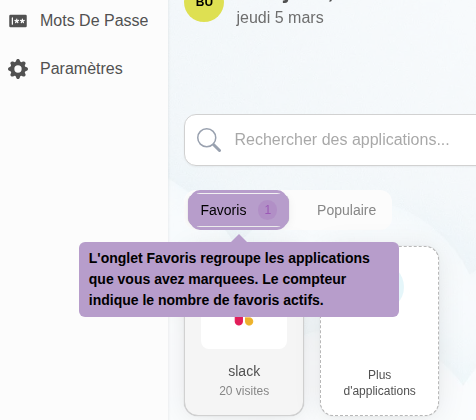
The Favorites tab gathers the applications you have marked. The displayed counter indicates the number of active favorites.
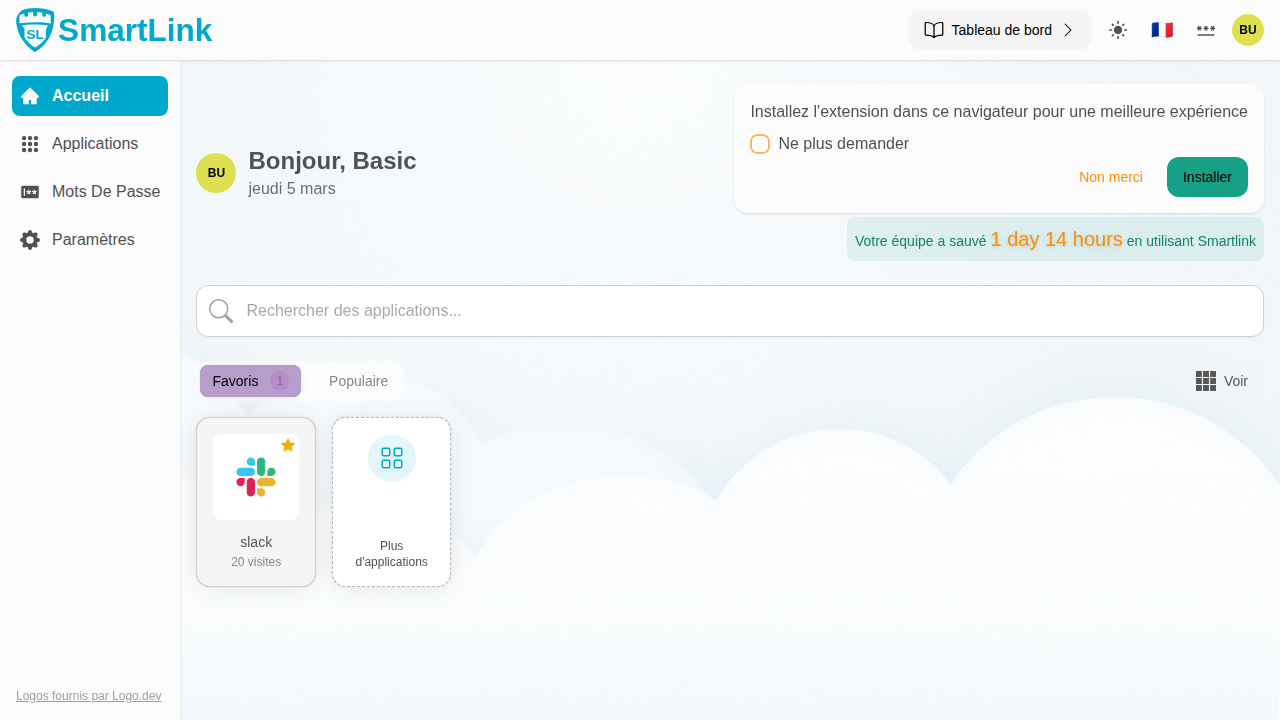
Managing Favorites from the Grid
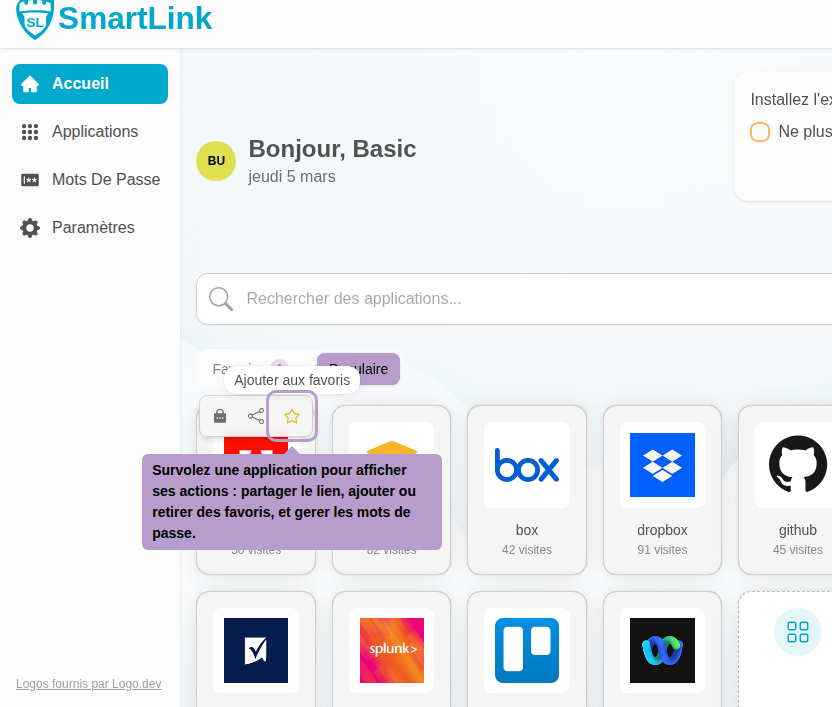
Hover over an application in the grid to display its actions: share the link, add or remove from favorites, and manage passwords. Click on the star to toggle the favorite status of the application.