Device Management
The Devices tab lists all devices (VaultysID) associated with your SmartLink account. Each device corresponds to a cryptographic key registered during a connection.
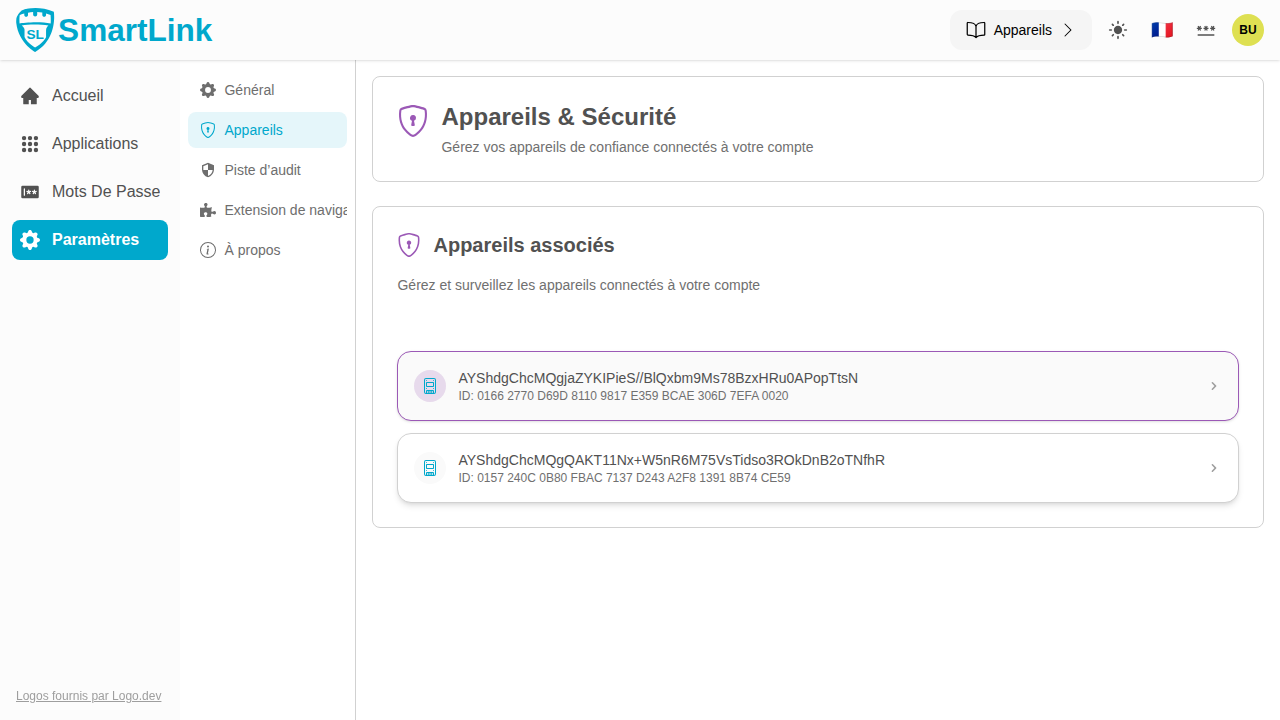
List of Devices
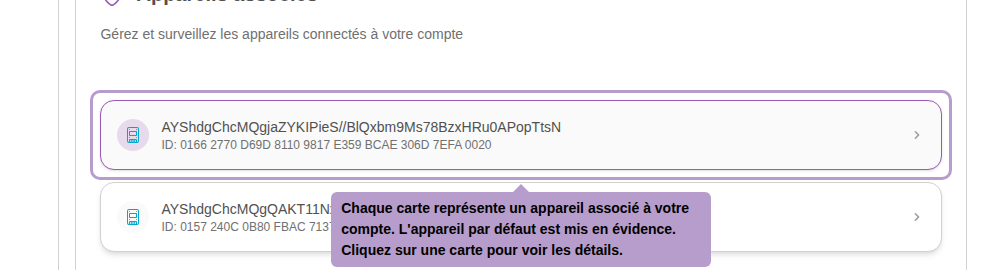
Each card represents a device. The default device (the one used during the current connection) is highlighted. Expired devices appear in a muted red color.
Device Details
Click on a card to open the details panel.
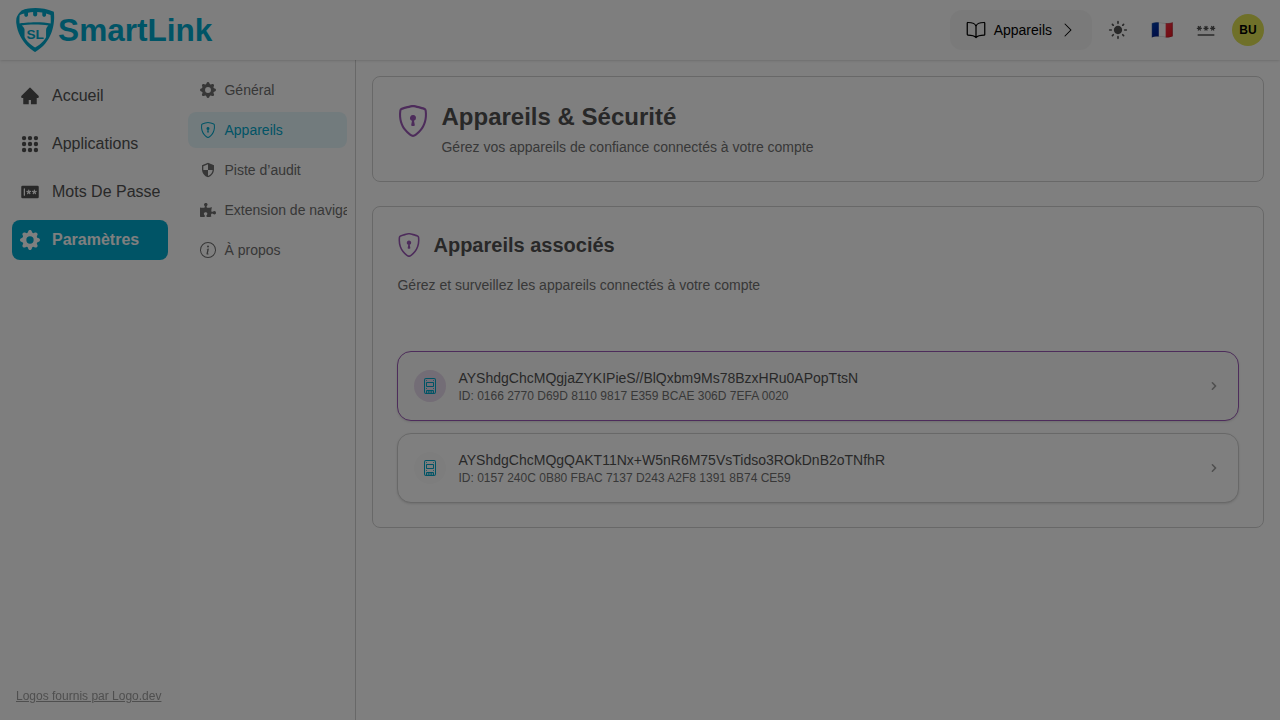
The side panel displays device information: name, type, creation date, and status.
Connection History
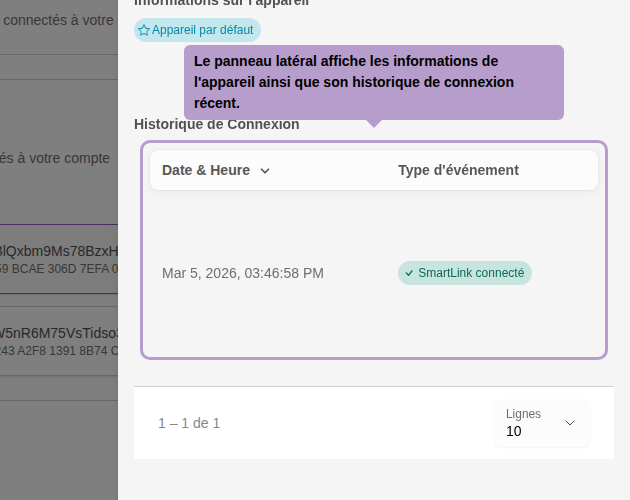
The bottom part of the panel shows the history of recent connections made with this device: date, time, and the application used.
Rename a Device
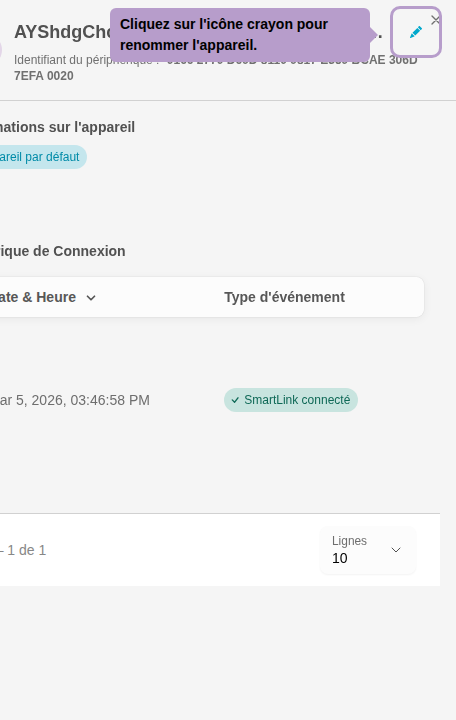
Click on the pencil icon next to the device name to rename it.
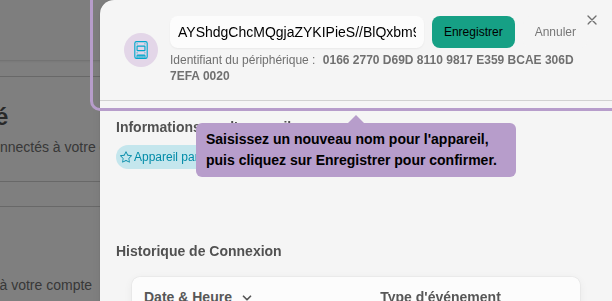
Enter a new name for the device, then click Save to confirm. Giving each device an explicit name makes it easier to identify them.