General Settings
The General tab includes your personal information and display preferences. Access it from your avatar at the top right, then click on Settings.
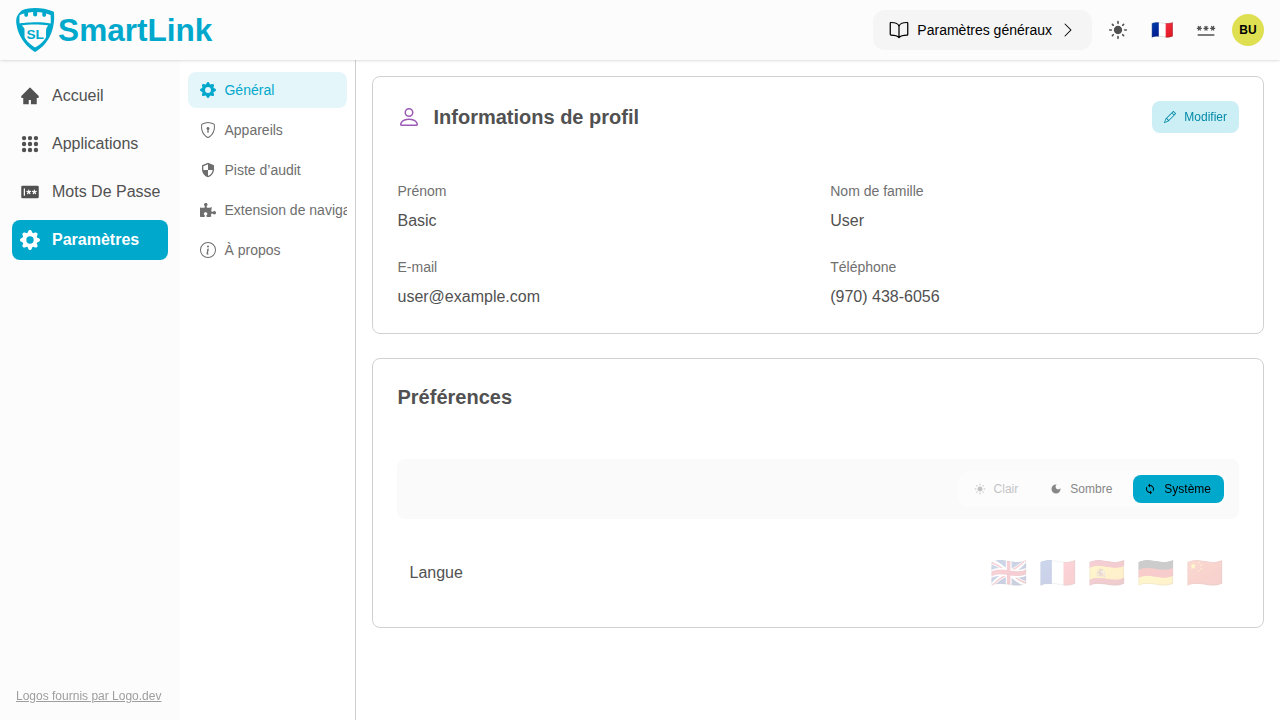
Profile Information
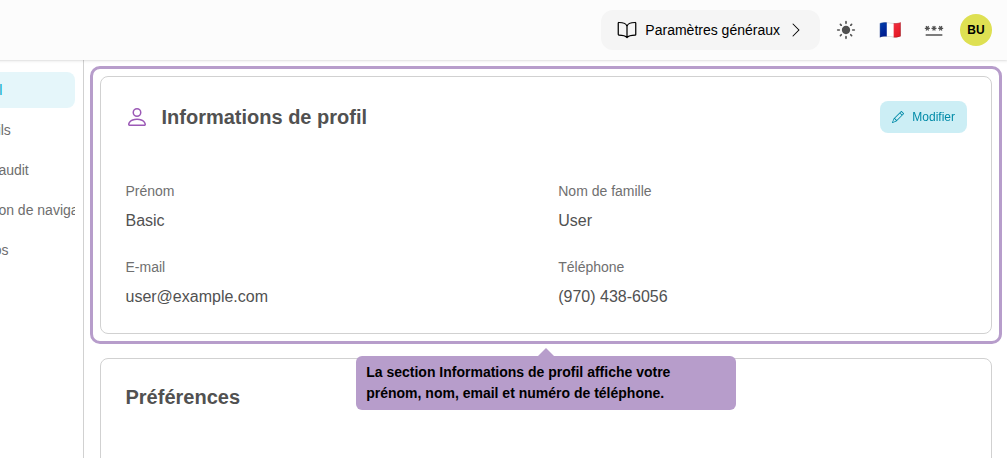
Your profile information shows your first name, last name, email address, and phone number.
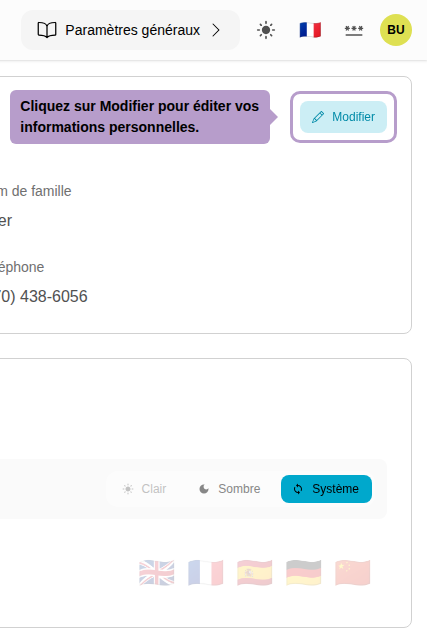
Click on Edit to switch to edit mode.
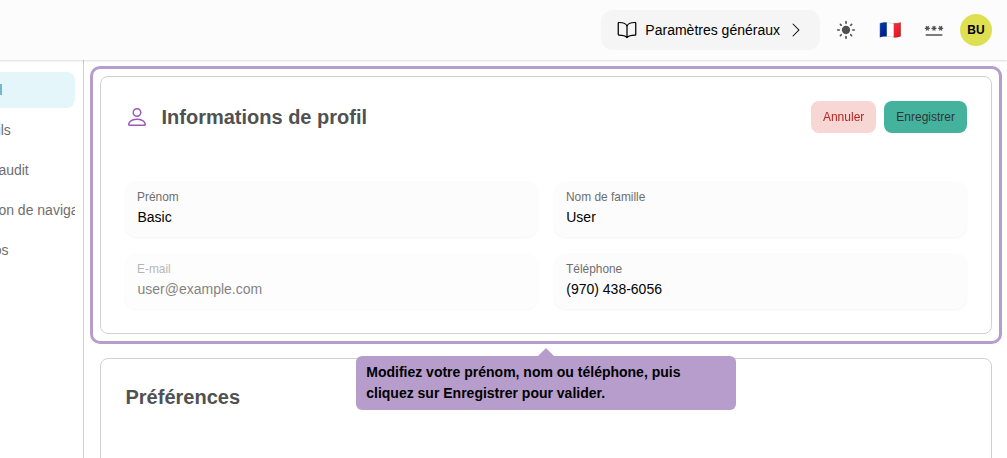
Modify your first name, last name, or phone number, then click on Save to confirm your changes. The email address cannot be directly modified.
Preferences
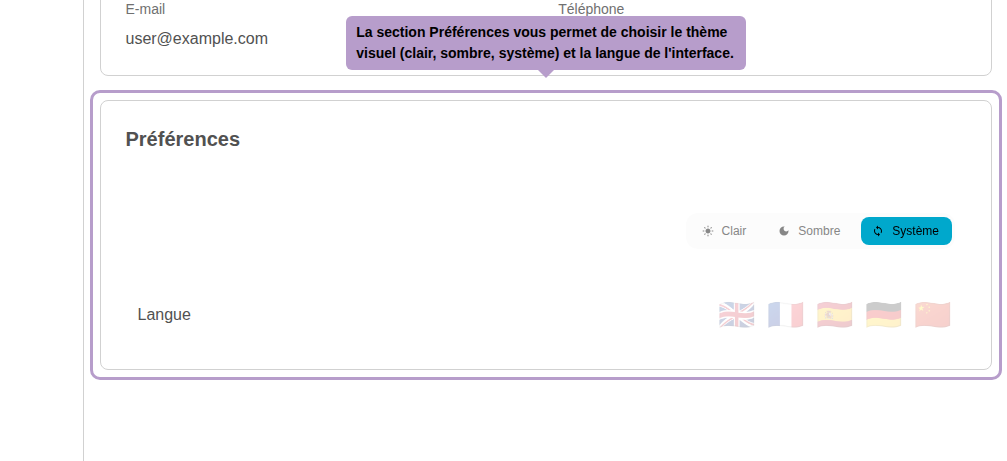
The Preferences section allows you to customize the interface:
- Theme: choose between light mode, dark mode, or automatic (based on system).
- Language: select the interface language from the available options.