Password
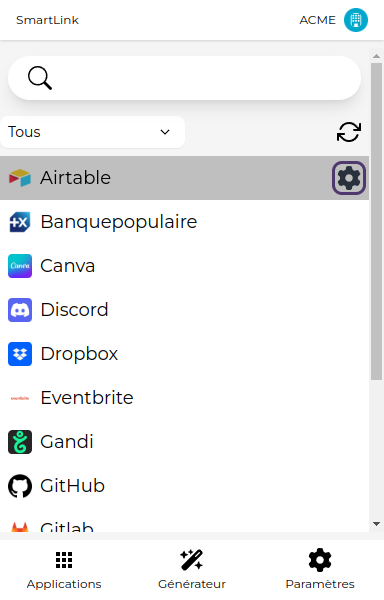
1. Click on the gear icon
Hover over an app to reveal the gear icon, then click on it to access the application's settings.
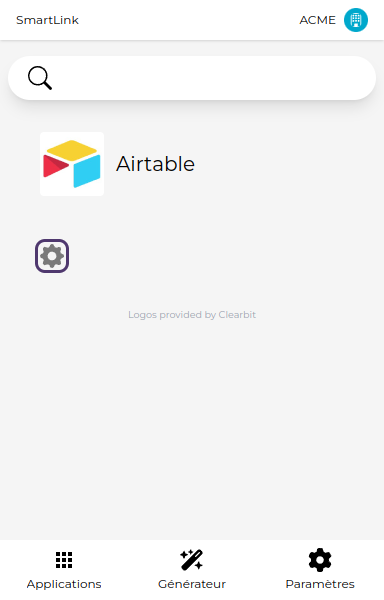
2. Settings
Click again on the gear icon to modify the application's settings.
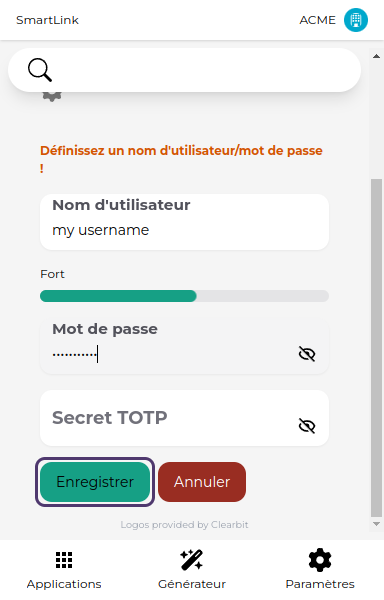
3. Set the password
Fill in the fields that appear: Username, password, and TOTP Secret (key used to generate six-digit codes for two-factor authentication, like Google Authenticator for example).
Then click on Save.
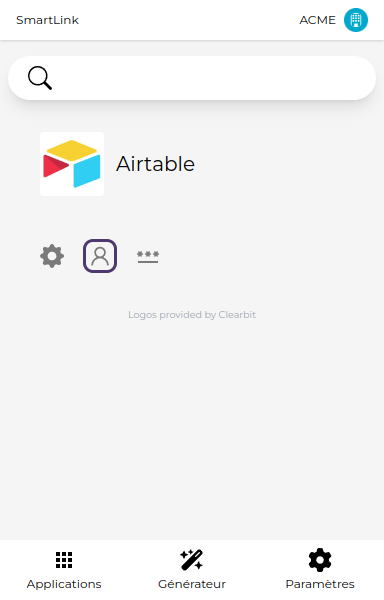
4. Copy the password
New buttons will appear, allowing you to copy the username, password, or the six-digit code (TOTP) to the clipboard.