Anti Phishing
The SmartLink extension includes an anti-phishing feature. This feature allows blocking login forms from websites that are not recognized by your SmartLink. This prevents users from having their credentials stolen by phishing sites.
Anti-phishing settings can be configured from SmartLink. It is possible to disable it completely, choose an aggressive or more permissive version, or blacklist certain sites entirely.
Anti Phishing
If anti-phishing is enabled and configured to the more permissive version, this window will appear over the login forms from sites that are not registered in SmartLink:
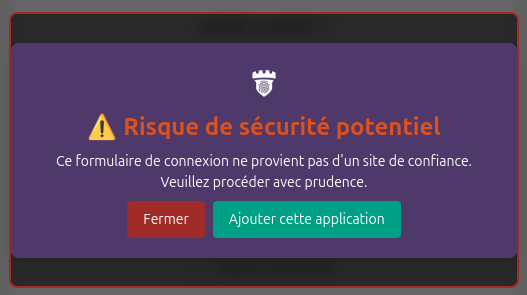
The user can click on the "Close" button to ignore the warning and log in to the website knowingly.
Aggressive Anti Phishing
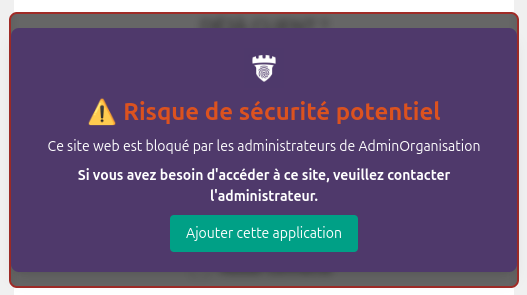
In its more aggressive version, the anti-phishing feature will display a window that cannot be closed. It will not be possible to log in to unknown websites:
Blacklist
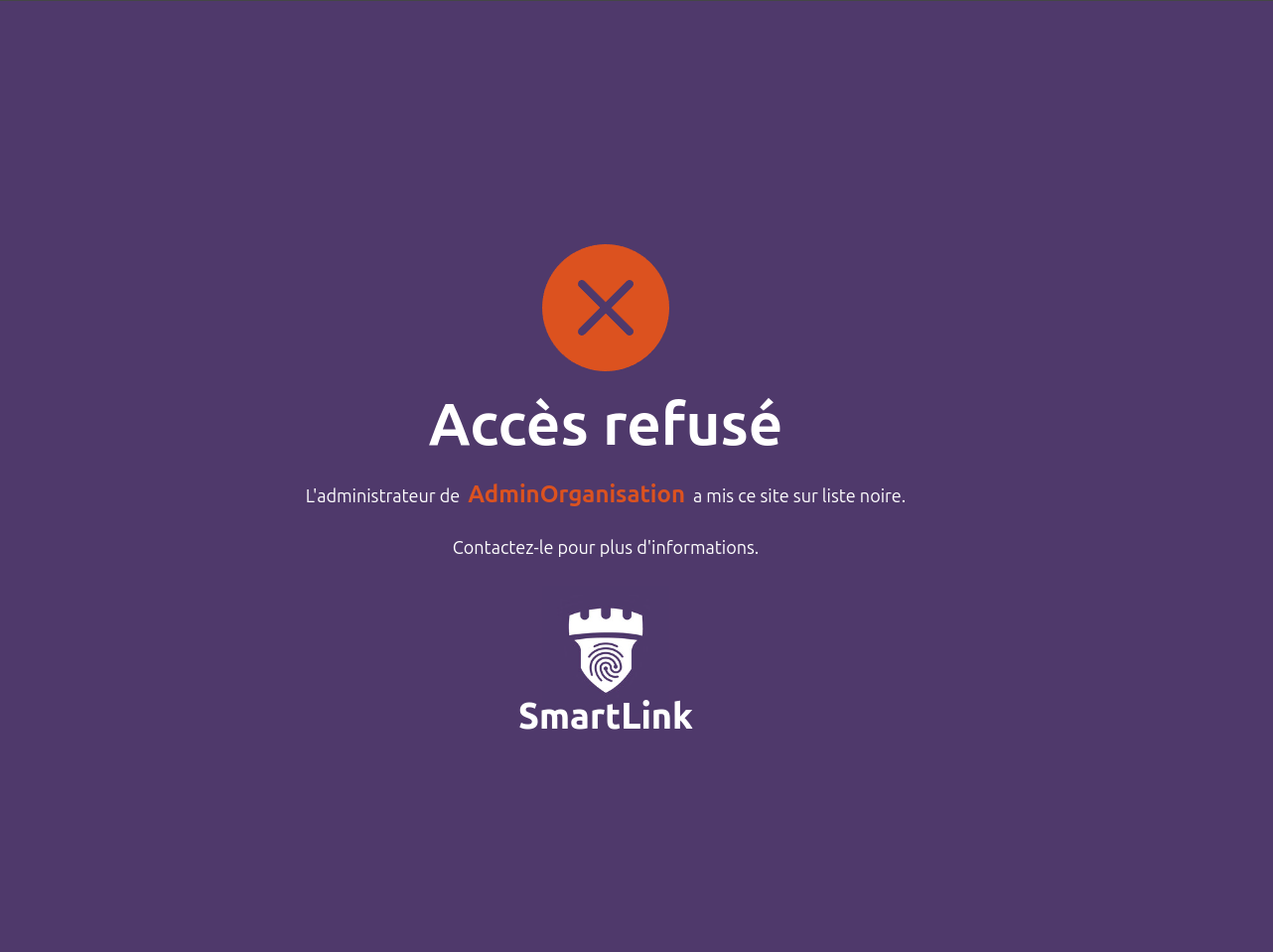
Your SmartLink administrators can also completely block access to certain sites, which will entirely block the site, not just the login forms: