Add a SmartLink
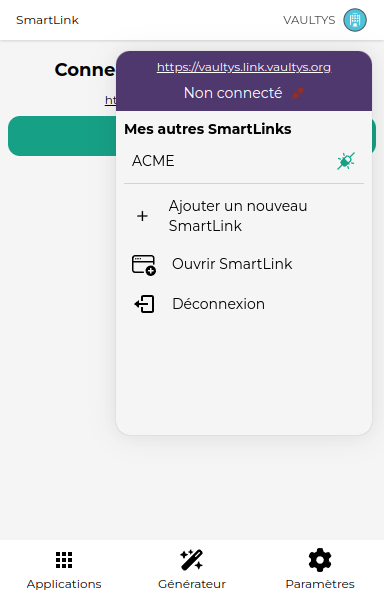
1. Open the menu
Click on the button at the top right to open the menu.
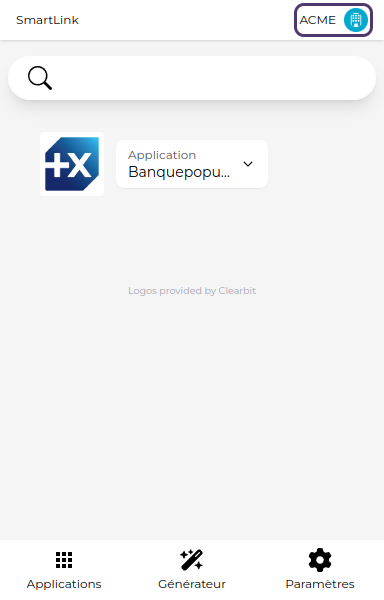
2. Click on Add a new SmartLink
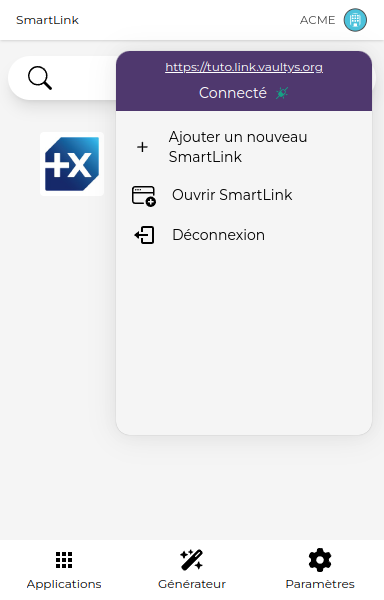
3. Enter the URL
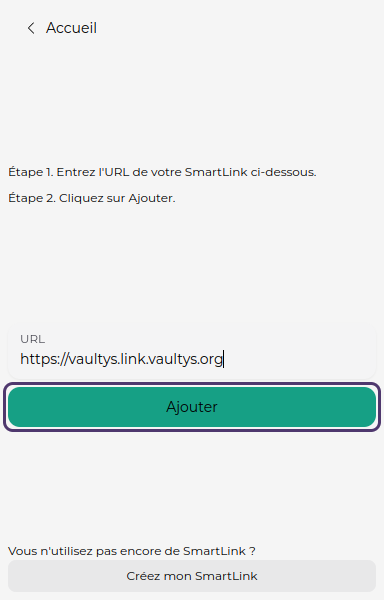
You will be taken to the SmartLink addition screen. Enter the URL of your SmartLink (e.g. https://my-smartlink.link.vaultys.org) in the corresponding field.
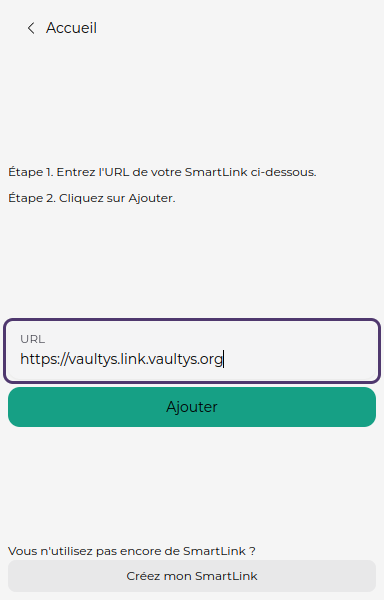
4. Click on Add
The extension will try to link your SmartLink to the URL you provided. If the URL is correct, your SmartLink will be added (this may take a few seconds depending on the network status). Click on Add to start the verification.
5. Log in
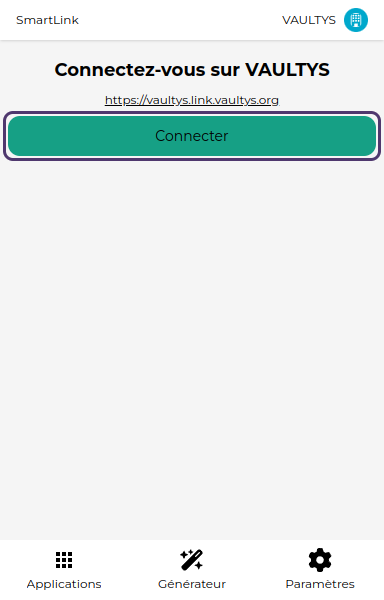
You will be taken to the login page, click on Connect to log in to the new SmartLink.
6. Navigate between your SmartLinks
By opening the menu, you will find the list of your SmartLinks. Click on one of them to switch to the current SmartLink.